
Data Management
One system of record for robot data.
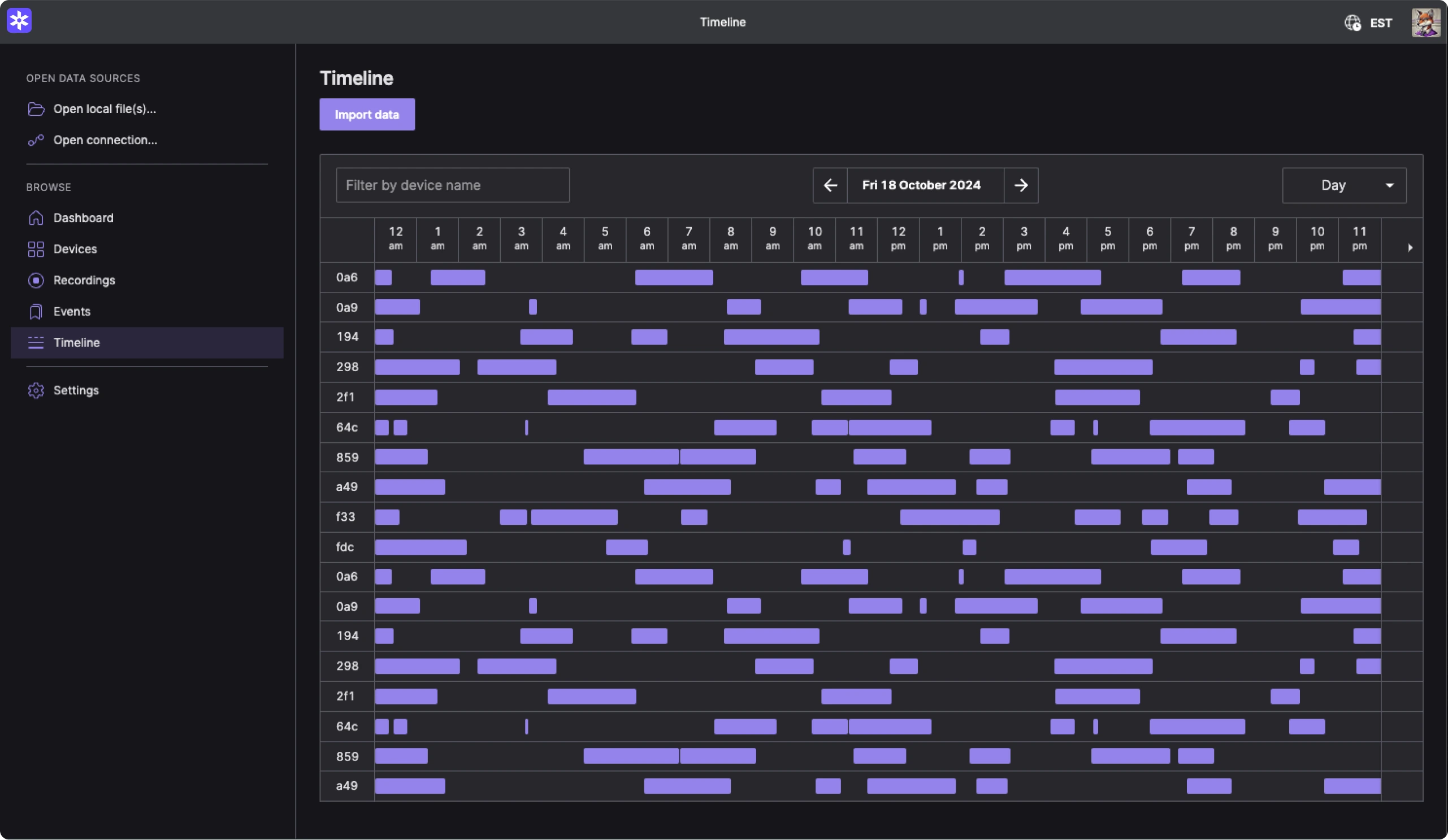
Turn robot data into decisions, faster.
01
Ingest and standardize fleet data.
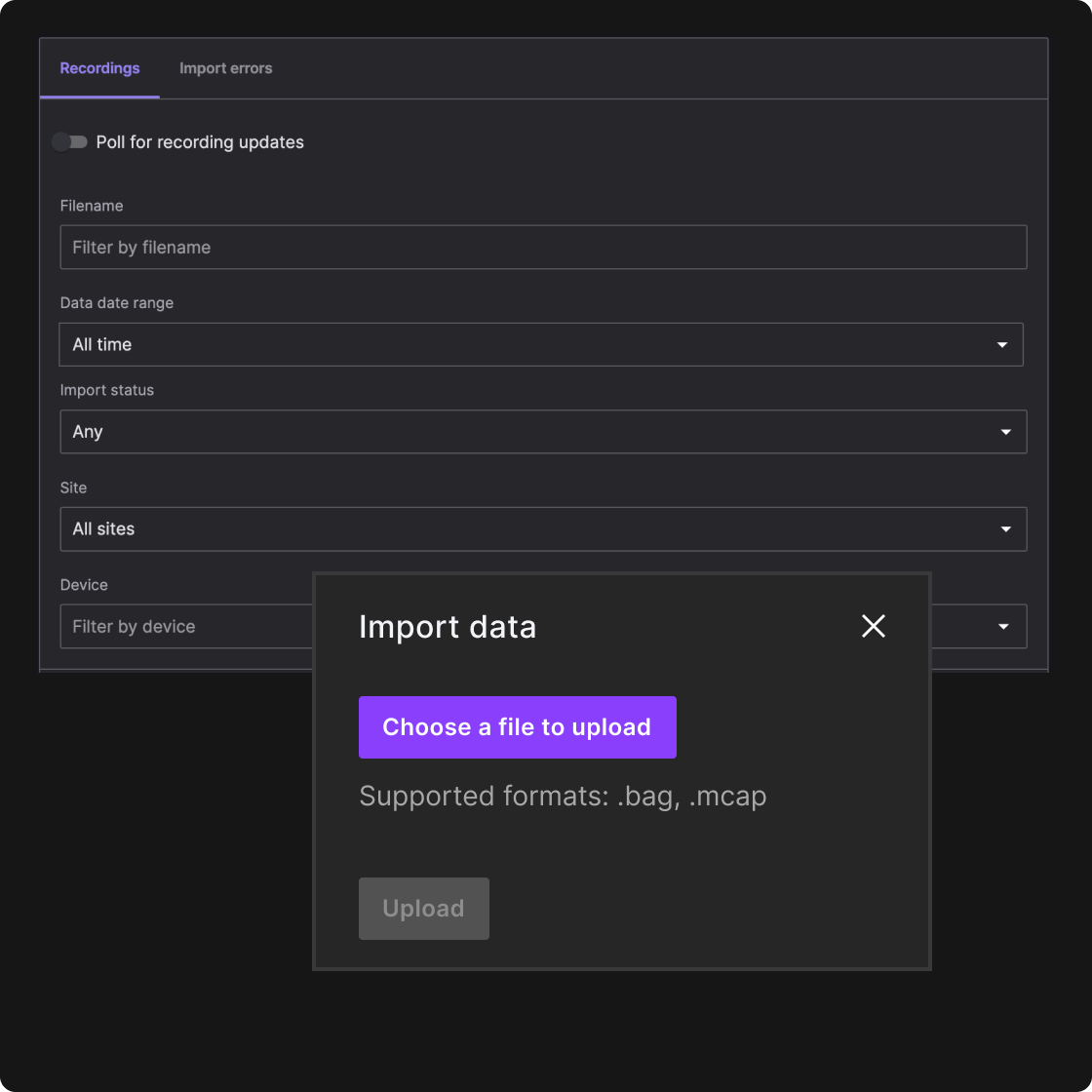
Ingest recordings from robots or local workflows and unify formats like MCAP, ROS, Protobuf, JSON, and FlatBuffers. Automatically index by device, time range, and topic so your data is secure, consistent, and ready to search.
02
Curate data for repeatable workflows.
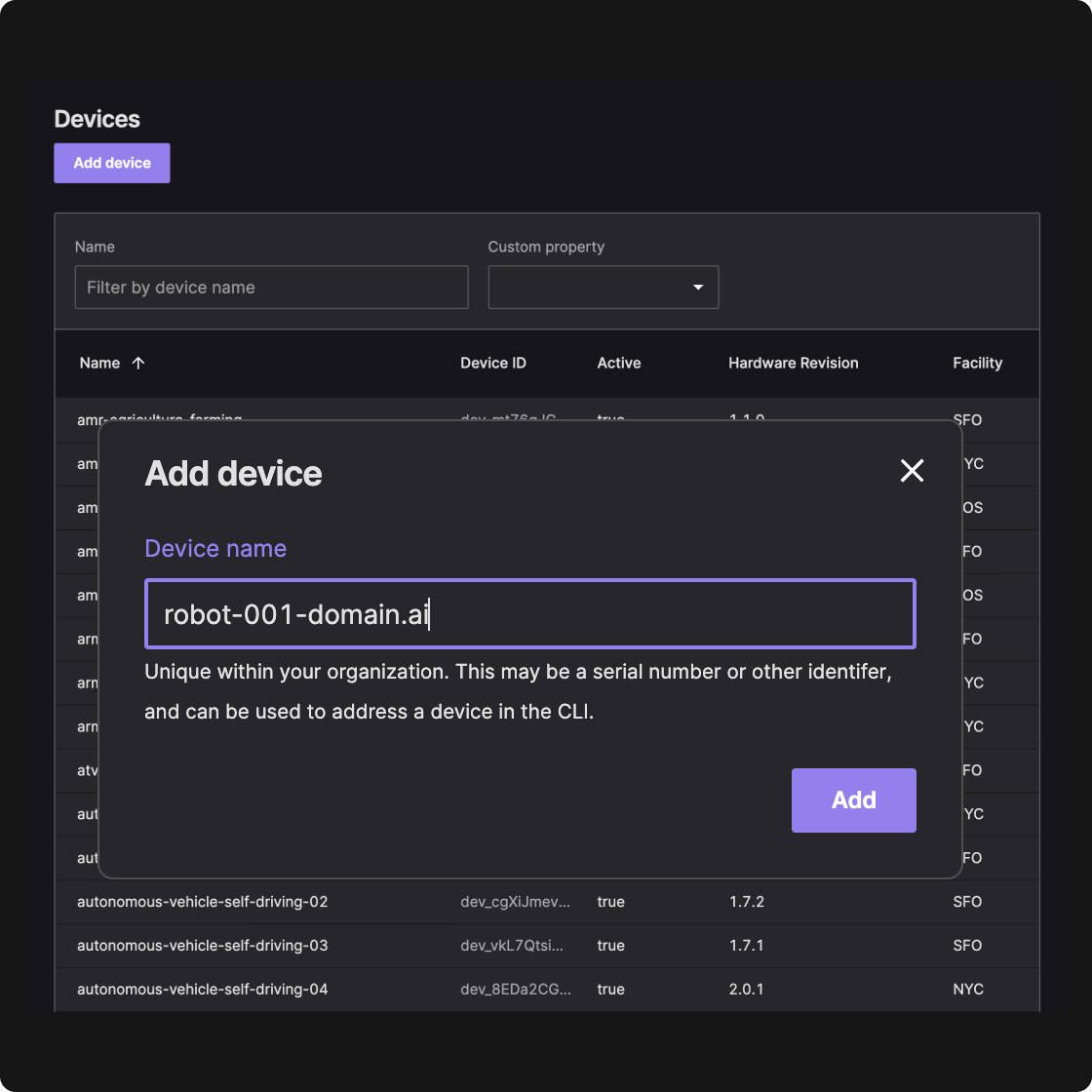
Add structure to raw recordings with devices, metadata, and events so teams can organize investigations consistently. Curate high-value data with shared context for debugging, QA, and operational review, and reuse that context across teams and workflows. The built-in agent can tag events and look up or create devices for you, with your approval before anything is applied.
03
Search and retrieve the right data.
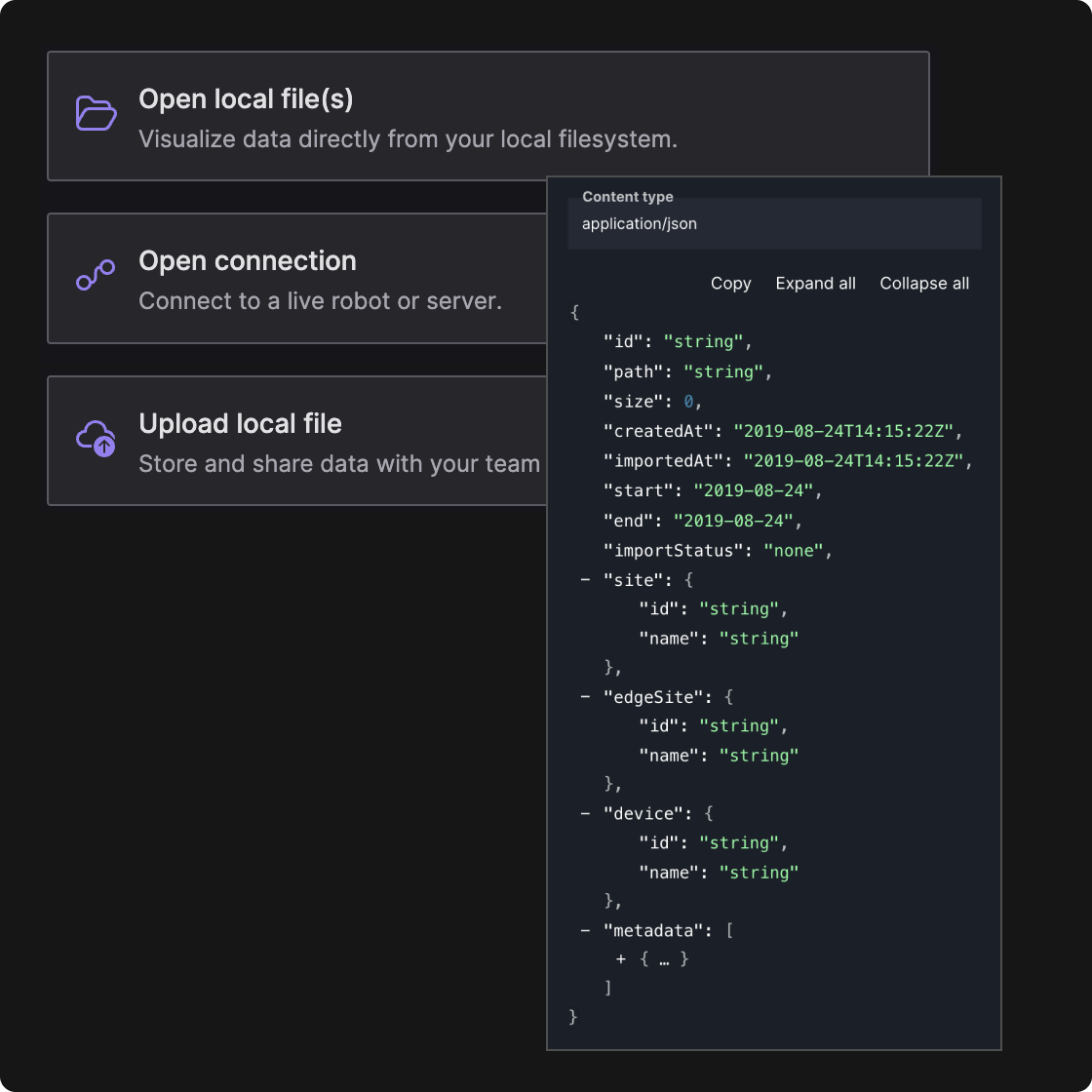
Find recordings with structured queries or semantic search. Use Query Builder to filter by device, metadata, and message fields or describe the behavior you’re looking for in plain language. Pull only the time window, devices, and topics you need. Agents can run these searches too. Ask Foxglove in the app, or query your org from Claude Code or Cursor over MCP.
How it works.
Ingest recordings from robots, edge, and local workflows
Record data on-robot, then upload or import via the repository and Foxlet workflows to make it available for the team.
Curate recordings with devices, metadata, and events
Add structure to raw recordings so teams organize investigations consistently. Enrich data with device properties and events so important context is easy to find and reuse across debugging, QA, and operational review.
Search and retrieve with structured or semantic search
Search with structured queries over metadata and message contents, or use semantic search to describe what you need in plain language. Retrieve results through the UI, API, or CLI.
Work with your data through an agent
Ask Foxglove inside the app to find recordings, tag events, or create devices, and approve each change before it is applied. Connect Claude Code, Cursor, or another MCP client to run the same operations from your own tools, where actions apply immediately.