
Fleet
Capture data from any robot, anywhere.
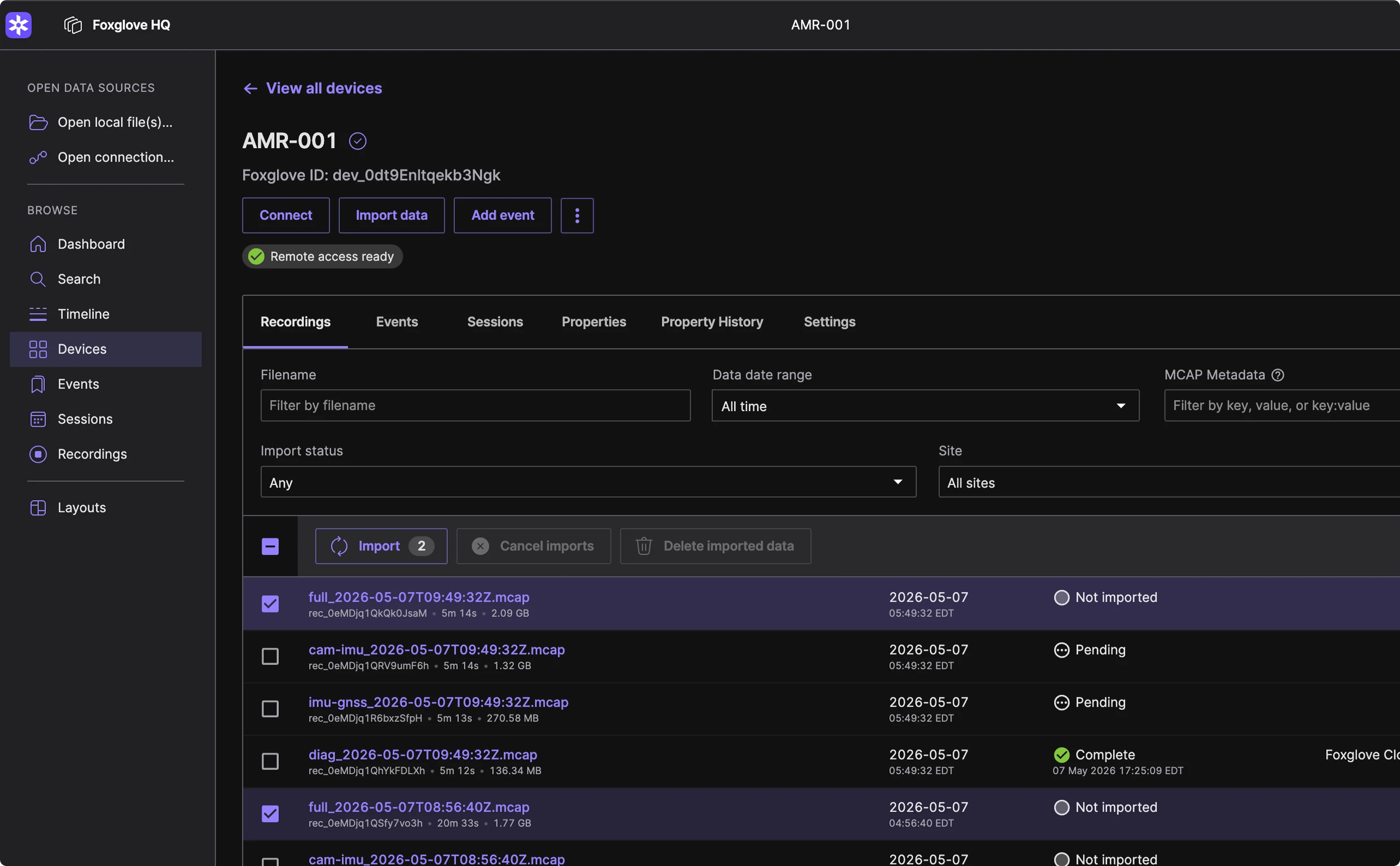
Fleet is the connection layer between your robots and your team.
01
Discover recordings automatically.
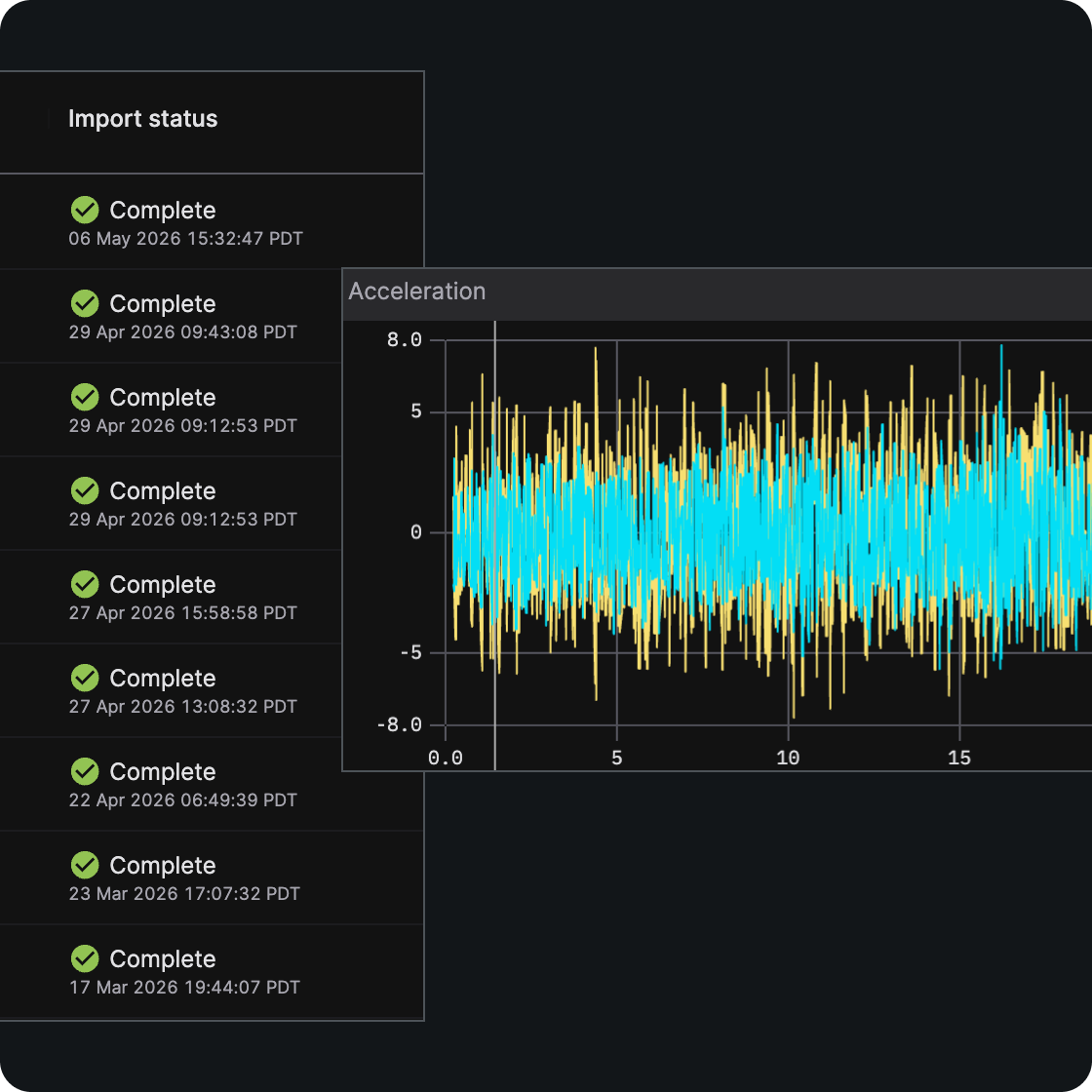
Record logs in MCAP with the SDK in C++, Python, or Rust. Foxlet watches a designated directory, detects completed recordings, and keeps Foxglove in sync so each run shows up by device as soon as it is available.
02
Import at scale, your way.
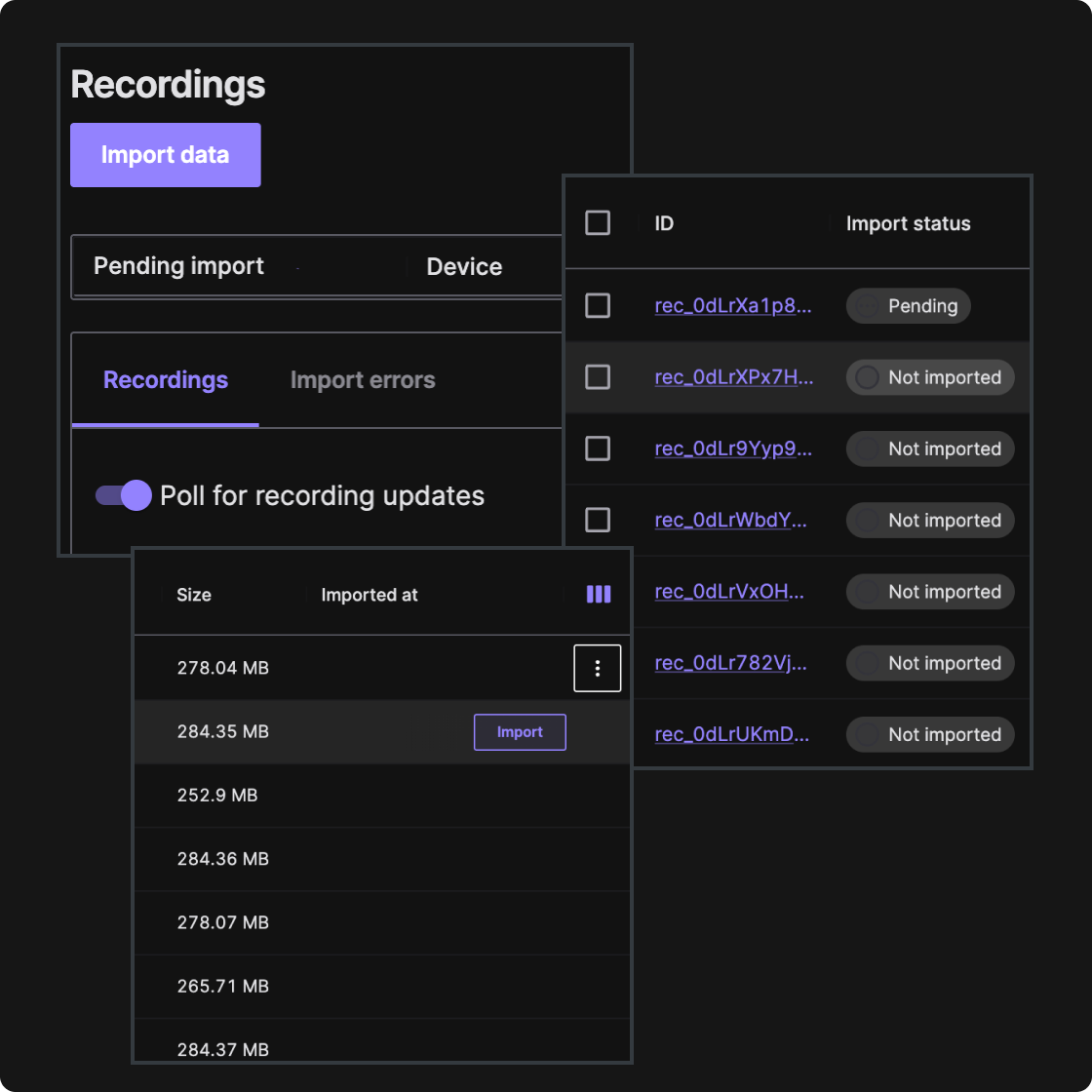
Keep data on the robot until it is needed, then import via UI or API, or let Foxlet auto-import matching runs with glob patterns so the right recordings land in your system of record.
03
Production-grade connectivity and secure onboarding.
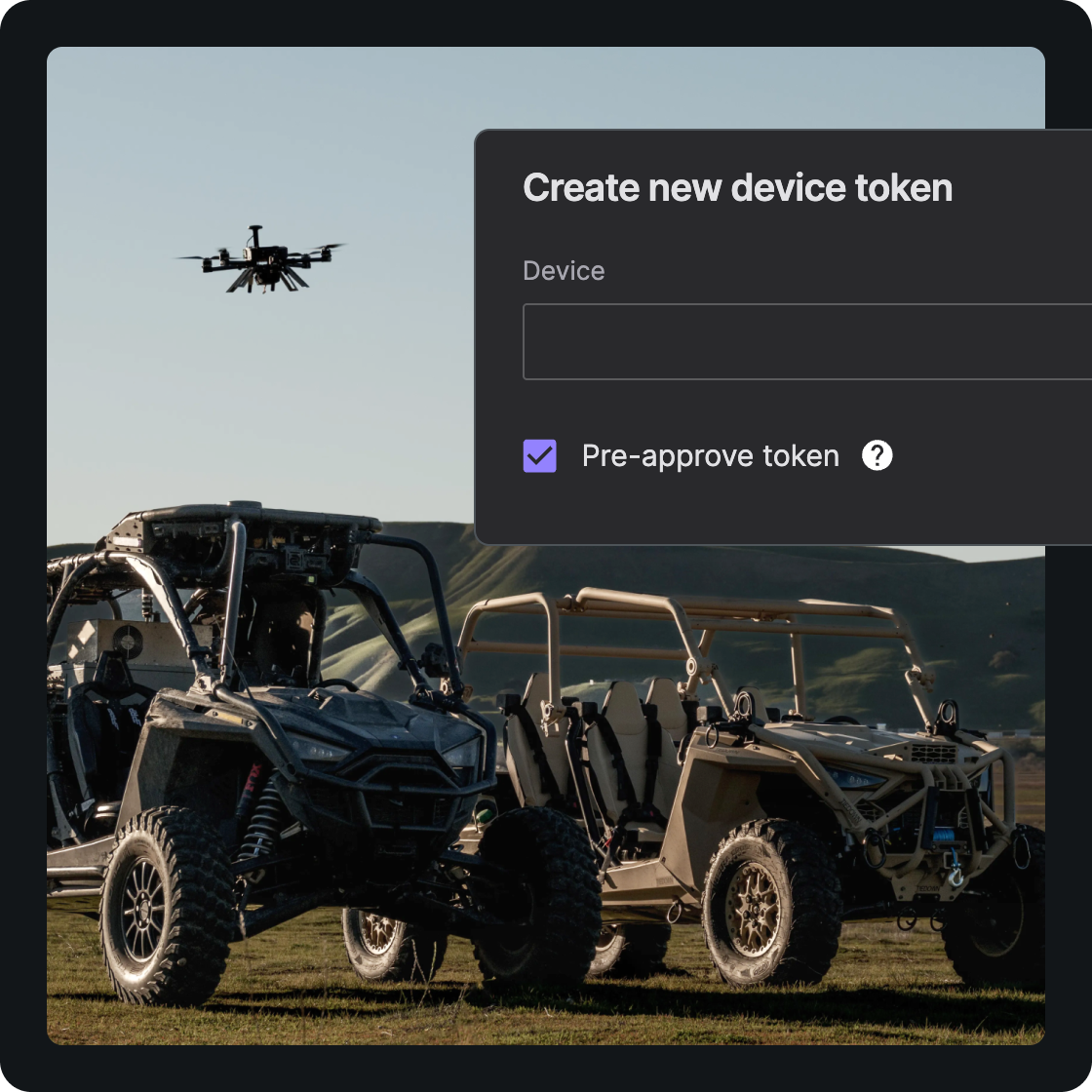
Built for fleets and field networks, Fleet uses HTTPS for control and metadata, tolerates intermittent connectivity, and supports device tokens, preapproval, and consistent device identity.
04
Connect to live robots anywhere.
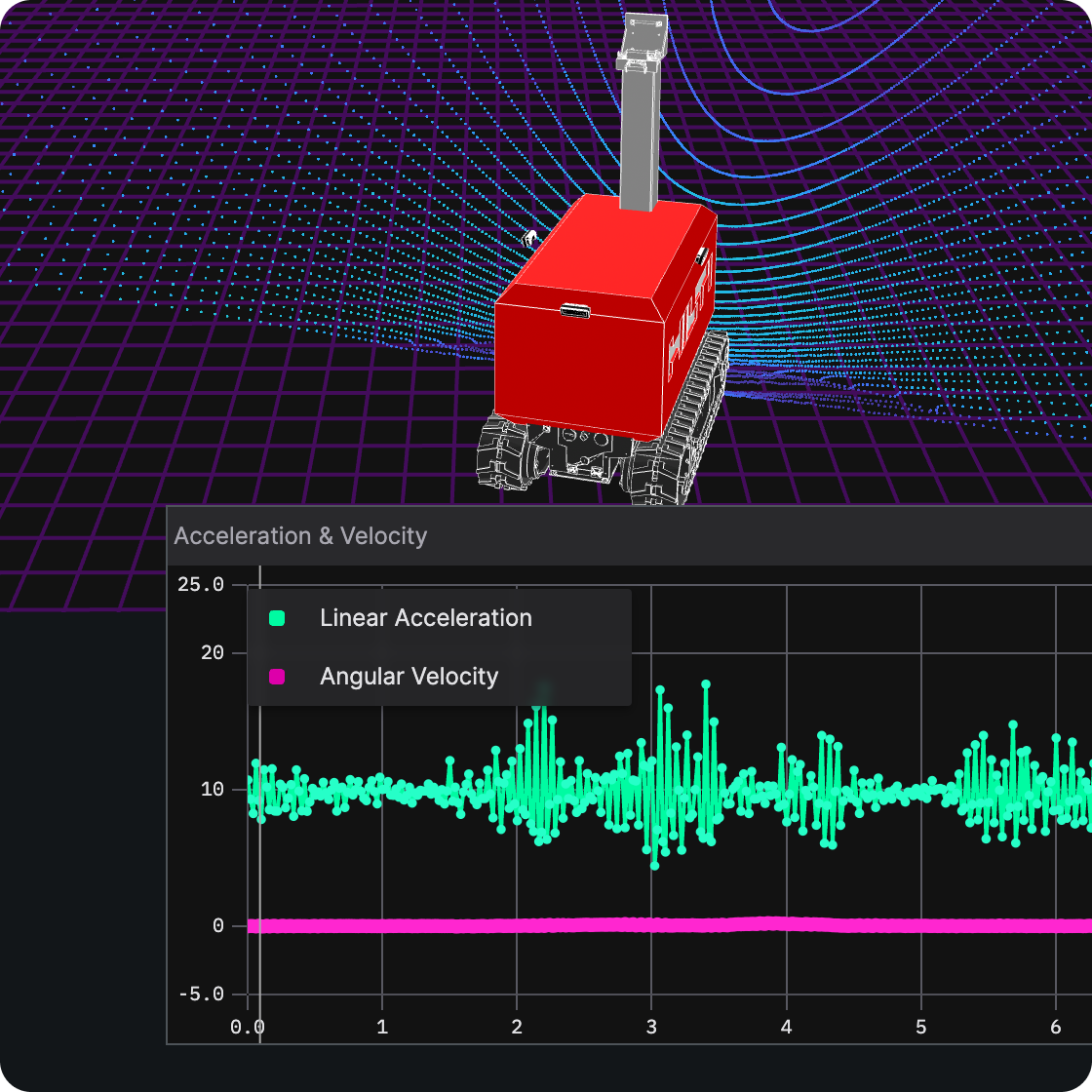
Connect live to robots in the field so teams can inspect telemetry, monitor behavior, and support teleoperations workflows without being on the same network.
05
Operate efficiently on real robots.
Manage disk with retention and safe deletion, avoid noise with include/exclude filters and incomplete-file handling, and deploy as a deb, static binary, or Docker image on AMD64/ARM64, including self-hosted setups that use a Primary Site inbox bucket.
How it works.
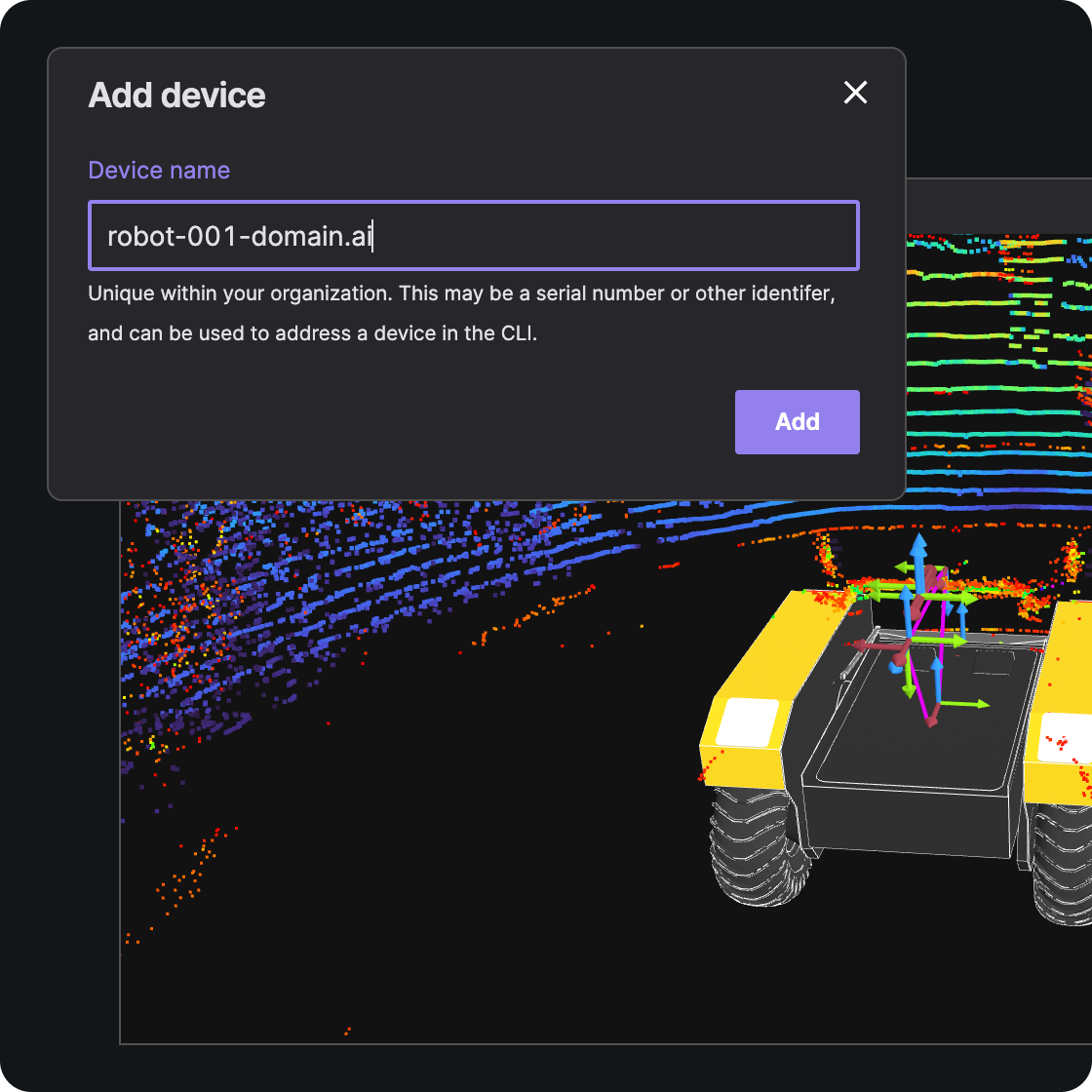
Install Fleet on each robot and authenticate the device
Create a device token, install Fleet (deb, binary, or Docker), and bring each robot online as a first-class device in Foxglove.
Connect securely to robots across networks
Use Fleet to establish secure remote connectivity so teams can visualize live robot data in the field, even when they are not on the same network.
Operate and investigate remotely
Inspect live telemetry, support teleoperations workflows, manage connection loss, and send commands remotely when action is needed.
Import recordings for deeper analysis
Foxlet watches a storage directory on the robot and moves completed MCAP or ROS bag files into Foxglove for replay, debugging, and review.
Record with the SDK, then let Foxlet upload
Record logs in MCAP from C++, Python, or Rust. Foxlet, running on the robot, uploads completed ROS bag or MCAP files automatically or on demand.