
Agents
Work with your robot data in natural language.
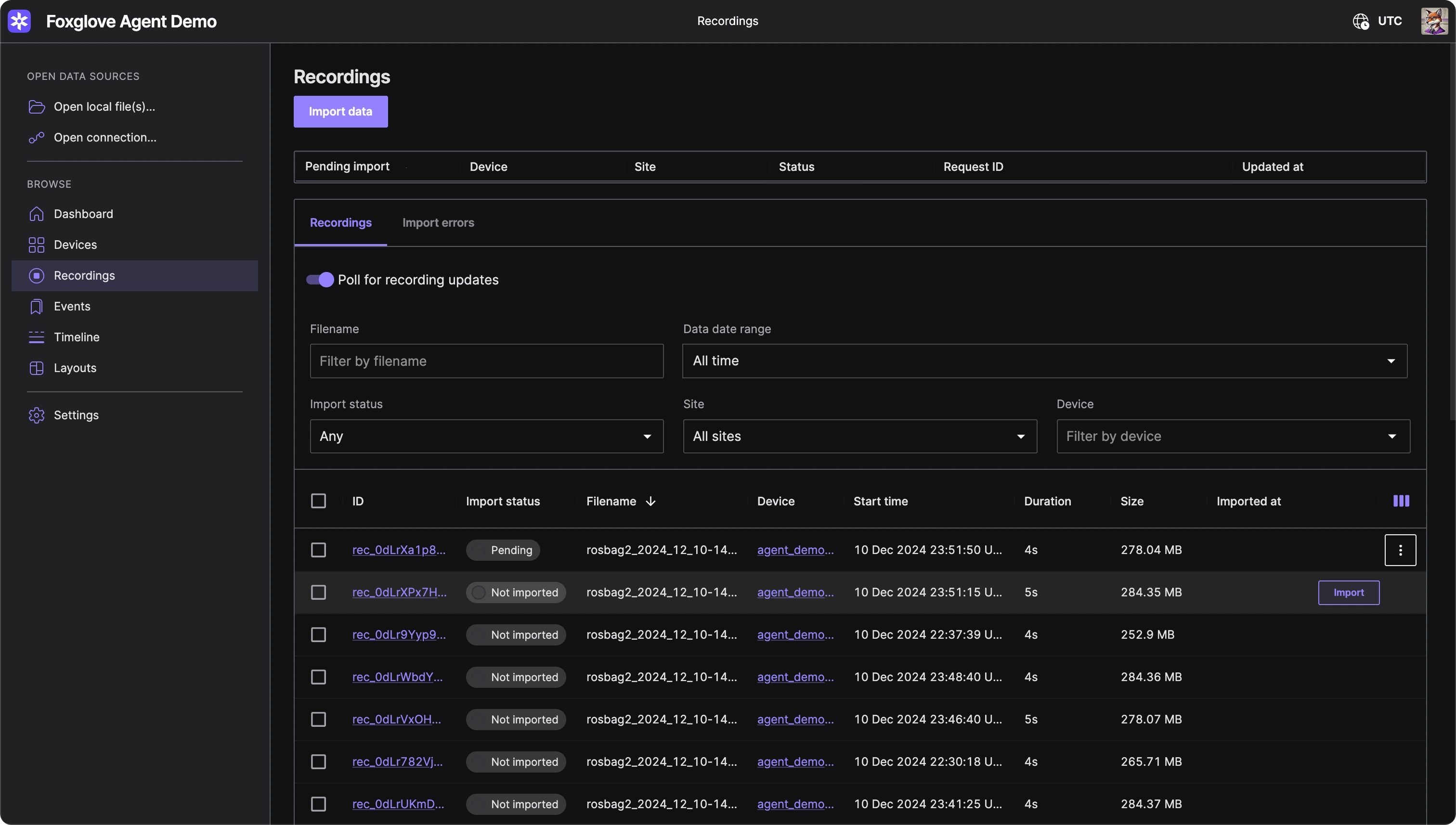
Multiple ways to put AI to work on your robotics data.
Built-in agent
Let Foxglove do robot data operations for you.
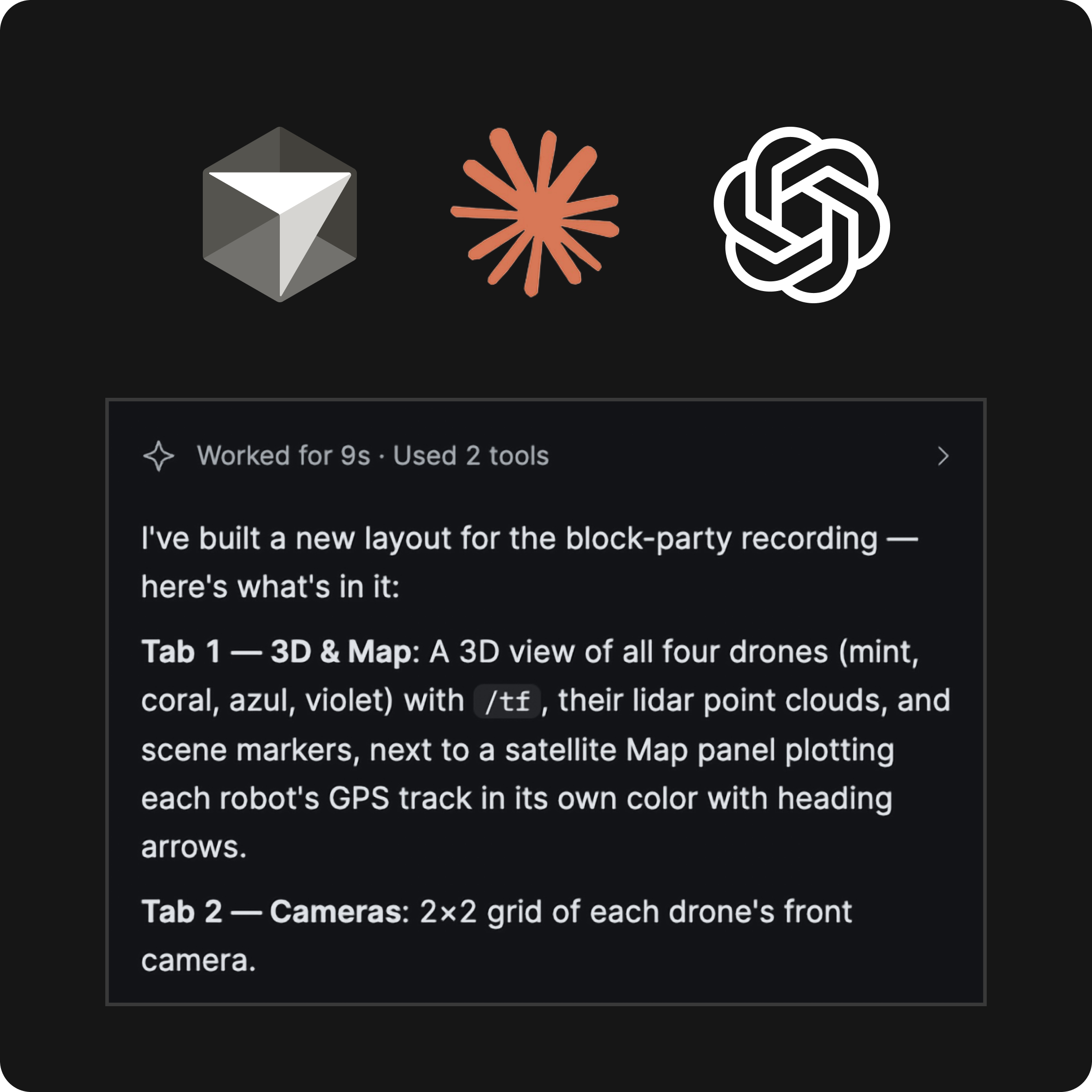
Ask the built-in agent, what’s in a recording, why a signal dipped, or to build a layout for the topics you’re looking at, and it answers using your actual data. It can also write user scripts, tag events, and look up or create devices. Any changes need your approval first.
MCP server
Control Foxglove from your AI agent.
Connect Claude Code, Cursor, Claude Desktop, or any other MCP client to a local server, and it can inspect your data, build layouts, write scripts, or search your org. Actions apply the moment your agent calls them, no approval prompt.
How it works.
When should I use the built-in agent?
Use the built-in agent inside the Foxglove app when you want to explore recordings, build layouts, or make changes with approval before anything is applied.
When should I use the MCP server?
Use the MCP server when you want Claude Code, Cursor, or another MCP client to work with Foxglove as part of your development workflow, with actions applied immediately.