
Semantic Search
Find the moments in your robot data that nobody thought to tag.
01
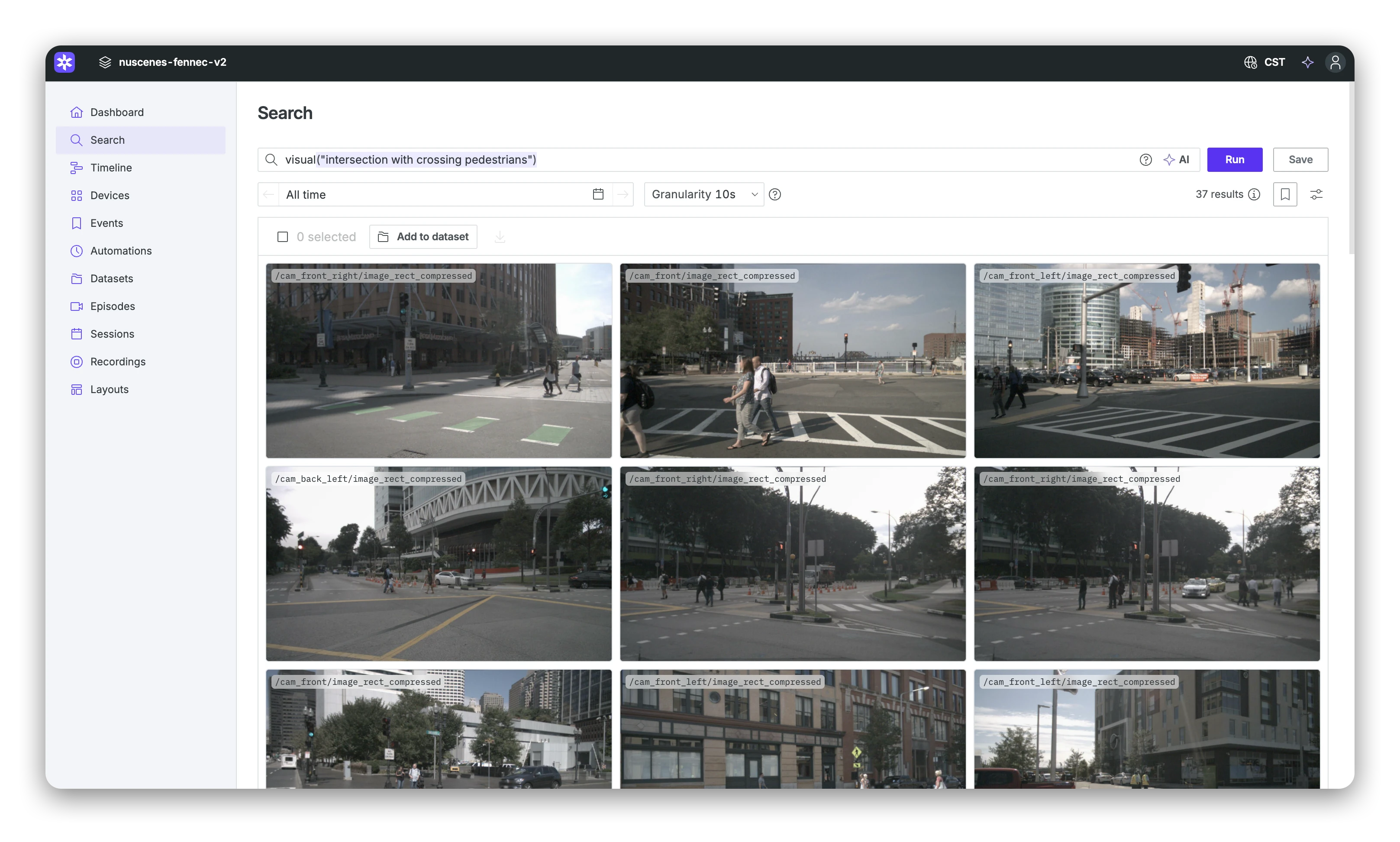
Describe the moment, get it back.
Type what you’re looking for, like a traffic cone next to a trench or water droplets on the camera lens, and Foxglove returns the matching moments across your image and video topics, ranked by similarity. Describe objects, scenes, and how they relate, with no labels to define and no detector to train.
02
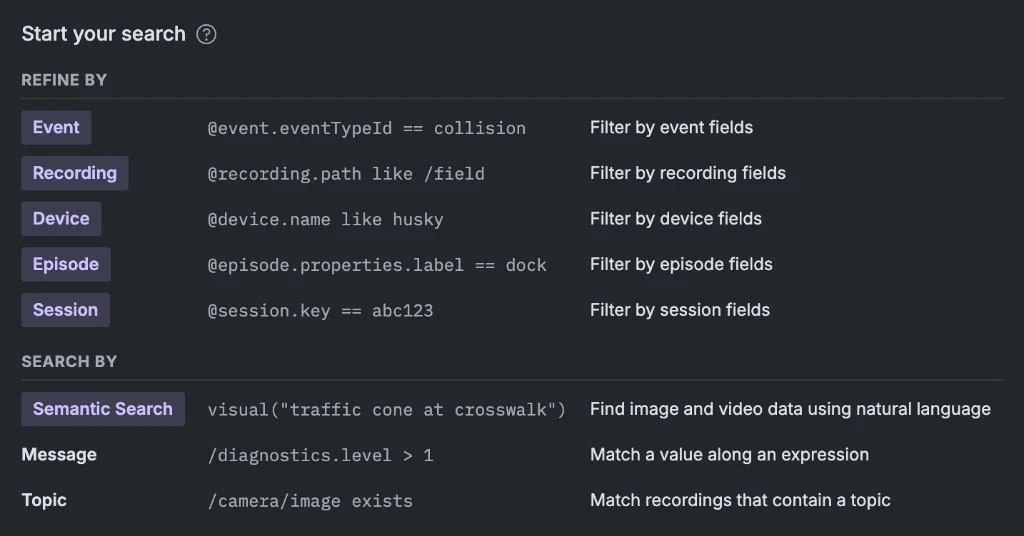
Combine it with structured search.
Semantic matching runs in the same query engine as the rest of Foxglove search. Narrow a visual search by device, time range, topic, metadata, or message values in a single query, and save it to share with your team.
03
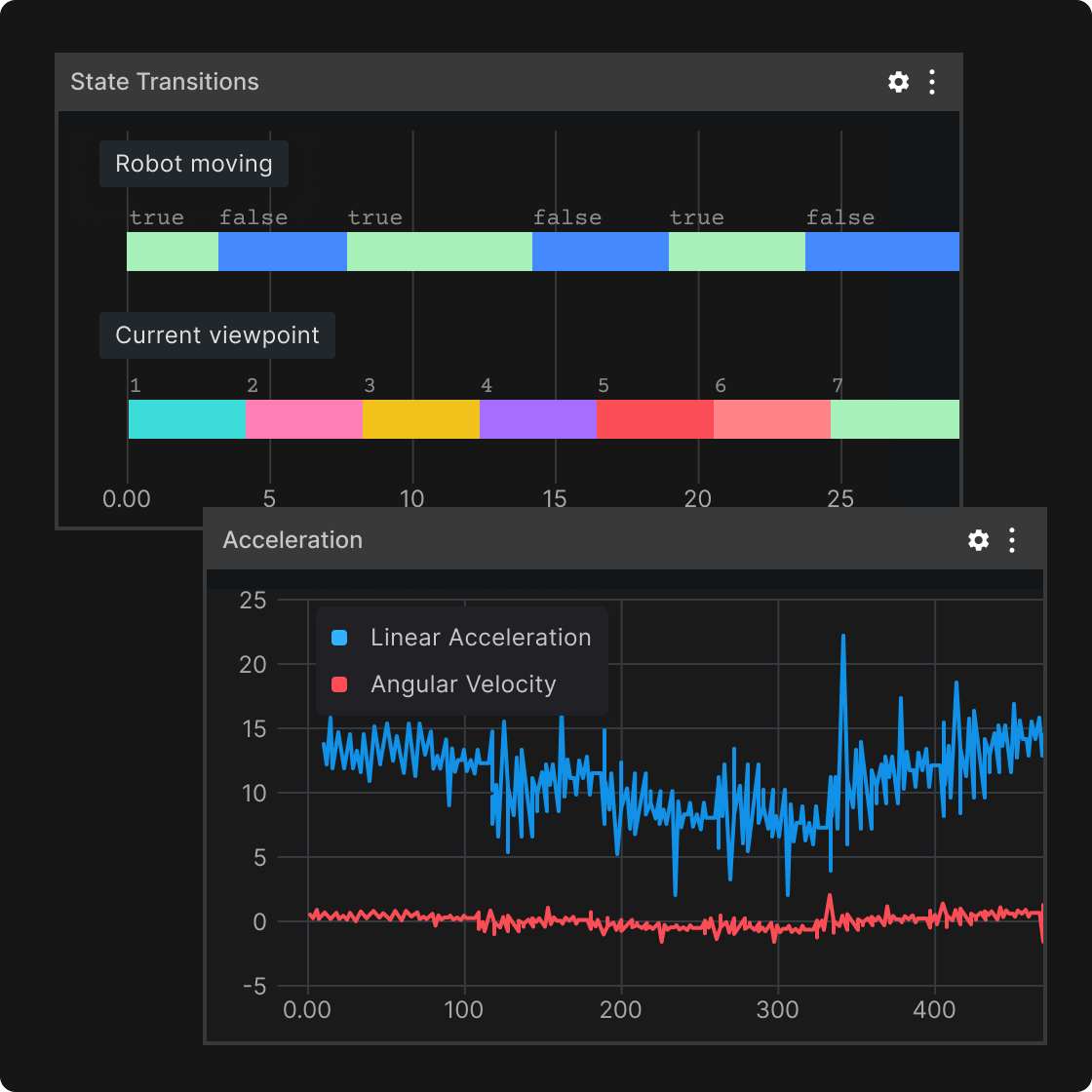
Take the results into the rest of Foxglove.
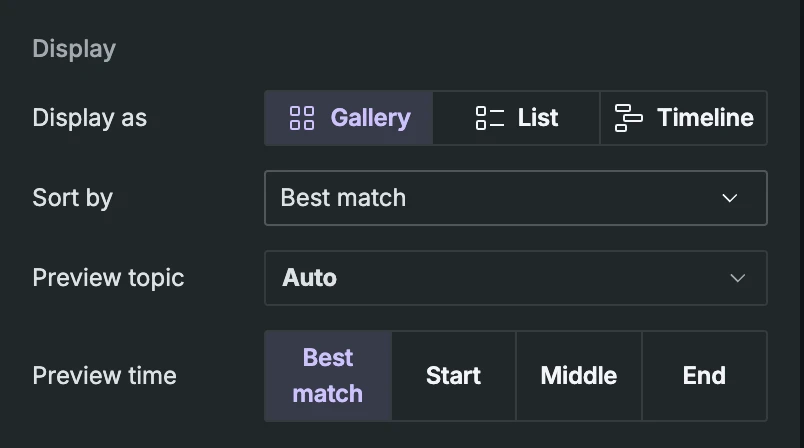
Open any result in the visualizer with every topic from that moment in sync or add them to a dataset as episodes.
How it works.
What data can I search?
Image and video topics: compressed and raw images, and H.264 and H.265 video, in Foxglove and ROS schemas. See the Semantic Search docs for the full list.
How is my data indexed?
An organization admin chooses which camera topics to index for each project. New recordings on those topics are indexed as they arrive, and existing recordings can be backfilled.
How does it work?
At ingest, Foxglove samples frames from your image and video topics and embeds them with an image embedding model. The vectors are stored in your object storage. Structured conditions narrow the candidates first, then results are ranked by similarity to your prompt.
Where is Semantic Search available?
Semantic Search is in beta. It is available on Foxglove-hosted sites and on Bring Your Own Storage sites backed by AWS or Google Cloud Storage. Azure and self-managed sites will be supported in the future.