Get Started with Foxglove: Videos for New Users


If you’re getting started with Foxglove, one of the fastest ways to learn is by opening real data and seeing how the app works in practice. In these tutorials, we walk through the core workflows most new users need first: loading recorded data, navigating the application, creating reusable layouts, and exploring example datasets.
Introduction to multimodal data visualization
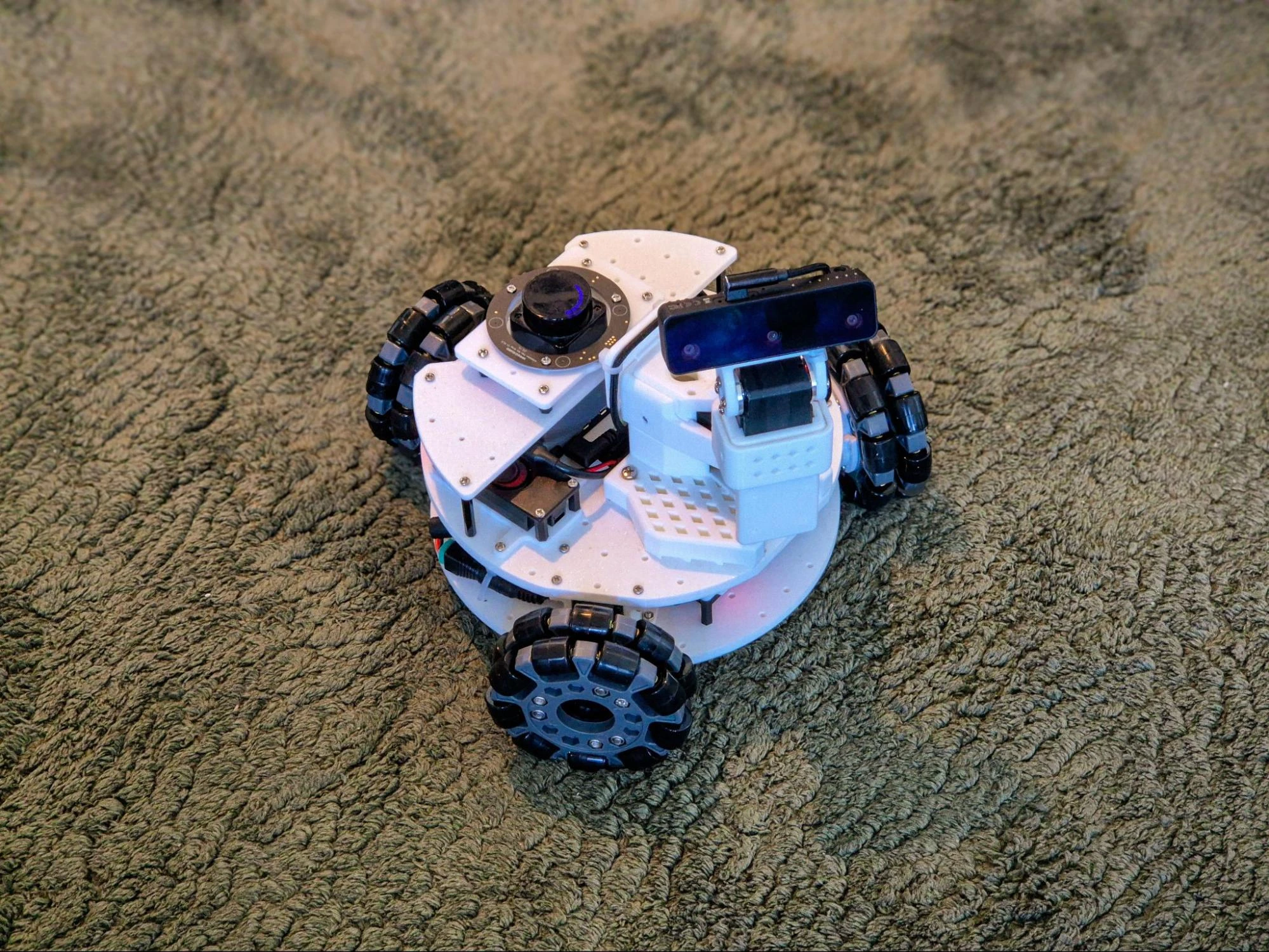
This video is the best place to start if you’re new to Foxglove. It shows how to load an MCAP file, begin with a blank layout, and explore core panels like Raw Messages, 3D, Images, and Plot using recorded rover data. By the end, you’ll have a practical foundation for replaying and inspecting multimodal robotics data in Foxglove.
Navigate the Foxglove app with confidence
Once you’ve seen the basics of loading and visualizing data, this walkthrough helps you get oriented in the app. It covers the dashboard, ways to open local and live data, and the core views for devices, recordings, events, timeline, and layouts. It also shows how to work with playback controls, panels, and settings so you can move around Foxglove efficiently.
Create, organize, and share layouts
Layouts help different teams focus on the data that matters most to them. In this tutorial, we explain how layouts support team-specific workflows, how to spot unsaved changes, and how to organize layouts into folders. You’ll also see how to create new layouts and share them across your organization so teammates can reuse the same views.
Explore real-world robotics datasets with Foxglove Examples
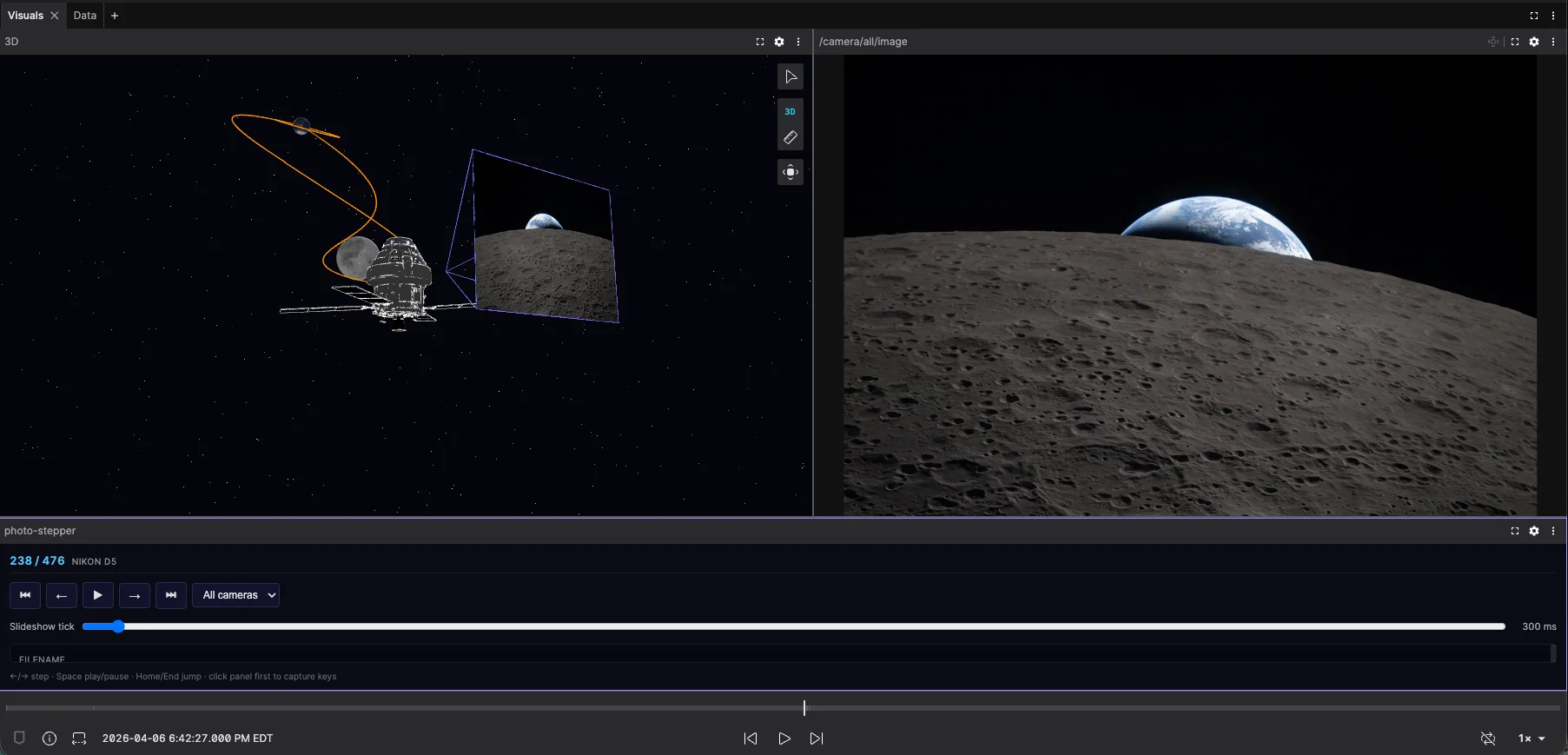
Foxglove Examples is a great way to learn from real multimodal datasets. This video walks through the Examples page, shows how to browse projects across domains, replay recordings, inspect lidar, camera, and segmentation data, and download MCAP files for local use. It also shows how to build your own layouts from example data, making it a useful starting point for experimentation and learning.
Ready to go deeper? Explore the Foxglove documentation, browse the Examples library, and start building with Foxglove.