Data Search & Curation
Find the signal, keep what matters.

This is the fourth announcement in a busy launch week at Foxglove, after Basic Seats and Reduced self-service pricing yesterday, and Device property history today — with more coming tomorrow!
Most Physical AI companies have no good way to search their data. Finding every failed pick across last week’s fleet usually means scrubbing MCAP files by hand or writing a one-off script. Companies that do have search typically ingest every recording into a separate data warehouse, which means maintaining a separate ingestion pipeline to keep the warehouse in sync with every new recording.
Today we’re changing that. Foxglove Data Platform now lets you search and query MCAP data at petabyte scale, with no warehouse to set up and no copies of the data to keep in sync. Paired with Sessions and Events, it turns Foxglove Data Platform into the best place to find and organize the episodes that feed your data flywheel.
Data Search
Data Search lets you search across:
- Messages: Query specific fields in your message data (e.g. when acceleration exceeds a threshold)
- Events: Search event properties and occurrences (e.g. events where a safety stop occurred)
- Devices: Filter by current or historical device properties (e.g. recordings from when a device was running firmware v2.0)
- Recordings: Search metadata attached to individual MCAP files (e.g. recordings tagged with a specific build)
- Sessions: Search session properties (e.g. sessions on test track alpha)
You can combine these filters to build more powerful queries. For example: Find all time ranges where acceleration is over 5 m/s² and the device name starts with “fox”.
Data Search queries MCAP files directly, whether they are hosted in Foxglove Cloud or self-managed storage. No separate warehouse to stand up, no ingestion pipeline to build, and no second copy of the data to keep in sync.
Curation
Search is how you find things. Sessions and Events are how you turn results into curated training datasets for model iteration, test datasets for validation, or incidents to revisit — the raw material of a Physical AI data flywheel.
Sessions
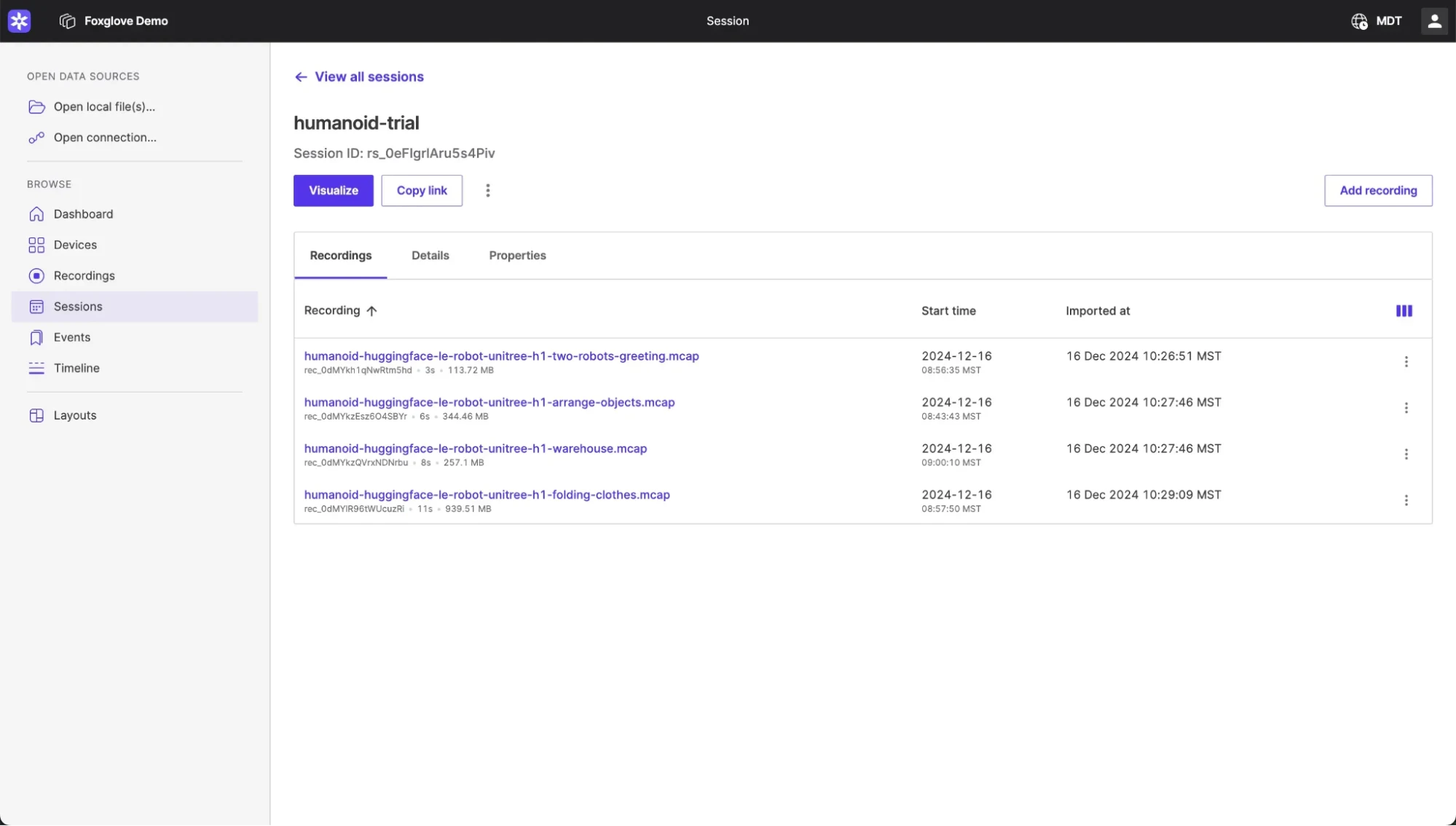
Data collection on robotics systems is messy by design. Devices split logs by file size, time intervals, or whatever makes sense for the hardware, and those boundaries rarely align with how engineers want to analyze data. Sessions let you group recordings into logical units. A session might be a single test run, a flight, or a complete drive, and once grouped you can query, filter, and download them as a whole instead of stitching together raw files.
You can read more about Sessions here.
Events
Robots don’t fail on a schedule. When something important happens (a failed pick, a perception glitch, an operator intervention), you need a way to mark the time range and attach the context you’ll want later when triaging issues or curating training data. Events are time-range annotations with typed properties you define.
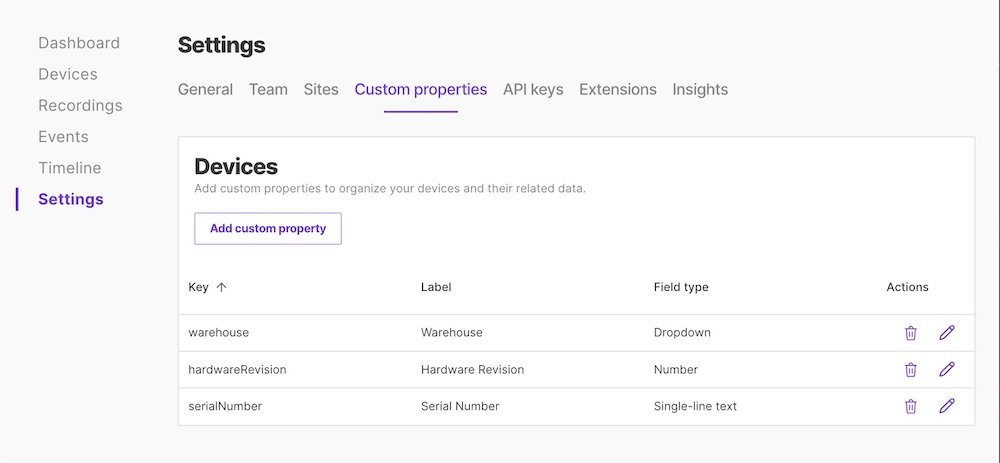
Event Types give those annotations structure. Define a type once with typed properties (strings, numbers, booleans, single-select, multi-select) and a color, and every event of that type looks the same regardless of who creates it.
This enables workflows like:
- Debugging: “Show every dropped item that followed a grasp retry”
- Regression tracking: “Did e-stops spike after we changed planner parameters?”
- Dataset curation: “Collect 200 examples of perception flicker in rain, labeled with severity”
- Field notes: “Operator intervention because of unexpected obstacle, linked to ticket #1234”
You can read more about Event Types here.

Search and curation are most valuable together. Query for every failed pick in your fleet last week, review the matches in the timeline, and annotate them all as “Pick failure” events with severity and tags in one pass. A pattern that used to take hours of manual scrubbing through recordings becomes one query and one batch annotation, and the resulting events are immediately available to the rest of your team.
Getting started
Data Search and the curation features are available today on Free, Pro, Academic, and Enterprise plans.
Questions? Check out the data search docs or reach out to our team for help.