Industries
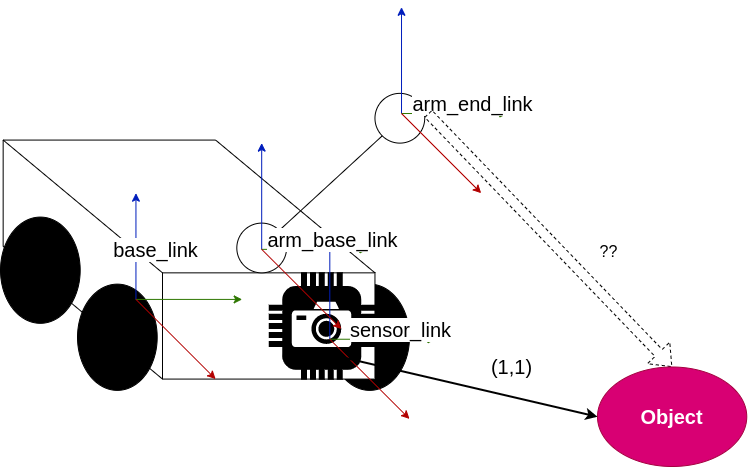
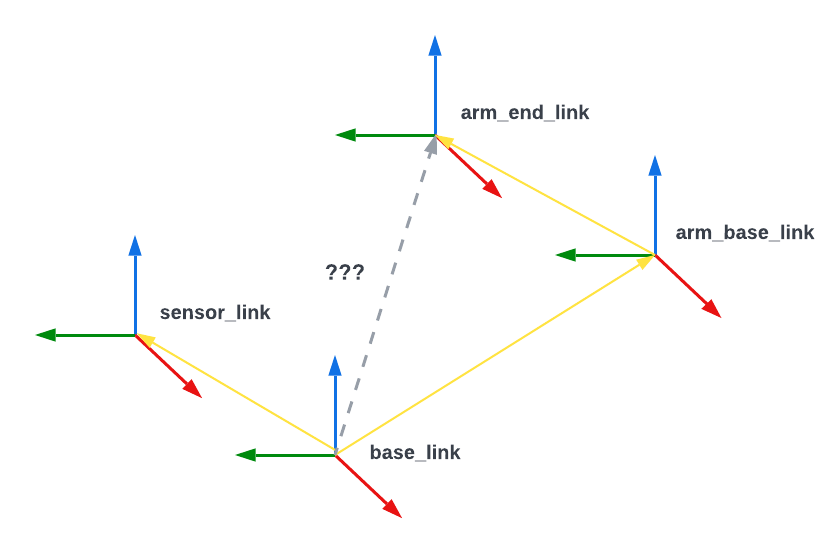
Use the ROS 1 tf2 library to calculate the relative positions of detected objects
Utilize the ROS 2 tf2 library to compute the relative positions of detected objects.
Improving streaming performance for high-rate data and large messages
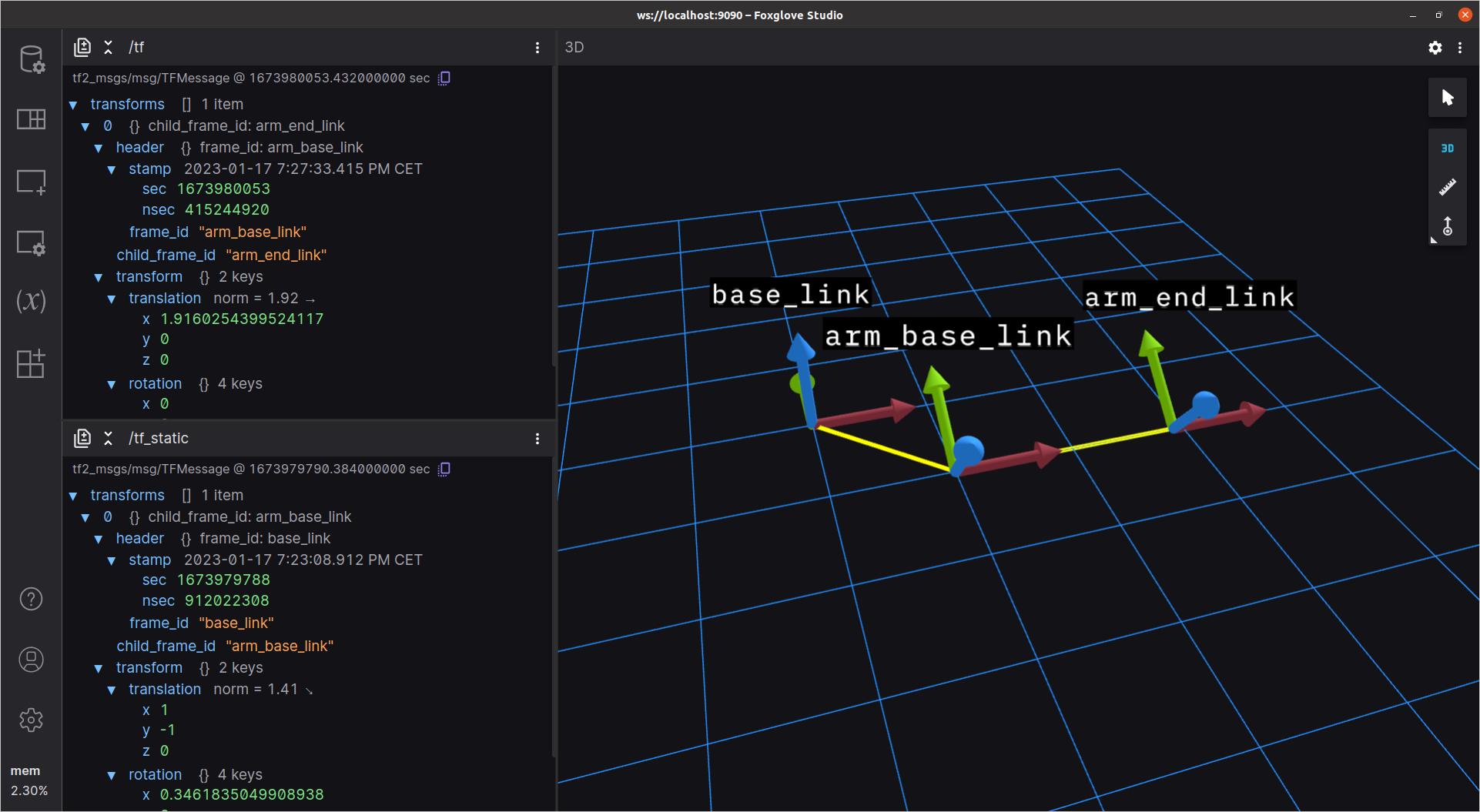
Use Foxglove to debug and edit your ROS 1 robot’s transforms.
Utilize Foxglove to debug and modify your ROS 2 robot’s transforms efficiently.
Record ROS 2 data in more performant and configurable bag file format
Defining how objects in a robot's world relate to each other
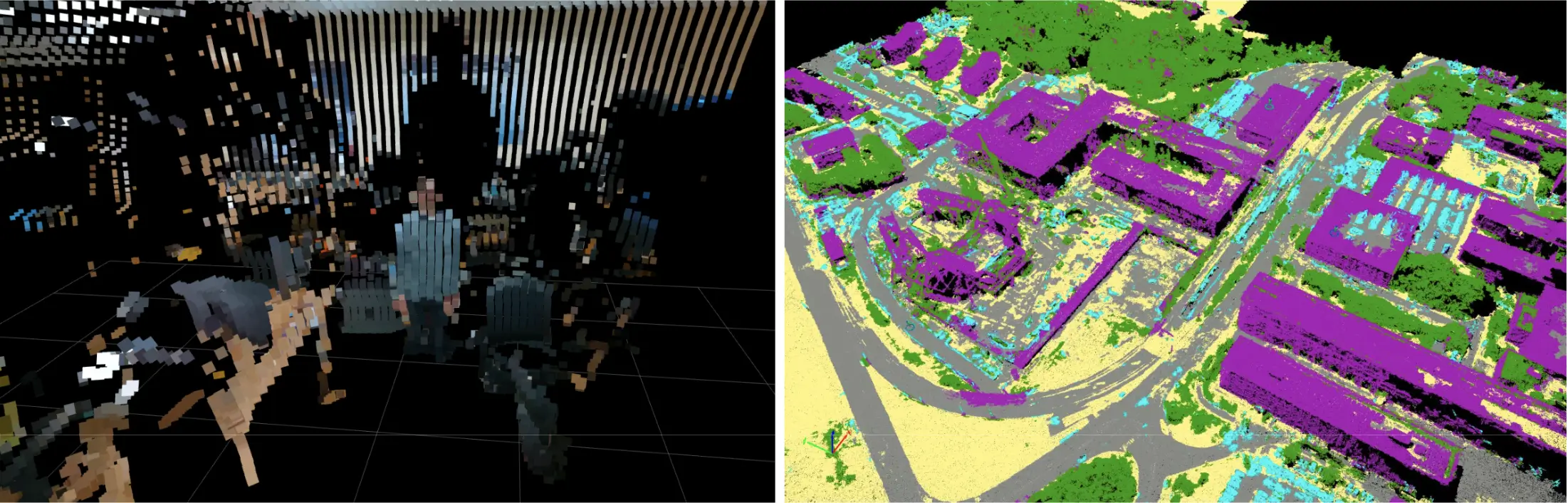
Use Foxglove's new color modes to customize your point clouds
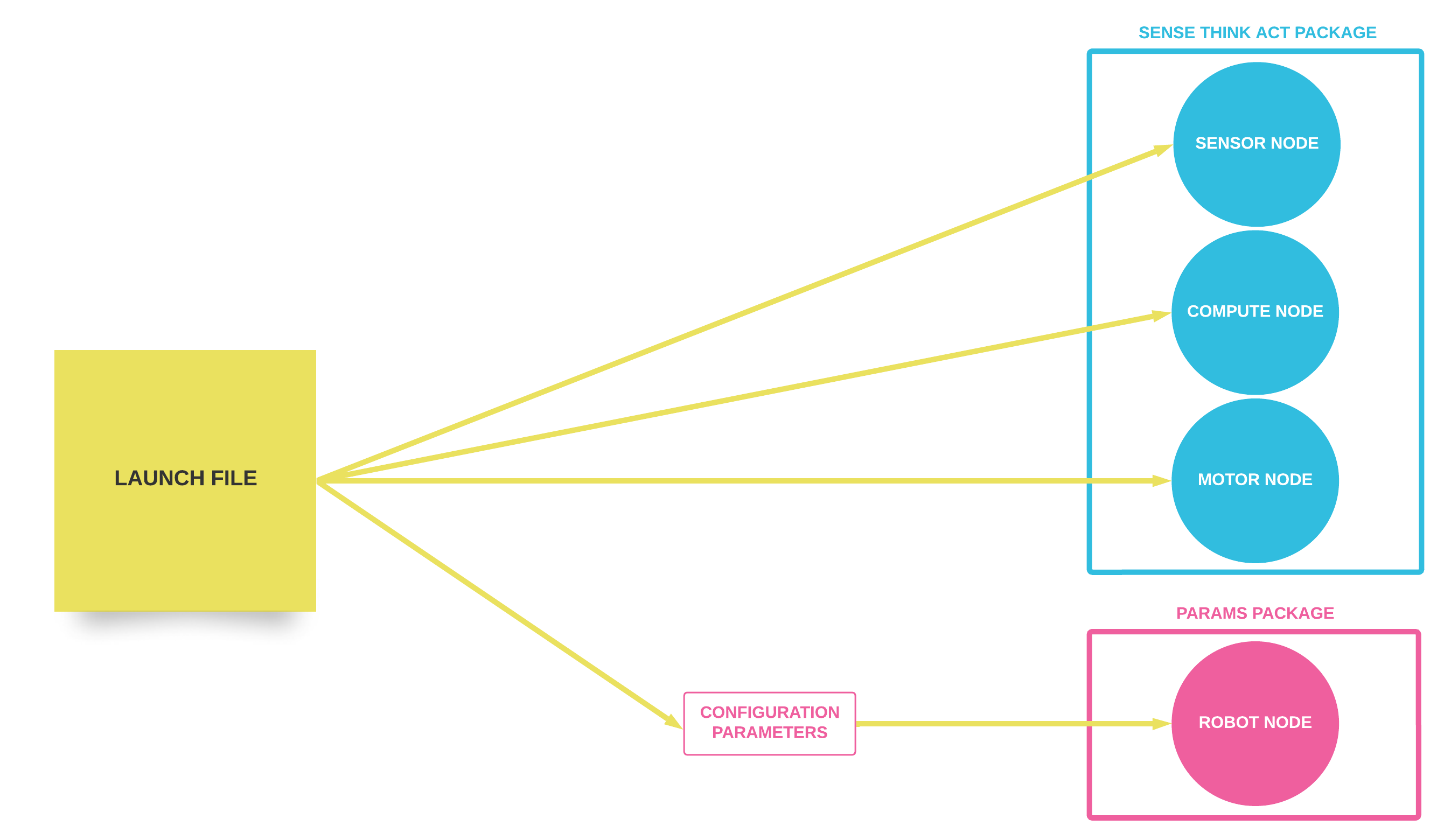
Executing and configuring multiple ROS 1 nodes at once
Record and visualize your MCAP data with ROS 2 tooling
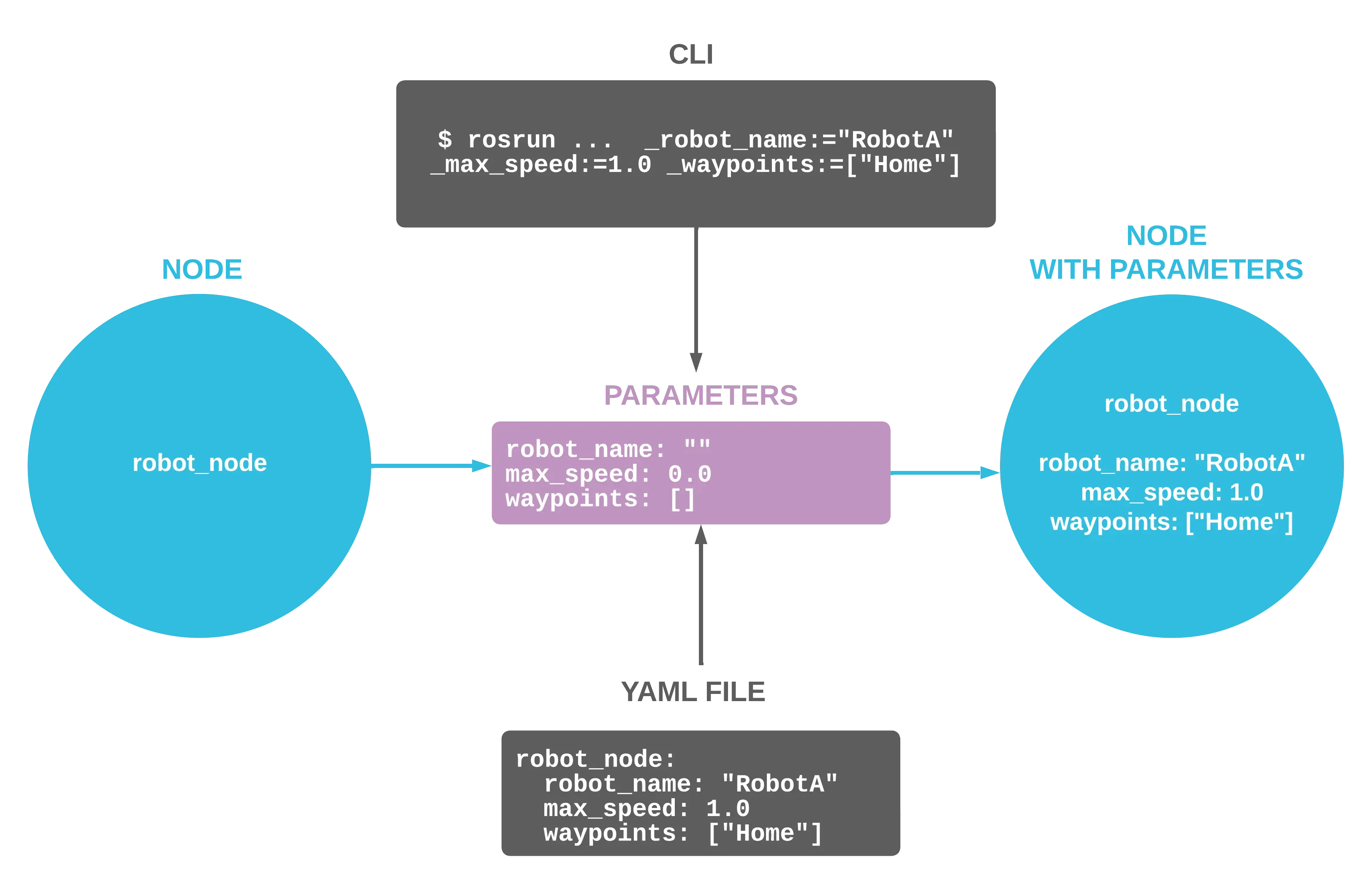
Configure your ROS nodes at startup to customize their behavior
Coordinate open-ended communication between your ROS 1 nodes
Make discrete requests between ROS 1 nodes for one-off tasks
Facilitate flexible communication between your ROS 2 nodes.
Send discrete requests between ROS 2 nodes for single-instance tasks.
The Robot Operating System (ROS) is an open-source software suite designed to streamline robotics development.
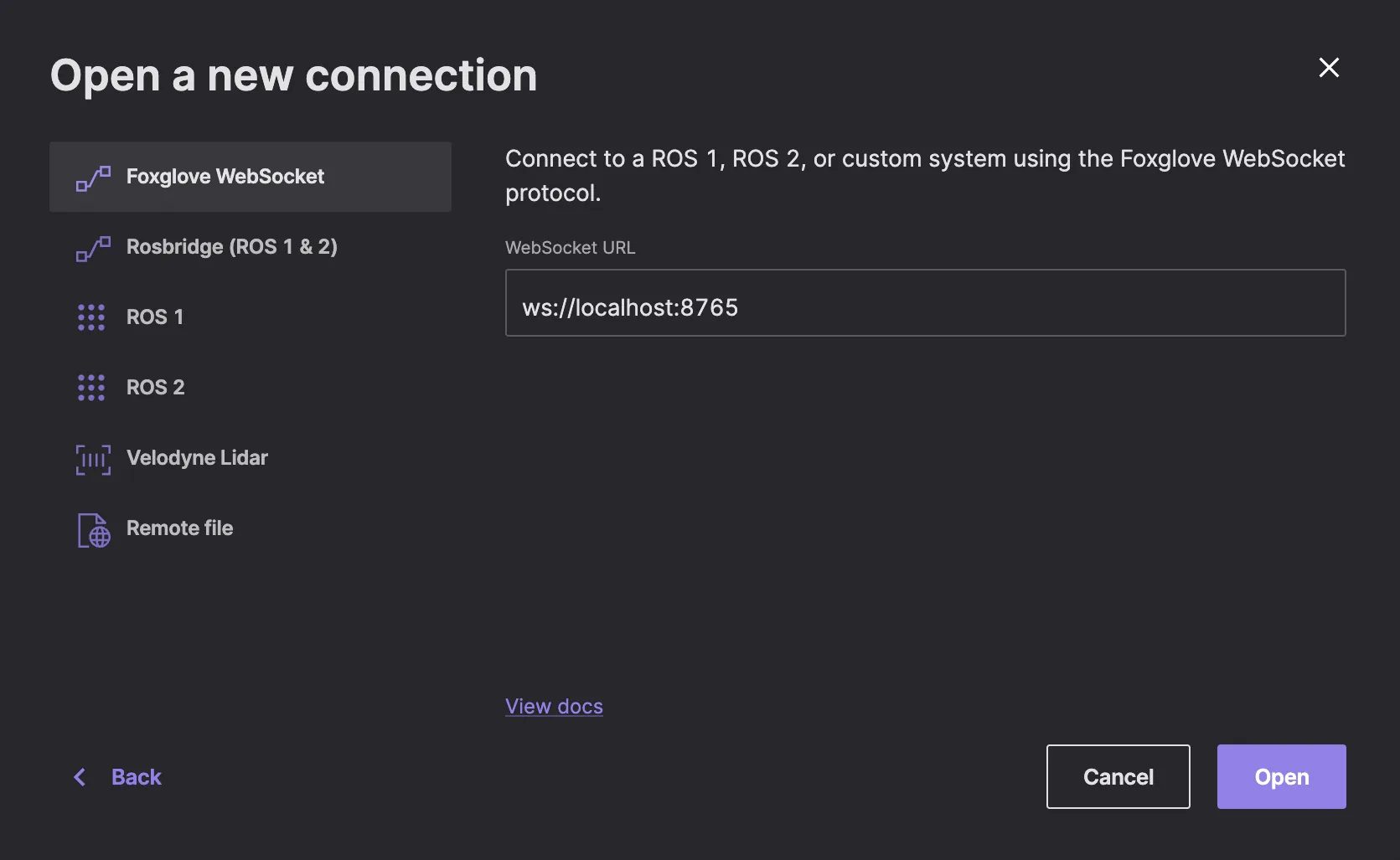
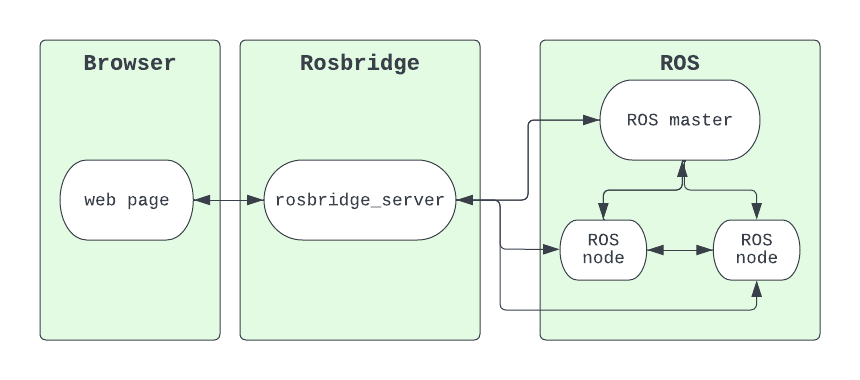
Talk to your ROS 1 robot from the web using WebSockets
Downloading Debian packages to set up the latest LTS release for ROS 2 on your Linux machine
No posts found.