Blog

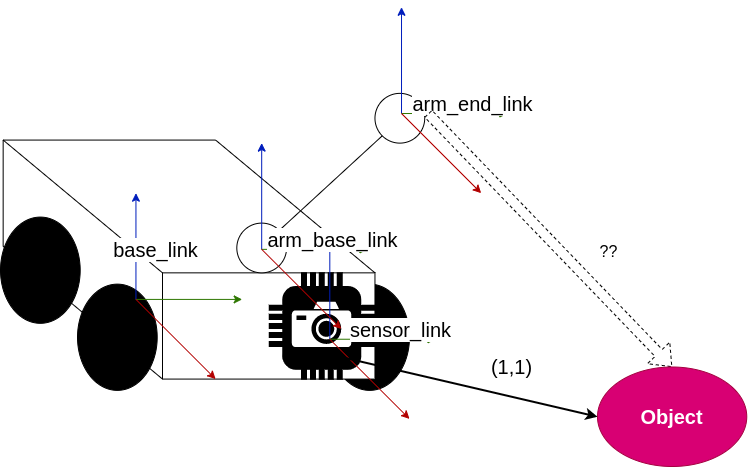
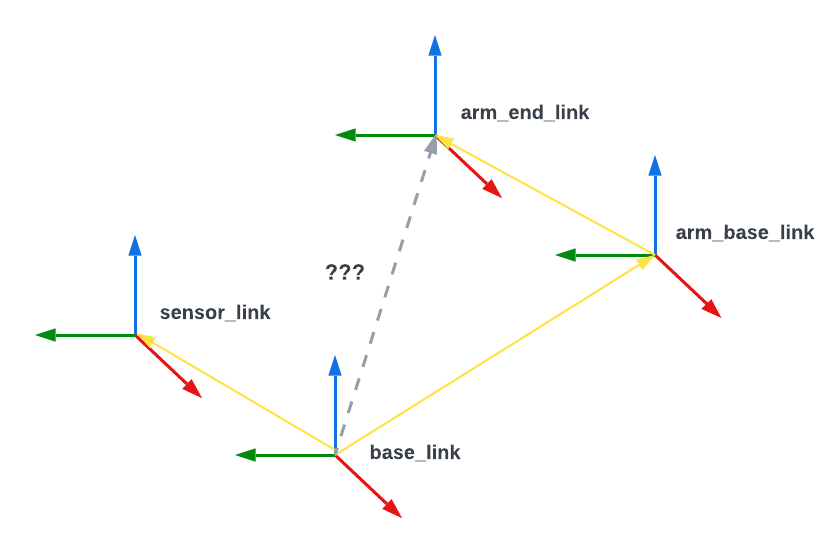
Hero image for Using ROS 2 Transforms to Calculate Object Positions

Using ROS 2 Transforms to Calculate Object Positions

LearnFeb 27, 2023

Utilize the ROS 2 tf2 library to compute the relative positions of detected objects.

Featured image for Spotlight: Using Foxglove to Map Glaciers in the French Alps

Spotlight: Using Foxglove to Map Glaciers in the French Alps

Community & NewsFeb 22, 2023

Robotics PhD student Max Polzin talks about debugging robots in -5°C

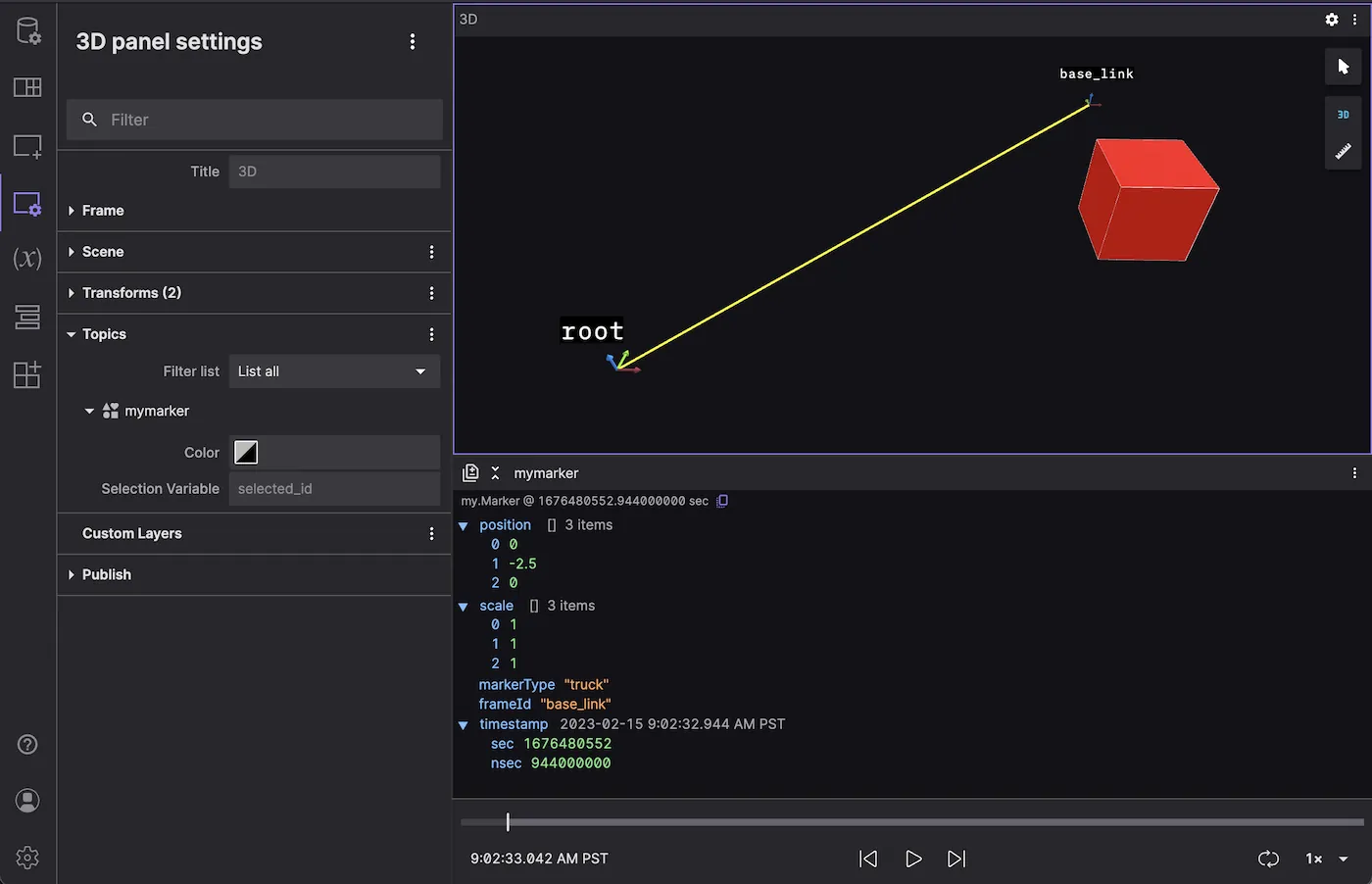
Hero image for Using Message Converter Extensions to Display 3D Markers in Foxglove

Using Message Converter Extensions to Display 3D Markers in Foxglove

ProductFeb 21, 2023

Write a message converter to visualize custom markers in the 3D panel

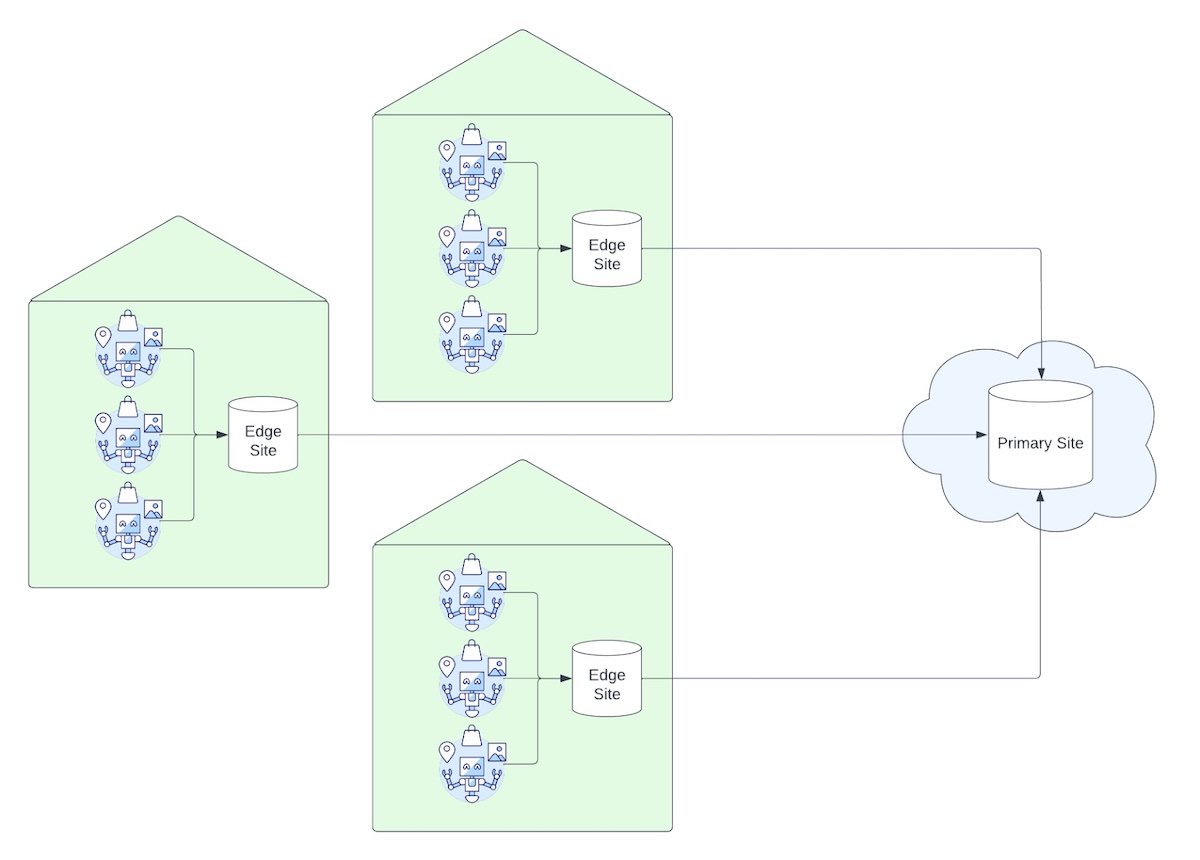
Header image for Announcing Foxglove Edge Sites

Announcing Foxglove Edge Sites

ProductFeb 16, 2023

Use Foxglove to track and access your on-premises robotics data

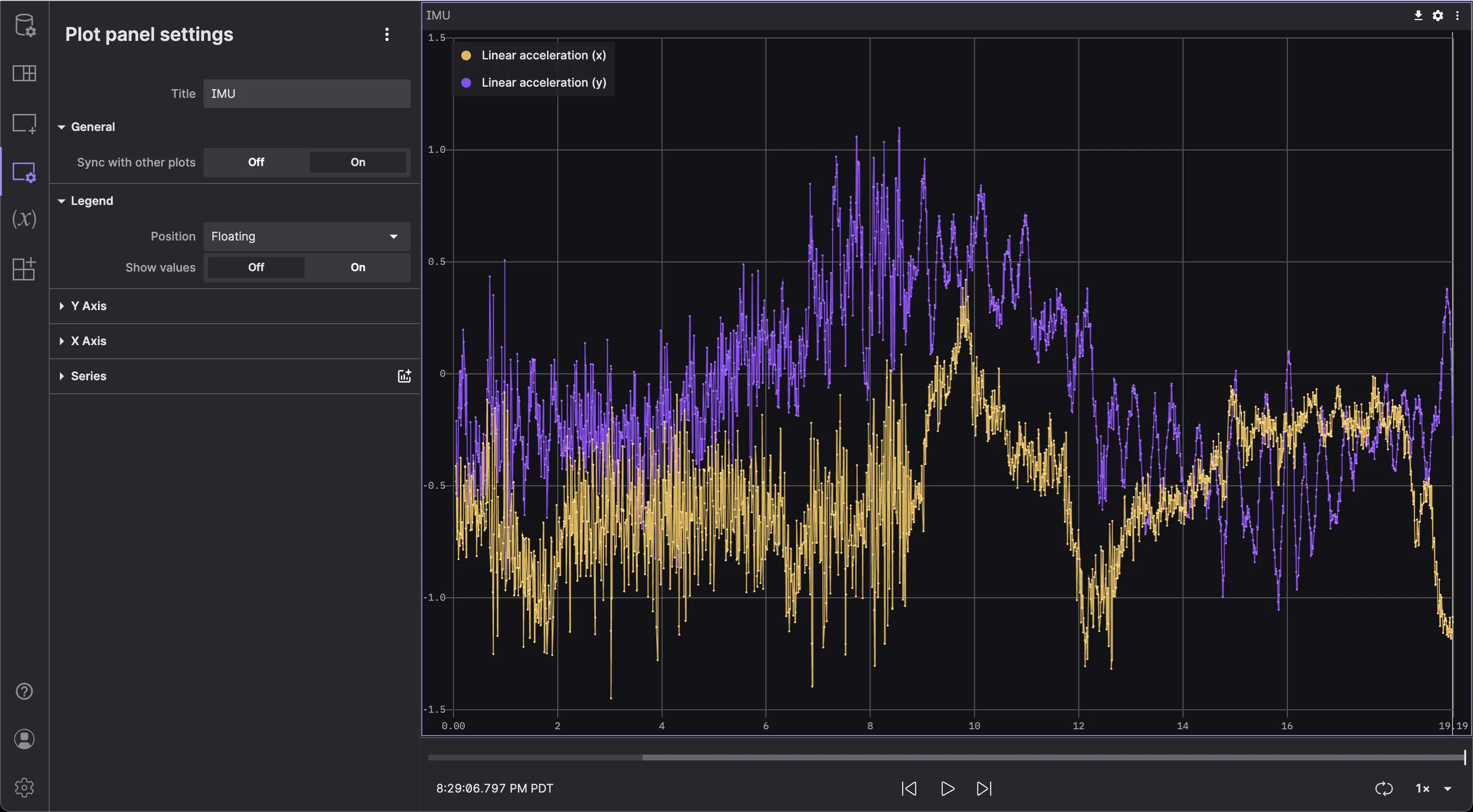
Header image for Announcing Foxglove's Improved Plot Settings Interface

Announcing Foxglove's Improved Plot Settings Interface

ProductFeb 13, 2023

Create customizable plots to better understand your robotics data

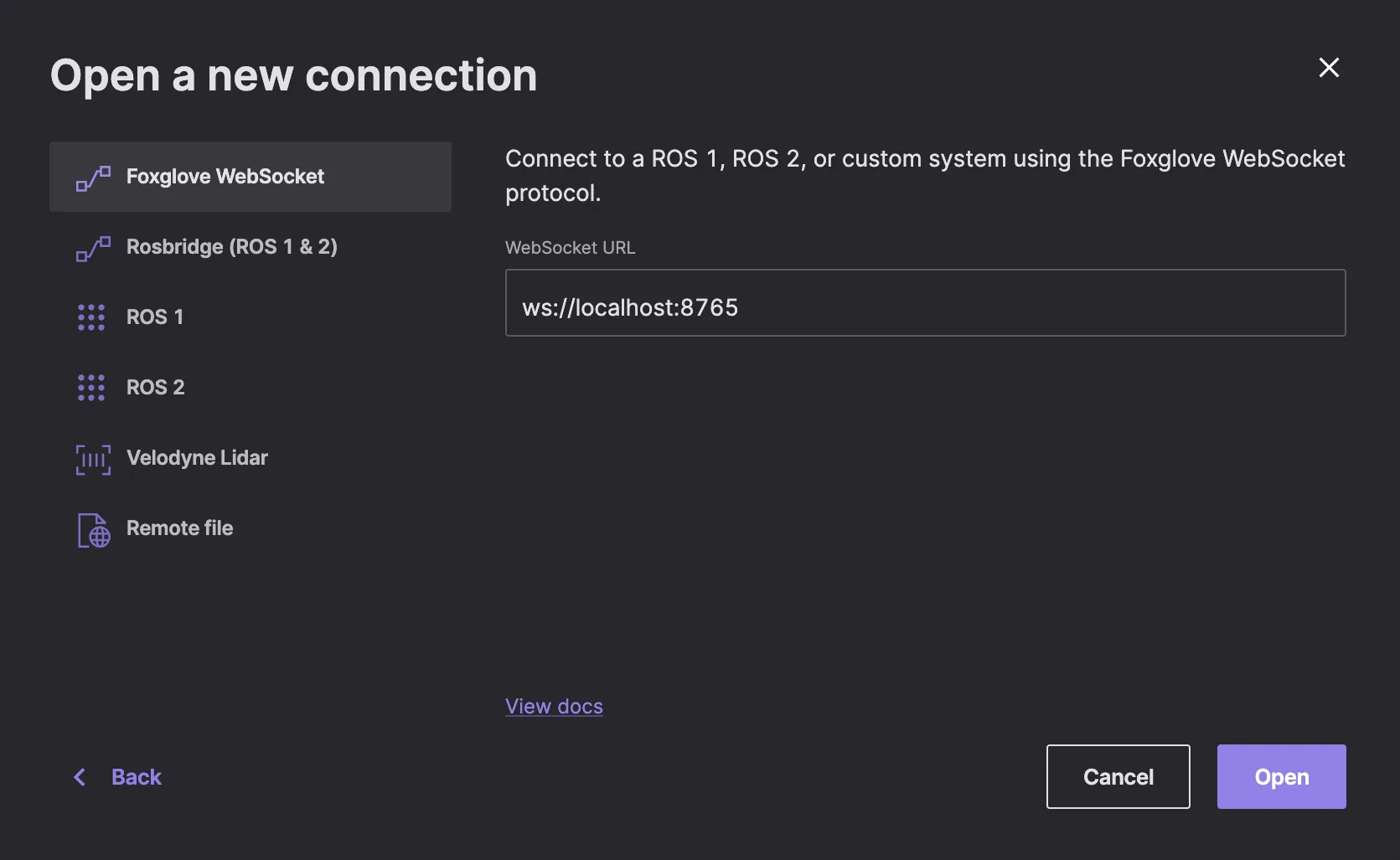
Header image for Announcing the New Foxglove Bridge for Live ROS Data

Announcing the New Foxglove Bridge for Live ROS Data

ProductFeb 7, 2023

Improving streaming performance for high-rate data and large messages

Header image for Announcing Self-Managed Storage in Foxglove

Announcing Self-Managed Storage in Foxglove

ProductJan 24, 2023

Bring your own cloud account to the Foxglove platform

Hero image for Publishing and Visualizing ROS 1 Transforms

Publishing and Visualizing ROS 1 Transforms

LearnJan 23, 2023

Use Foxglove to debug and edit your ROS 1 robot’s transforms.

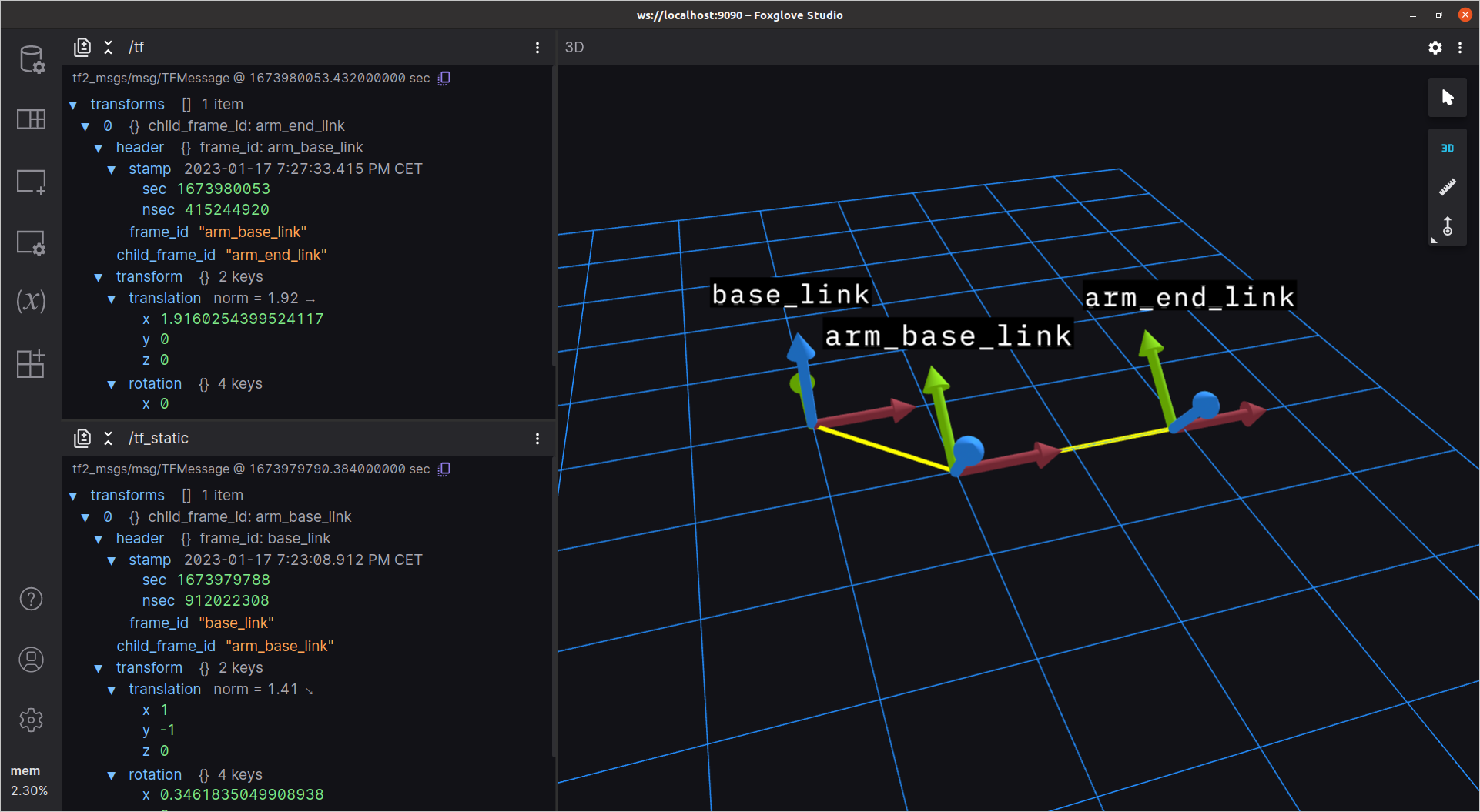
Hero image for Publishing and Visualizing ROS 2 Transforms

Publishing and Visualizing ROS 2 Transforms

LearnJan 18, 2023

Utilize Foxglove to debug and modify your ROS 2 robot’s transforms efficiently.

Featured image for Spotlight: Seth Winterroth on the Joys and Challenges of Working with Robotics Startups

Spotlight: Seth Winterroth on the Joys and Challenges of Working with Robotics Startups

Community & NewsJan 8, 2023

Investing in his audacious vision for a robot-powered world

Hero image for MCAP as the ROS 2 Default Bag Format

MCAP as the ROS 2 Default Bag Format

Community & NewsDec 22, 2022

Record ROS 2 data in more performant and configurable bag file format

Hero image for Understanding ROS Transforms

Understanding ROS Transforms

LearnDec 20, 2022

Defining how objects in a robot's world relate to each other

Header image for Announcing FlatBuffers Support in Foxglove

Announcing FlatBuffers Support in Foxglove

ProductDec 11, 2022

Analyze your FlatBuffers data with Foxglove

Hero image for Implementing a macOS Search Plug-In for Robotics Data

Implementing a macOS Search Plug-In for Robotics Data

LearnDec 6, 2022

How we built a Spotlight Importer for MCAP files using Swift

Header image for Announcing: Message Converter Extensions in Foxglove.

Announcing: Message Converter Extensions in Foxglove.

ProductDec 5, 2022

Use message converters to visualize your custom messages

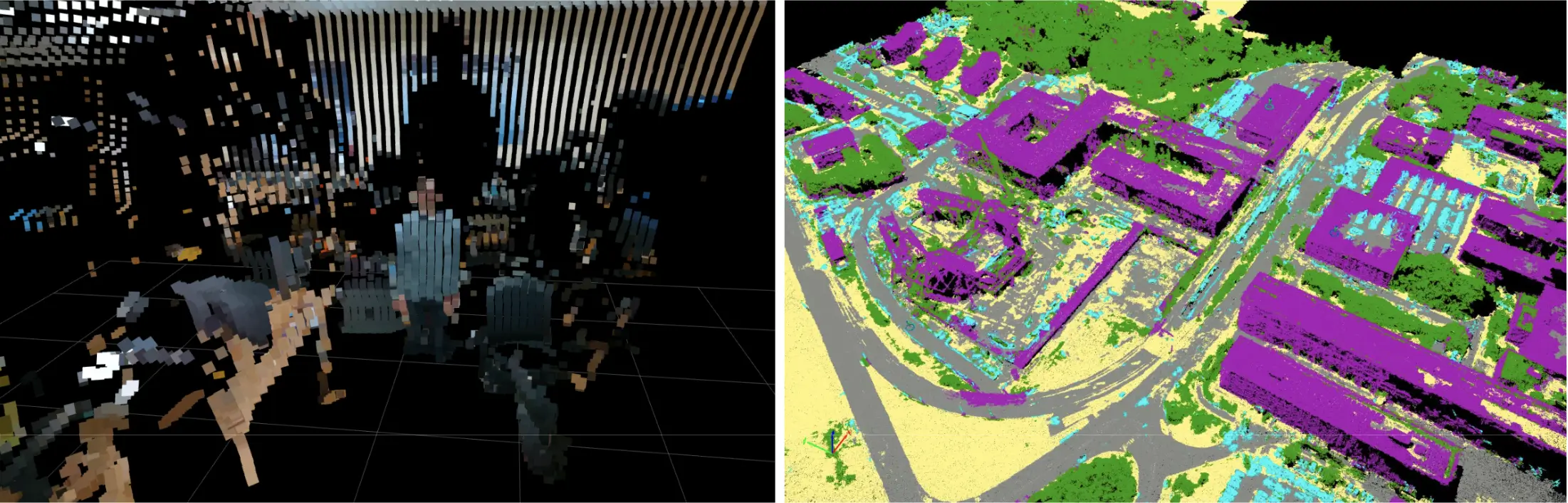
Hero image for Visualizing Point Clouds with Custom Colors

Visualizing Point Clouds with Custom Colors

ProductDec 4, 2022

Use Foxglove's new color modes to customize your point clouds

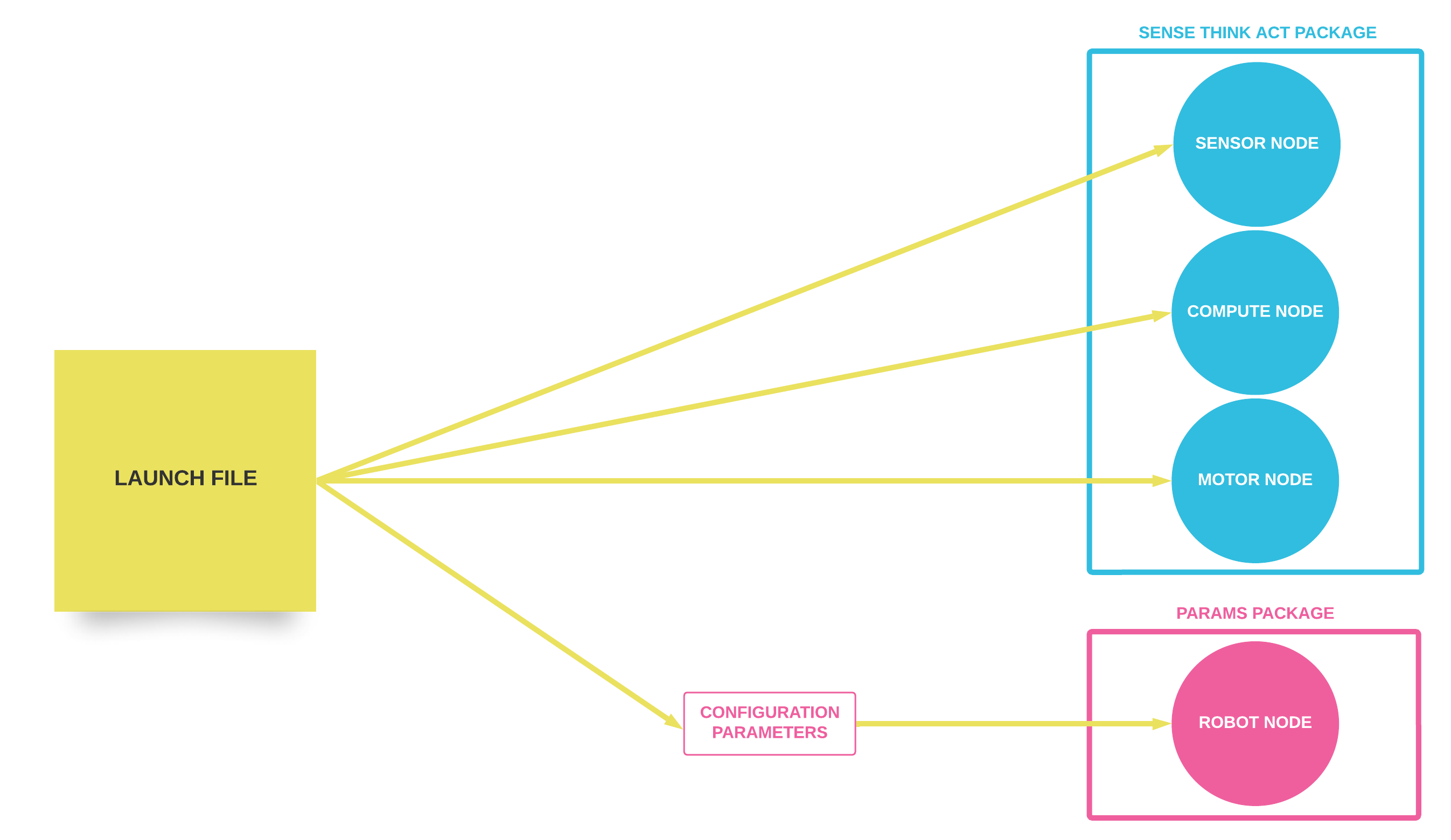
Hero image for How to Use ROS 1 Launch Files

How to Use ROS 1 Launch Files

LearnOct 30, 2022

Executing and configuring multiple ROS 1 nodes at once

Featured image for Spotlight: How FST Lisboa Used the Foxglove Platform to Build an Award-Winning Autonomous Racecar

Spotlight: How FST Lisboa Used the Foxglove Platform to Build an Award-Winning Autonomous Racecar

Community & NewsOct 20, 2022

Leveraging Foxglove to achieve podium places at Formula Student 2022