Industries
Celebrating the MCAP file format for standardizing robotics data recording
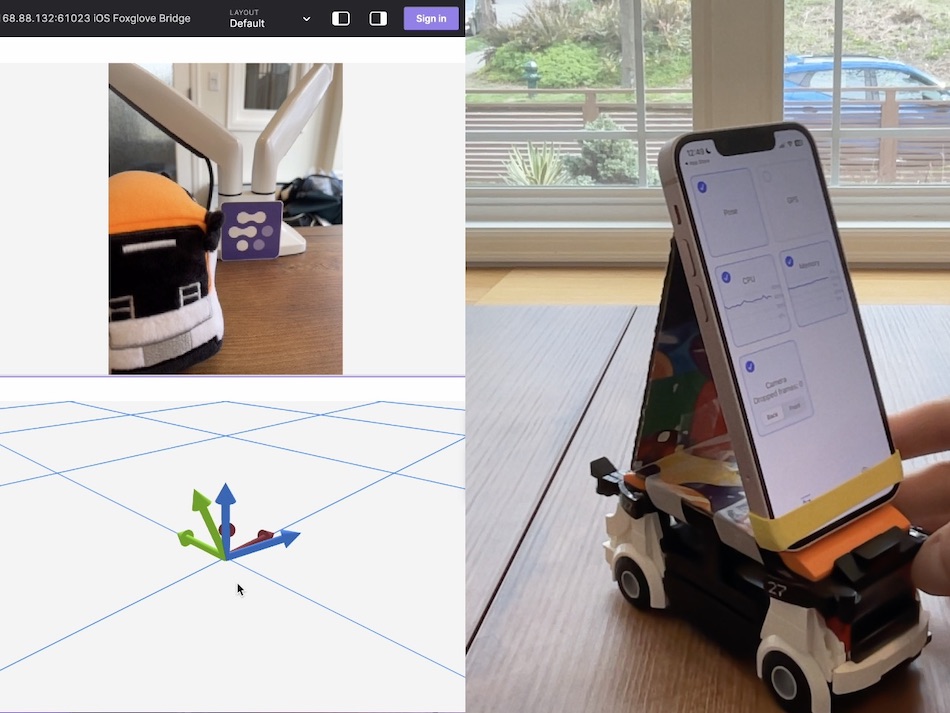
Visualize live data from your iOS device’s cameras and sensors.
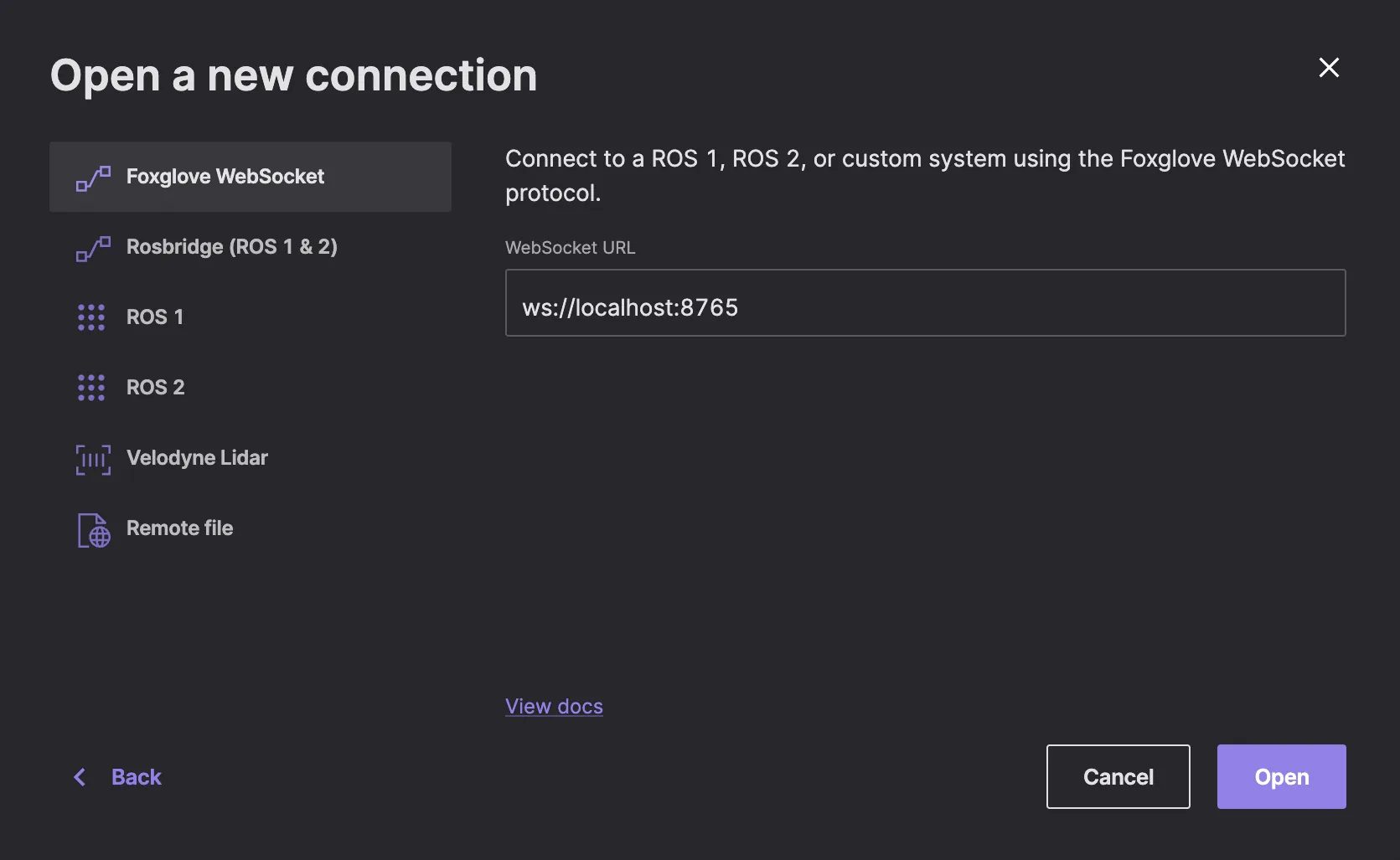
Connect your eCAL systems to Foxglove to visualize autonomous driving data
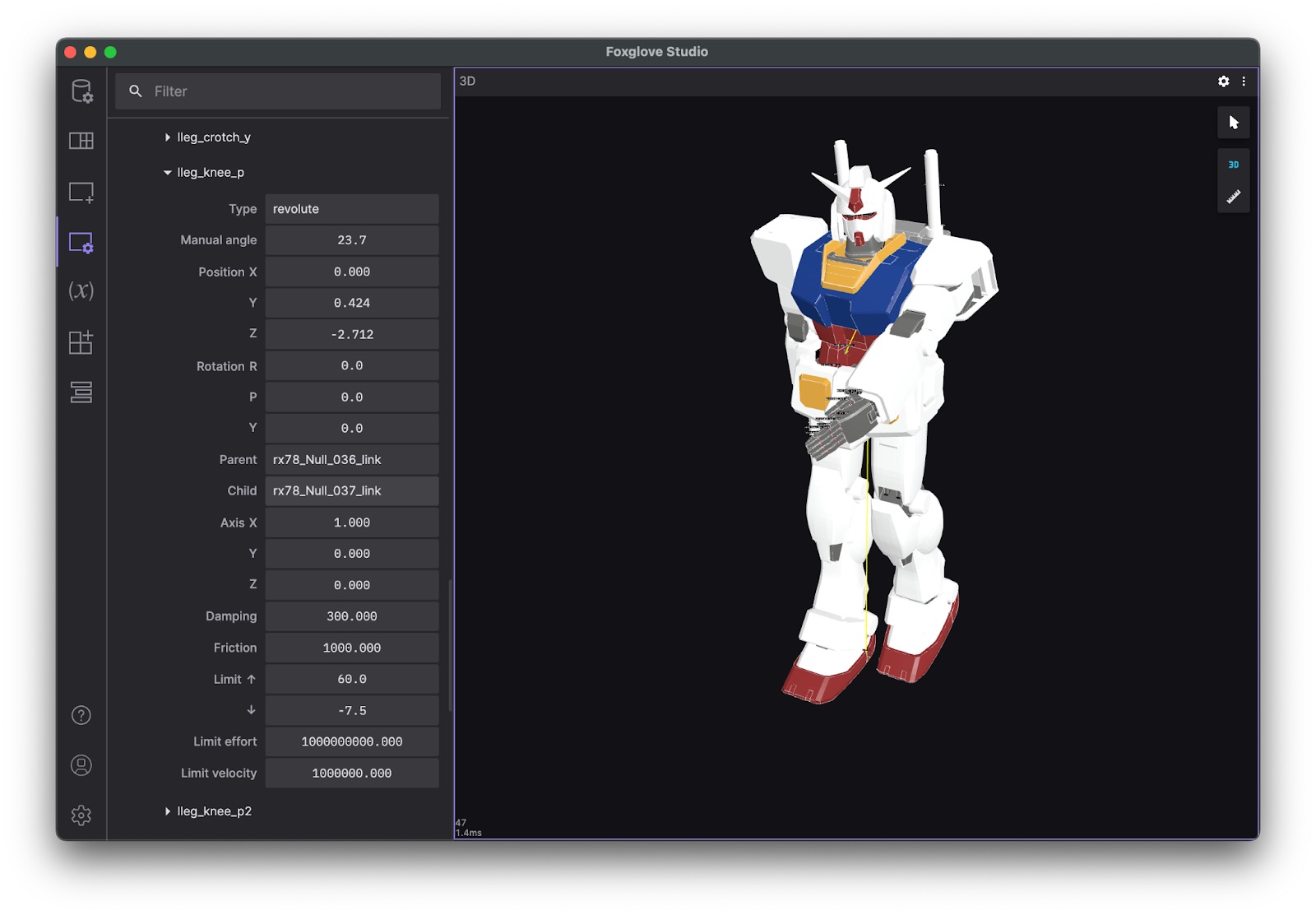
Visualize robot models in the context of a 3D scene
Integration for the OMG Interface Definition and Language spec
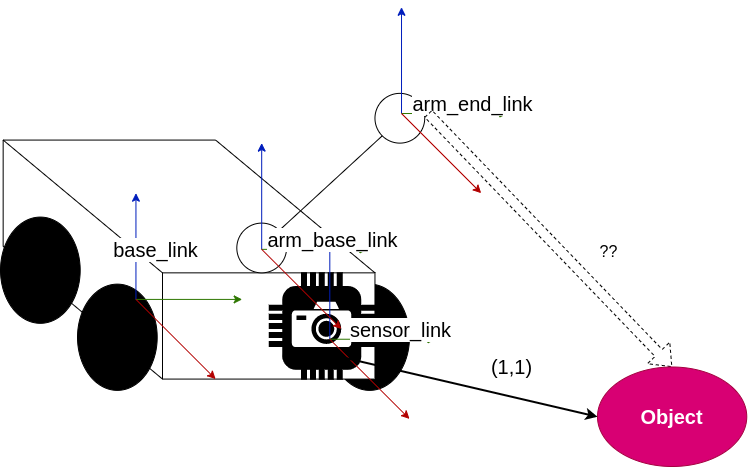
Use the ROS 1 tf2 library to calculate the relative positions of detected objects
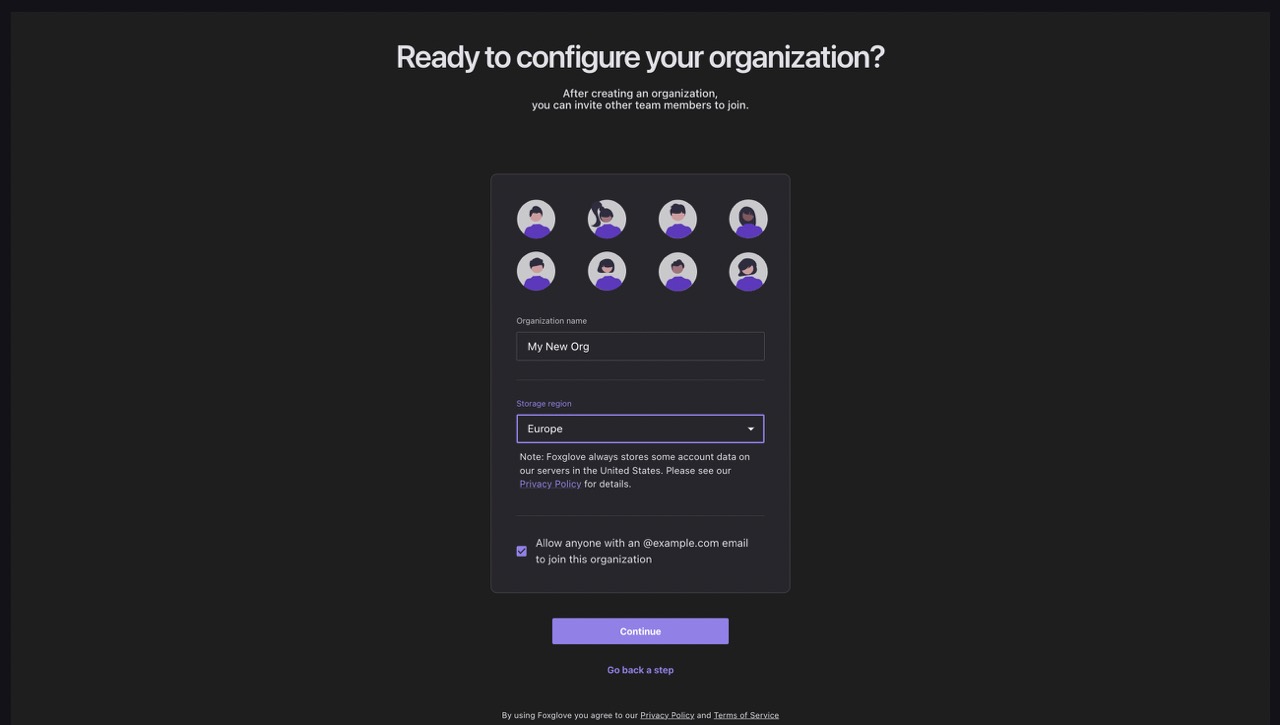
Configure your storage region for Foxglove-hosted data
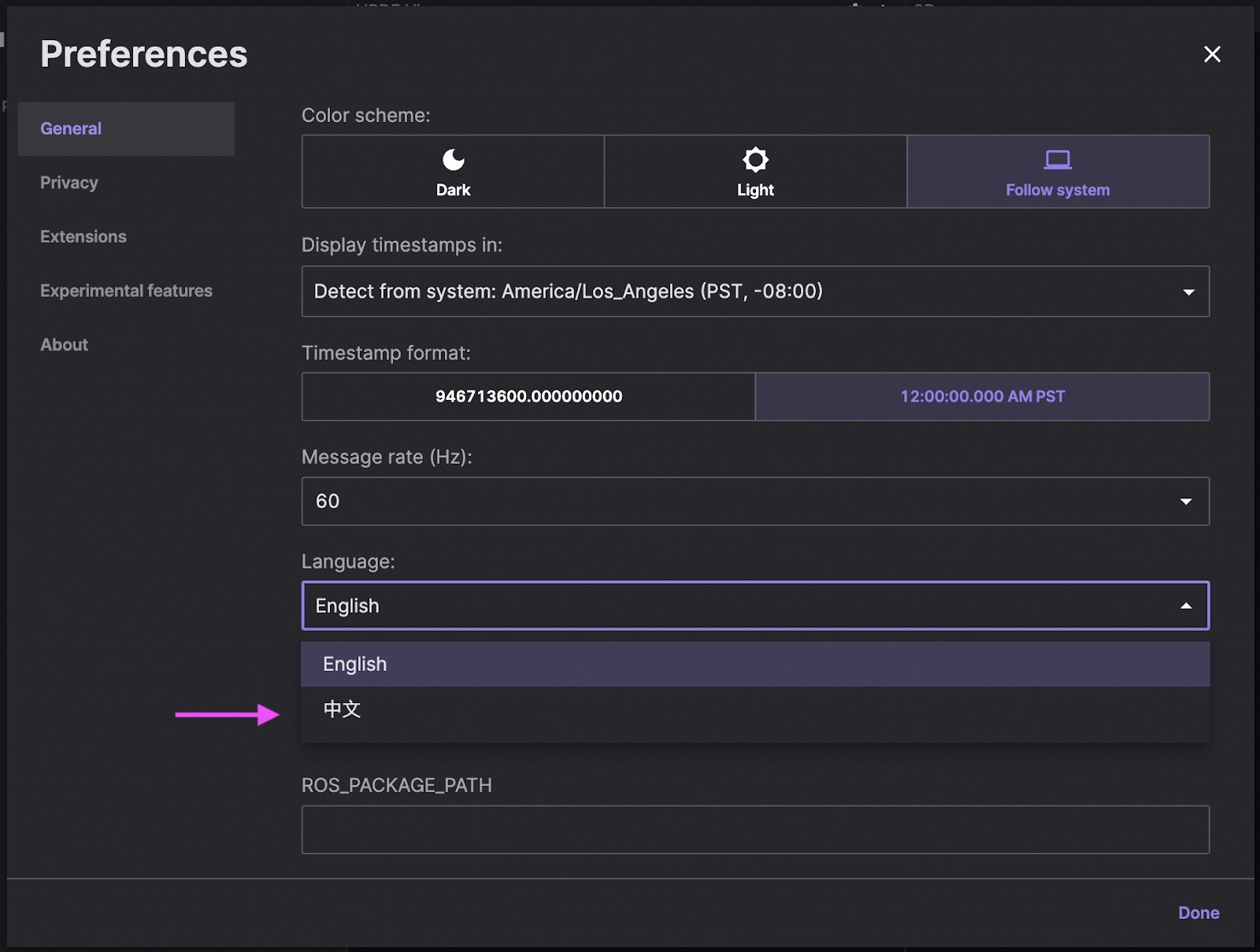
Foxglove community member contributes internationalization support
Utilize the ROS 2 tf2 library to compute the relative positions of detected objects.
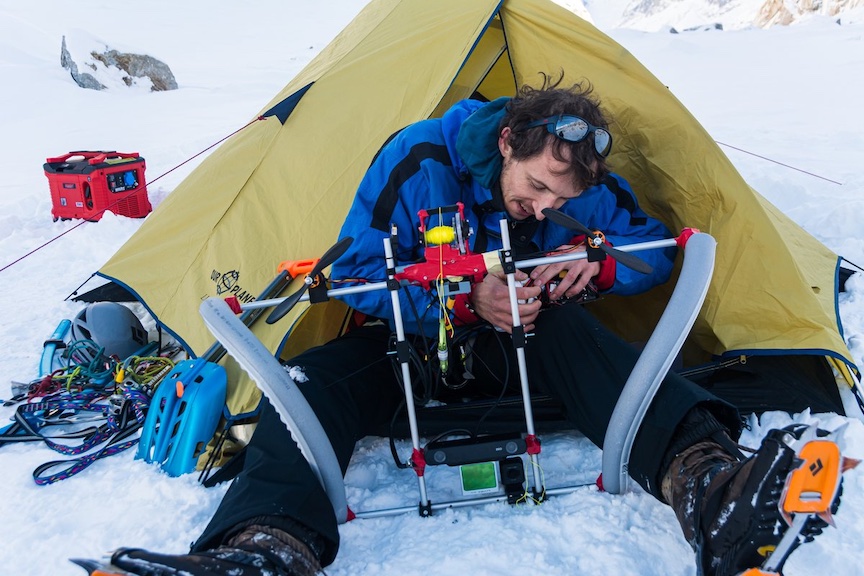
Robotics PhD student Max Polzin talks about debugging robots in -5°C
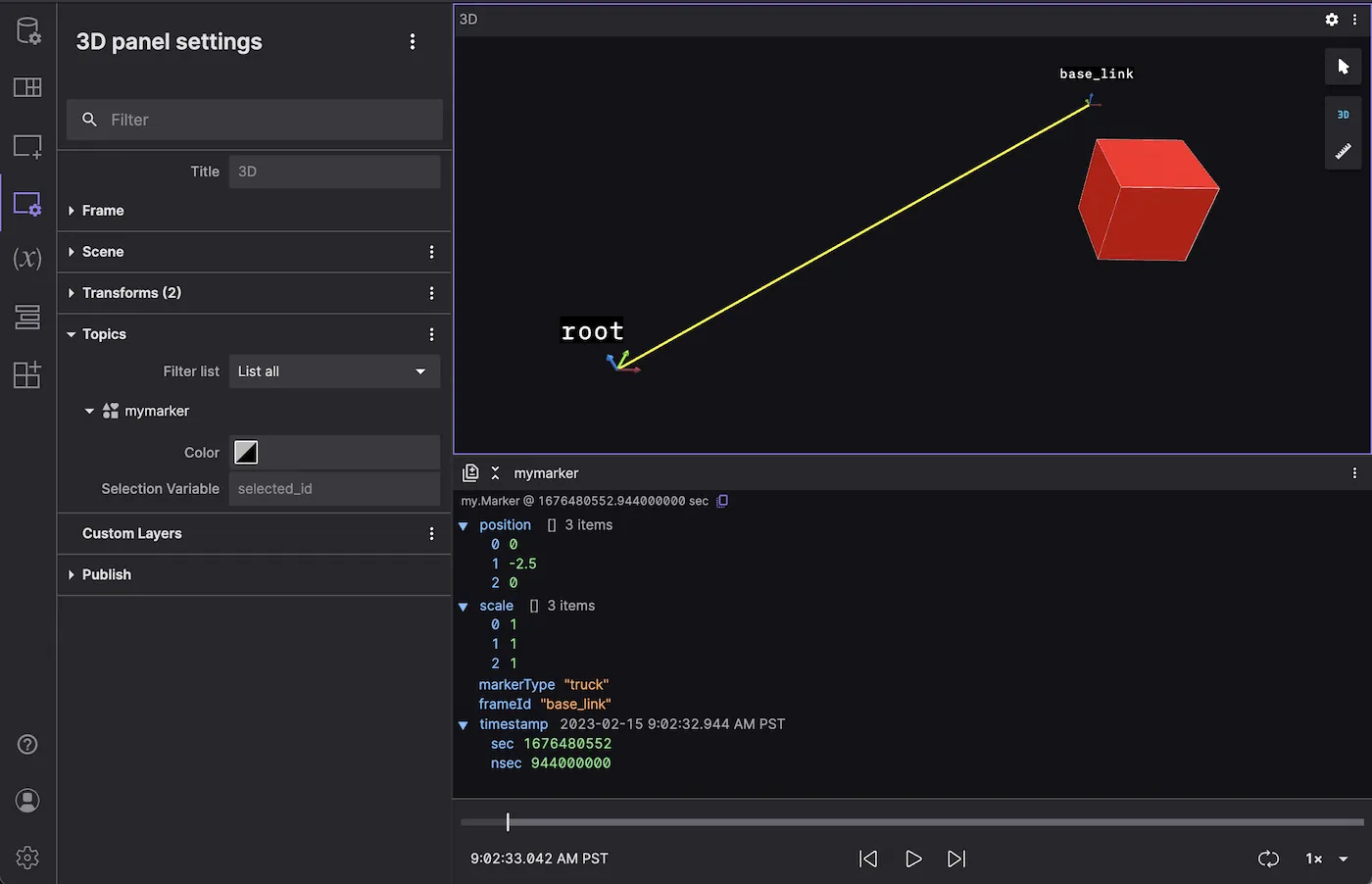
Write a message converter to visualize custom markers in the 3D panel
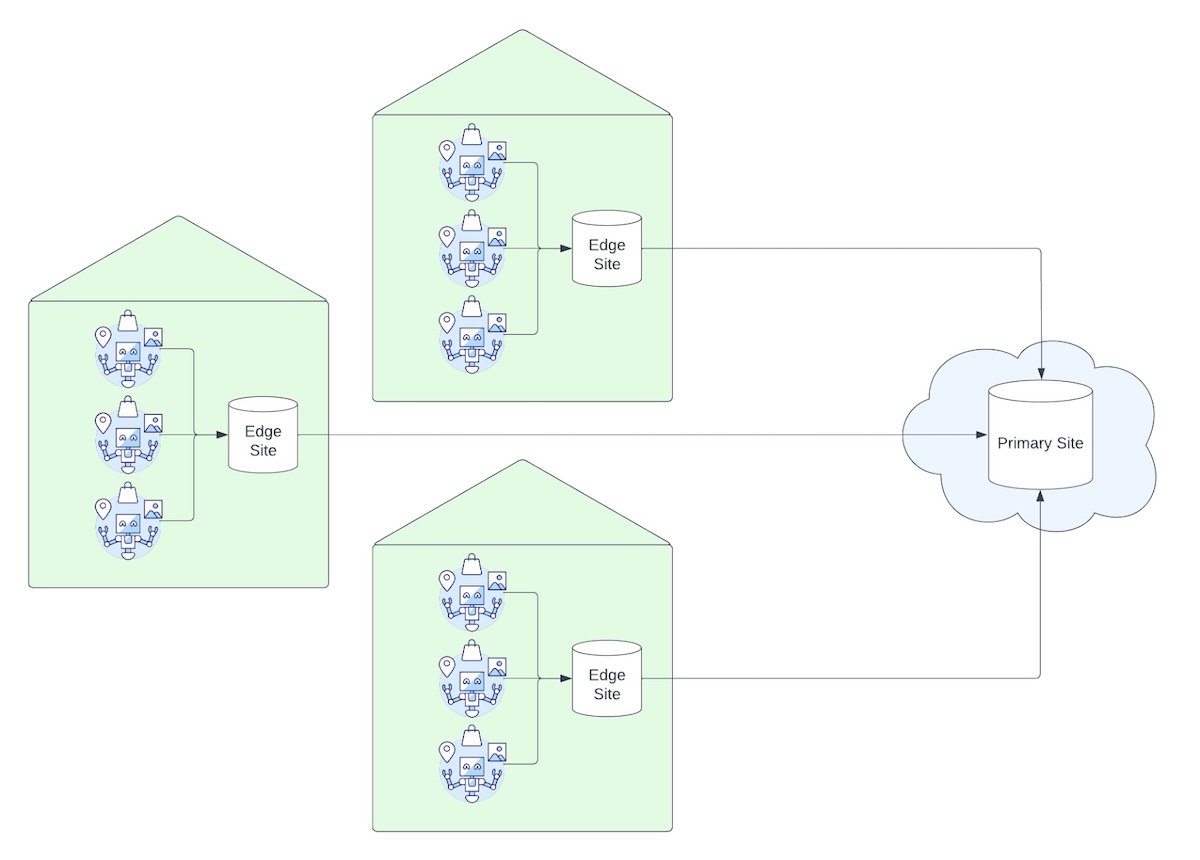
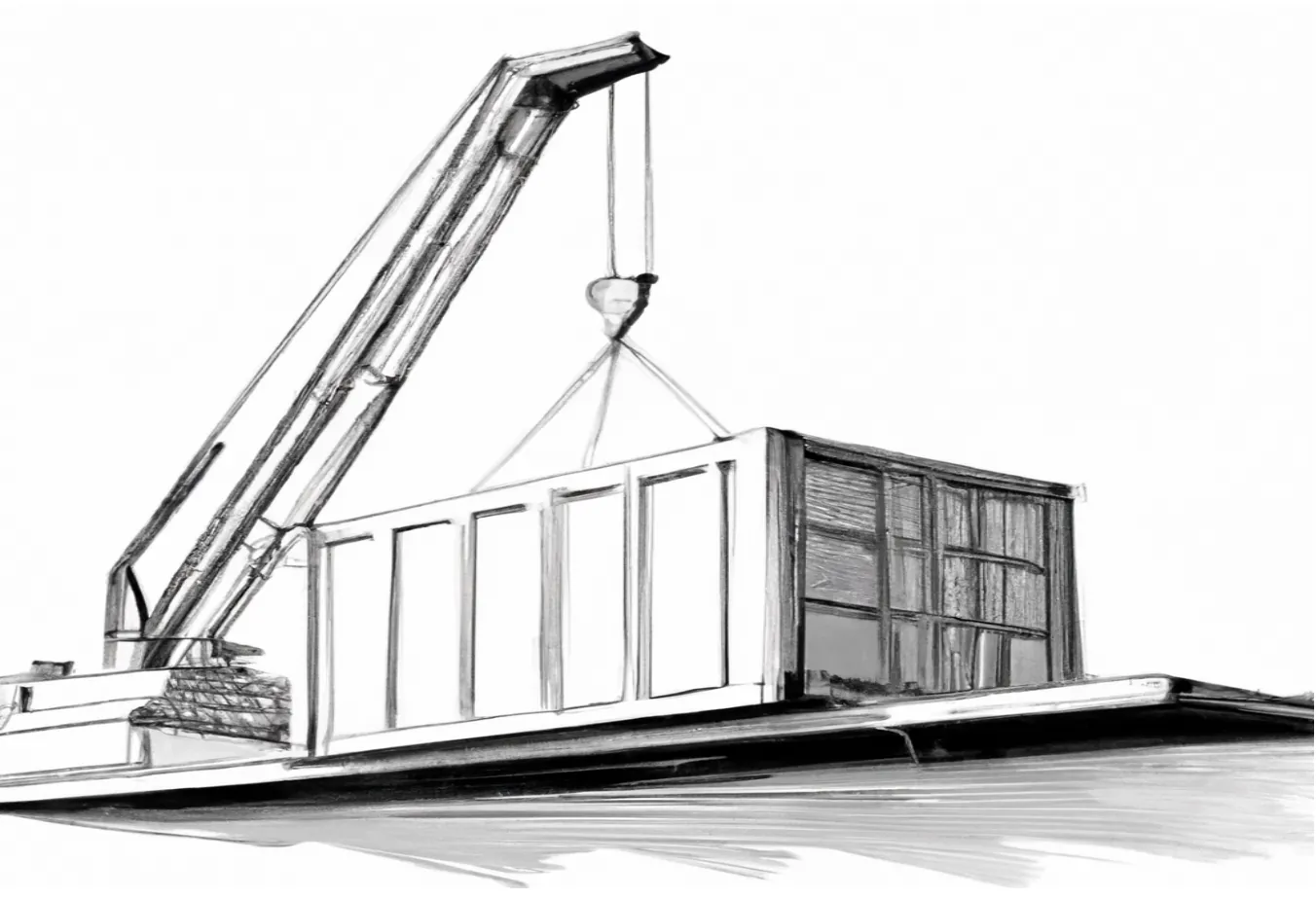
Use Foxglove to track and access your on-premises robotics data
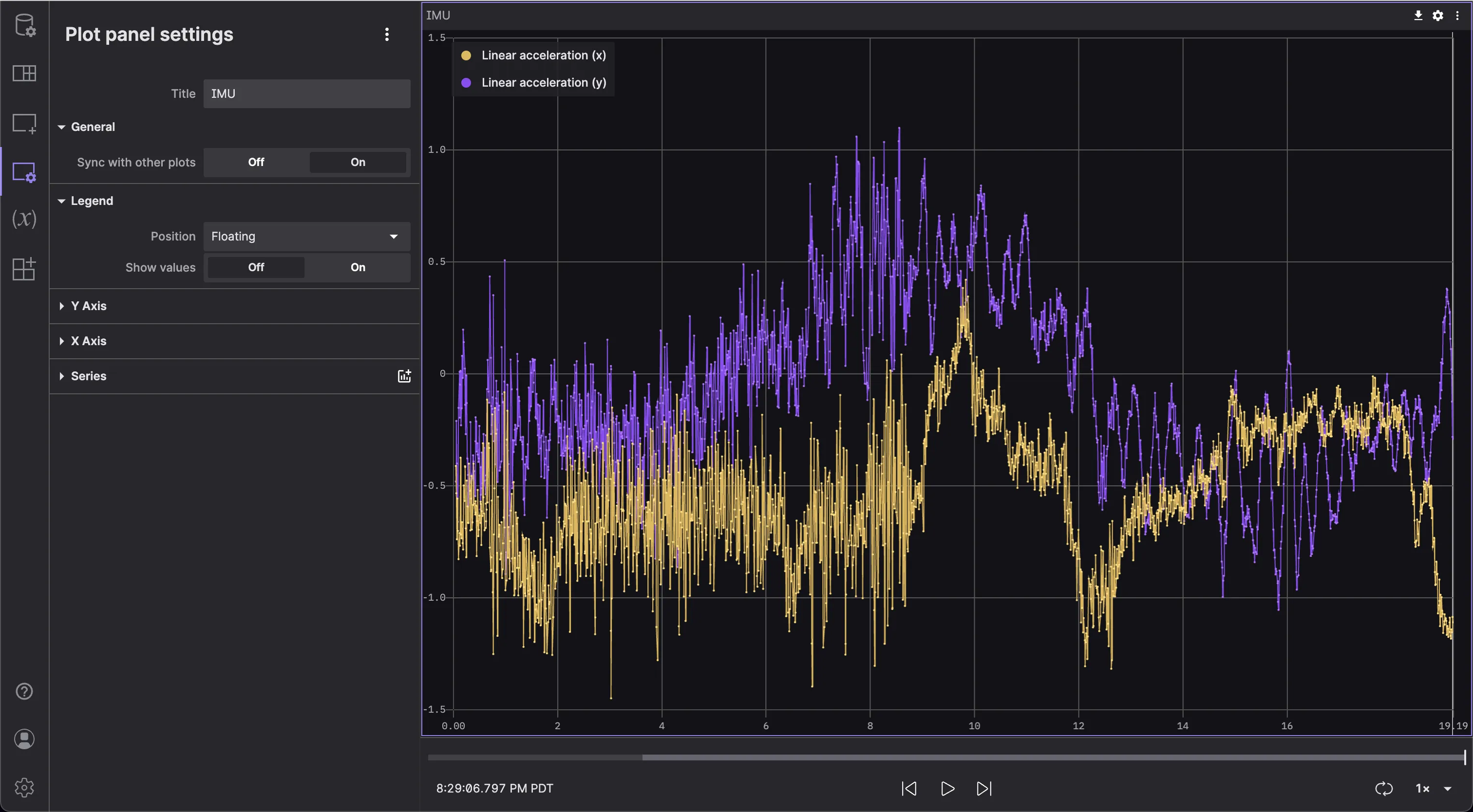
Create customizable plots to better understand your robotics data
Improving streaming performance for high-rate data and large messages
Bring your own cloud account to the Foxglove platform
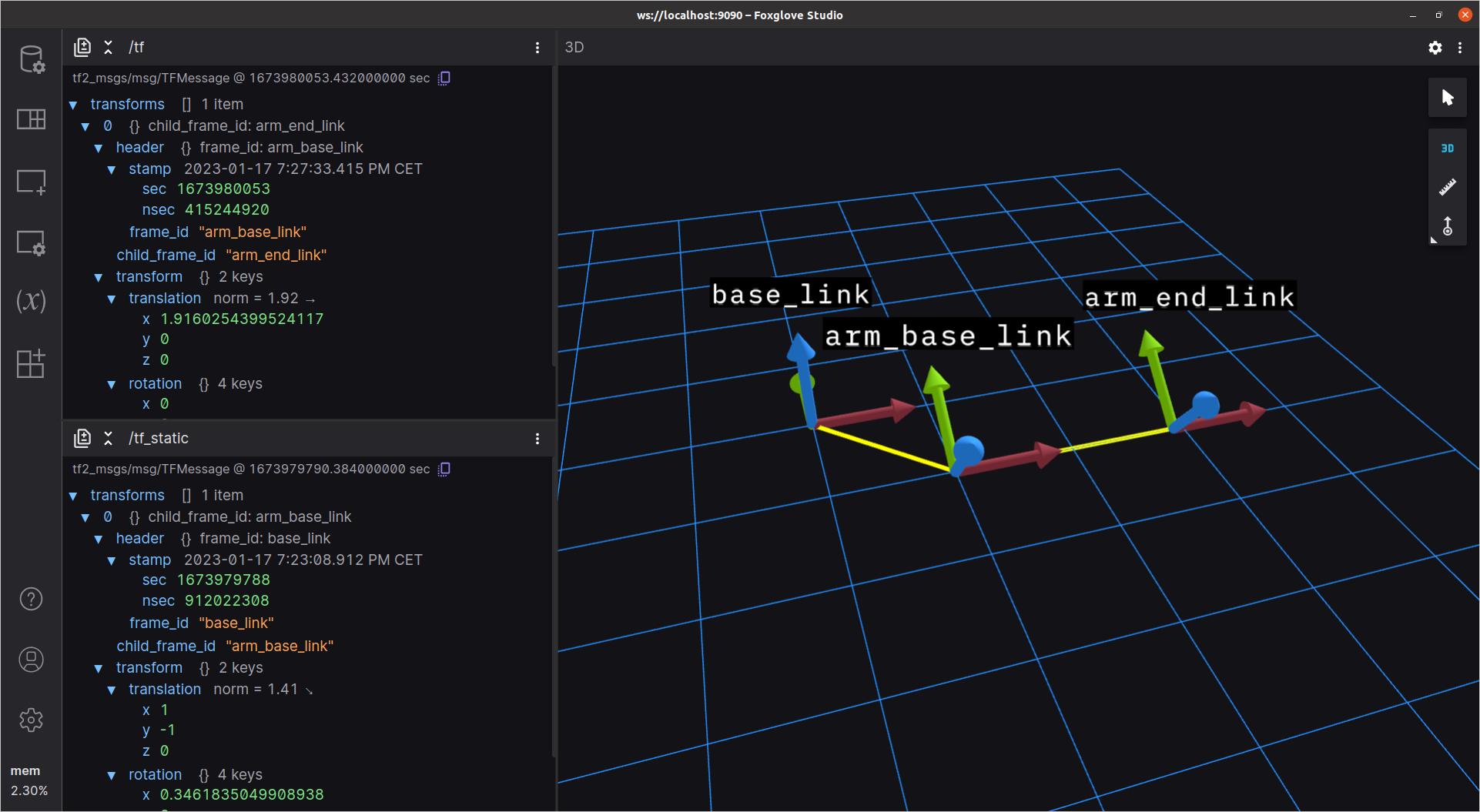
Use Foxglove to debug and edit your ROS 1 robot’s transforms.
Utilize Foxglove to debug and modify your ROS 2 robot’s transforms efficiently.
Investing in his audacious vision for a robot-powered world
No posts found.