
Blog
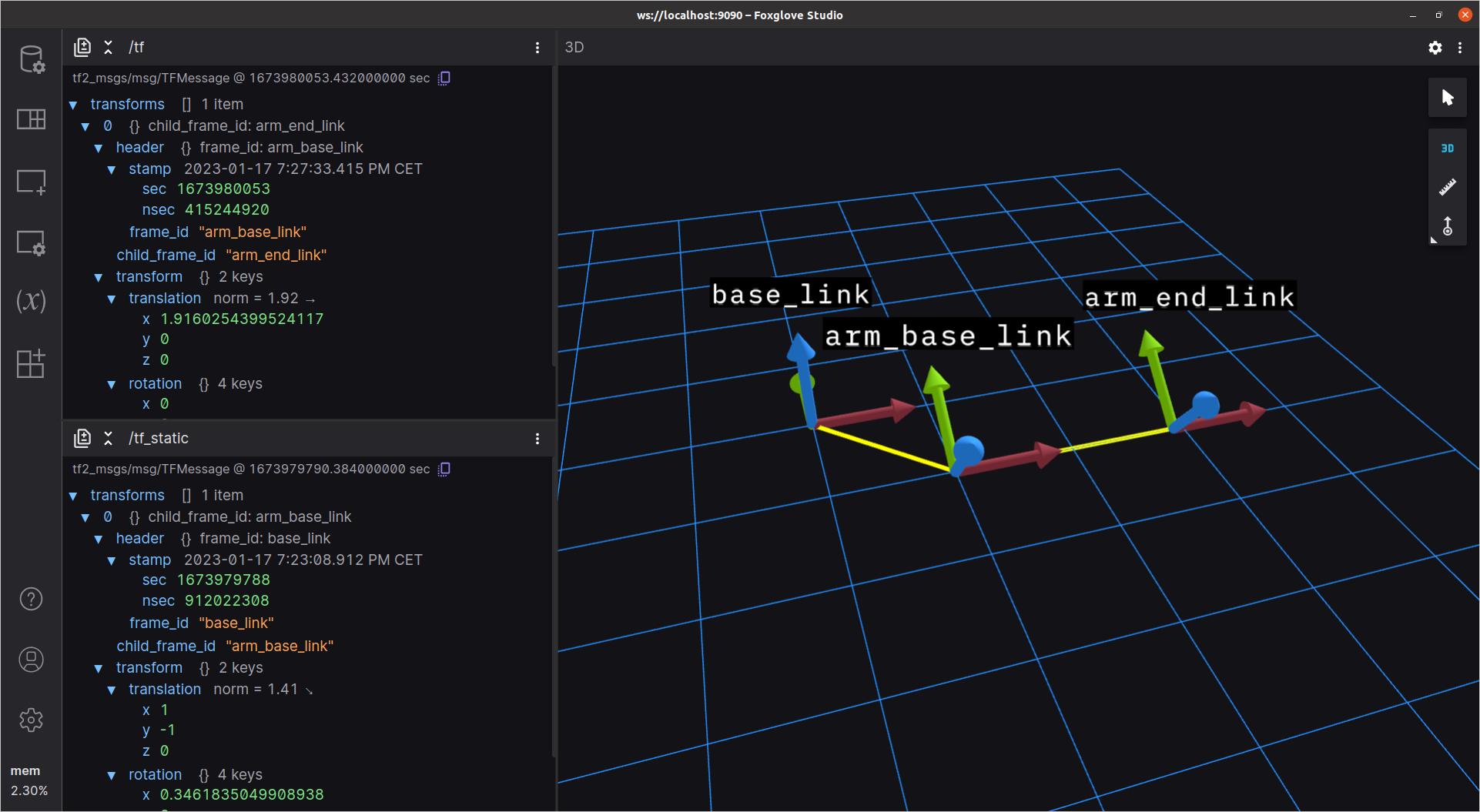
Publishing and Visualizing ROS 2 Transforms
Utilize Foxglove to debug and modify your ROS 2 robot’s transforms efficiently.

Spotlight: Seth Winterroth on the Joys and Challenges of Working with Robotics Startups
Investing in his audacious vision for a robot-powered world
MCAP as the ROS 2 Default Bag Format
Record ROS 2 data in more performant and configurable bag file format
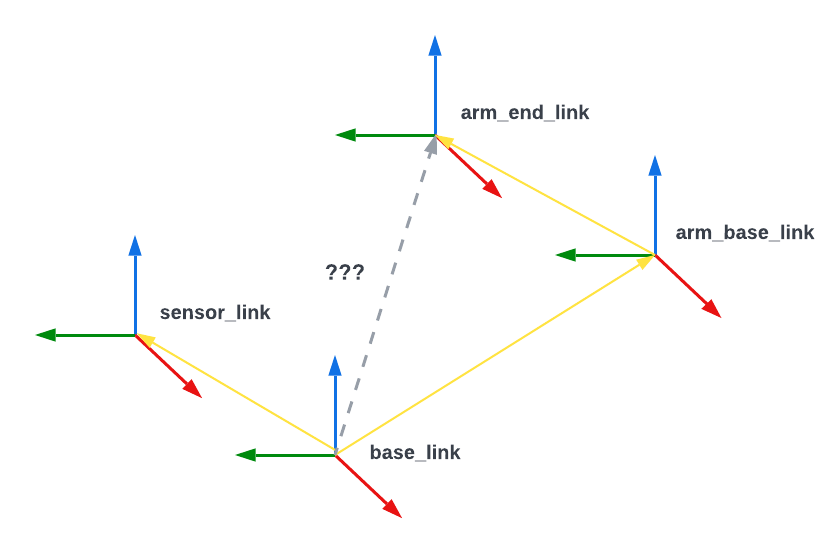
Understanding ROS Transforms
Defining how objects in a robot's world relate to each other

Announcing FlatBuffers Support in Foxglove
Analyze your FlatBuffers data with Foxglove
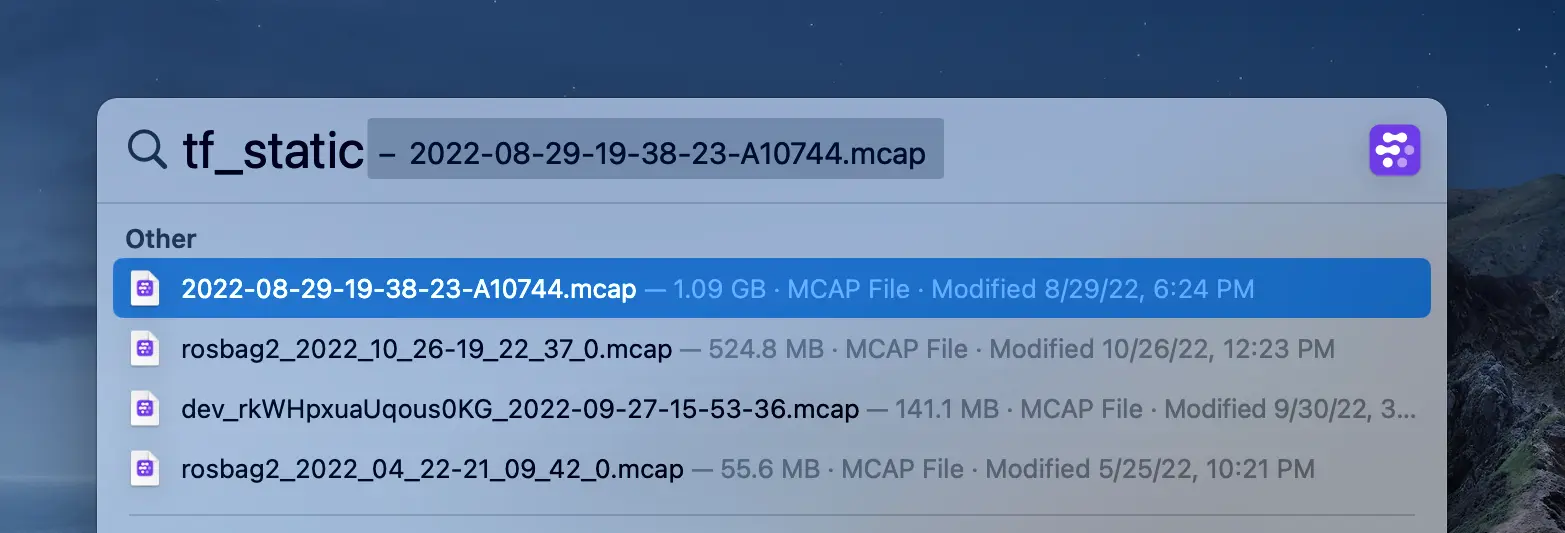
Implementing a macOS Search Plug-In for Robotics Data
How we built a Spotlight Importer for MCAP files using Swift
Announcing: Message Converter Extensions in Foxglove.
Use message converters to visualize your custom messages
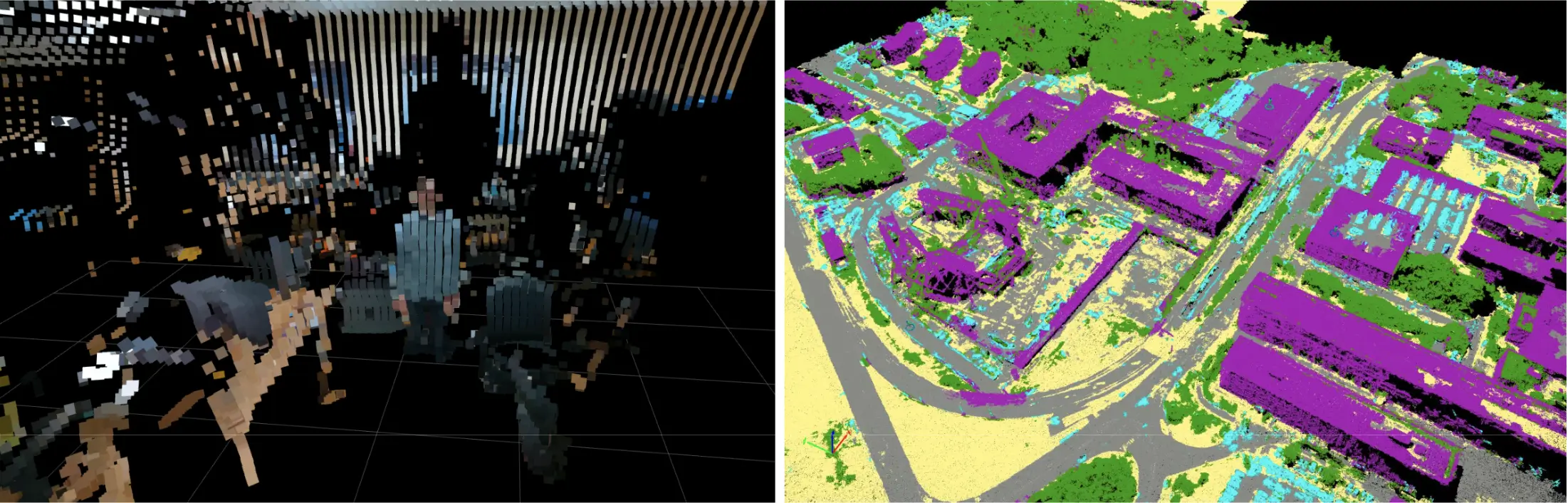
Visualizing Point Clouds with Custom Colors
Use Foxglove's new color modes to customize your point clouds
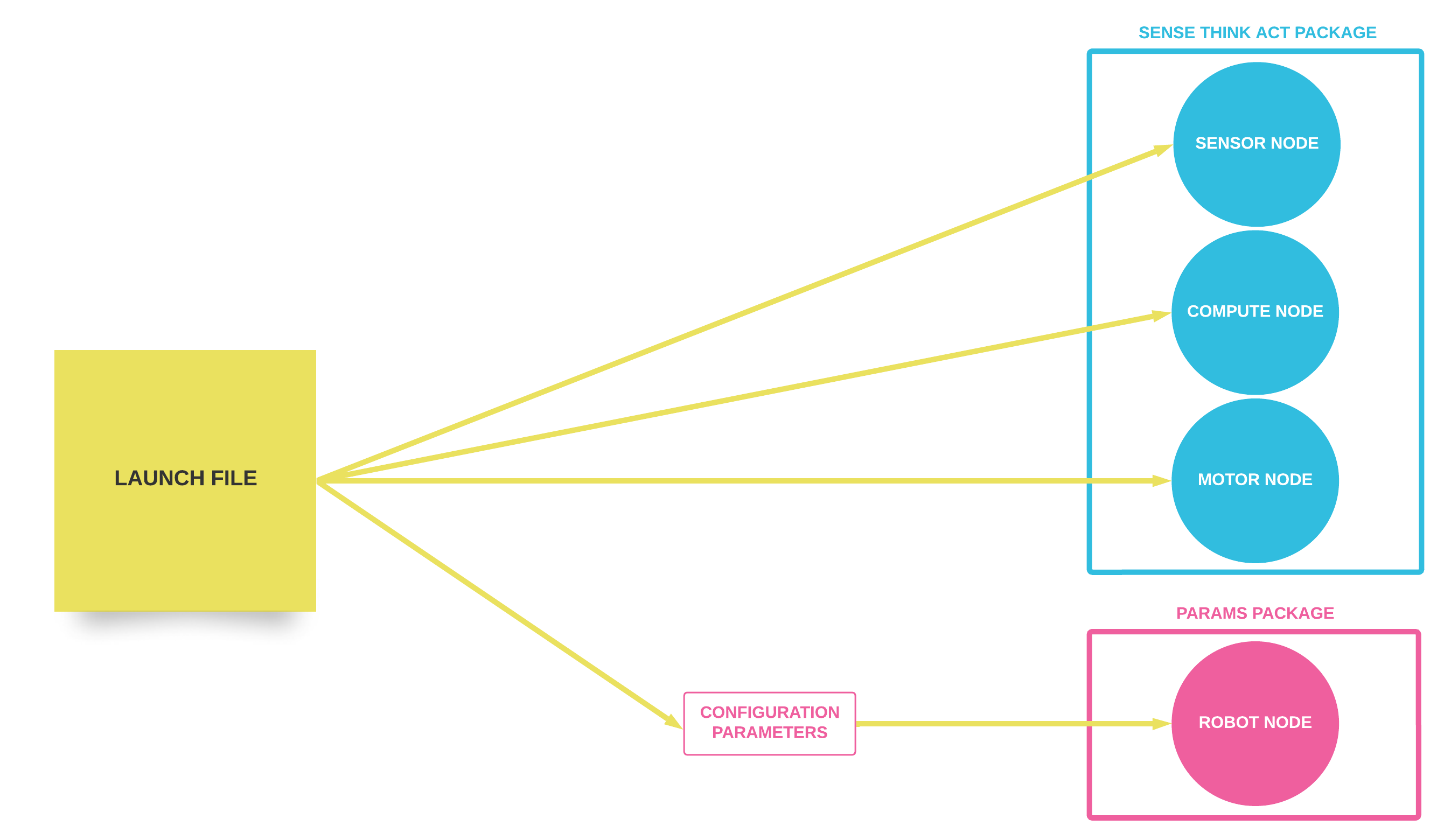
How to Use ROS 1 Launch Files
Executing and configuring multiple ROS 1 nodes at once

Spotlight: How FST Lisboa Used the Foxglove Platform to Build an Award-Winning Autonomous Racecar
Leveraging Foxglove to achieve podium places at Formula Student 2022

Announcing: Foxglove Events.
Annotate your robotics data with metadata-rich Events with Foxglove
Improving How Foxglove Loads Data
Optimizing message loading and lookup for accurate data analysis

Foxglove Receives SOC 2 Certification
Announcing our newest security practices and data protection measures
Announcing the MCAP Storage Plugin for ROS 2
Record and visualize your MCAP data with ROS 2 tooling

Foxglove’s $15M Series A and the Missing Data Stack for Robotics
Accelerating the robotics revolution
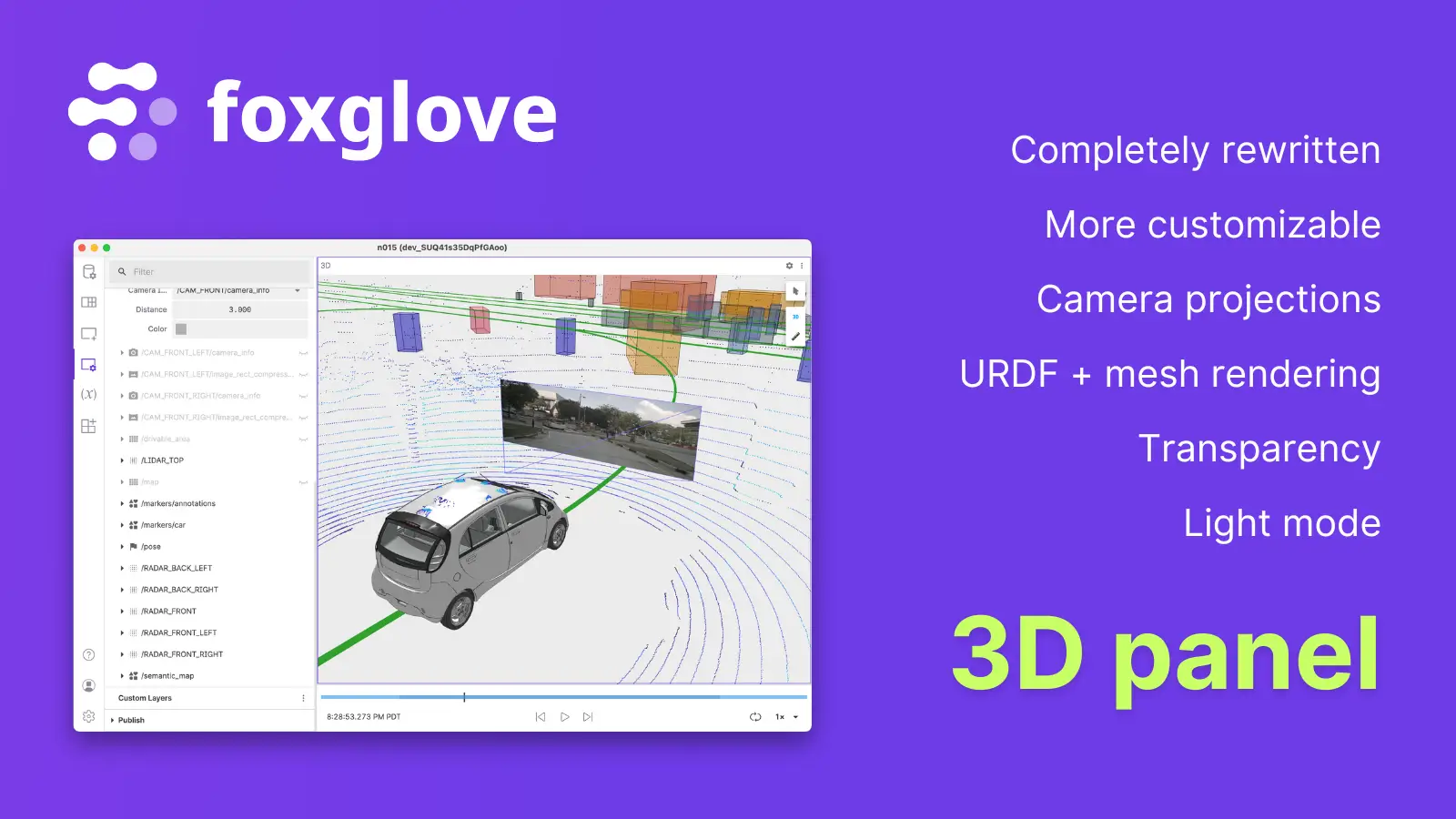
Announcing Foxglove's New 3D Panel
Visualize more types of 3D data with an easier-to-use interface
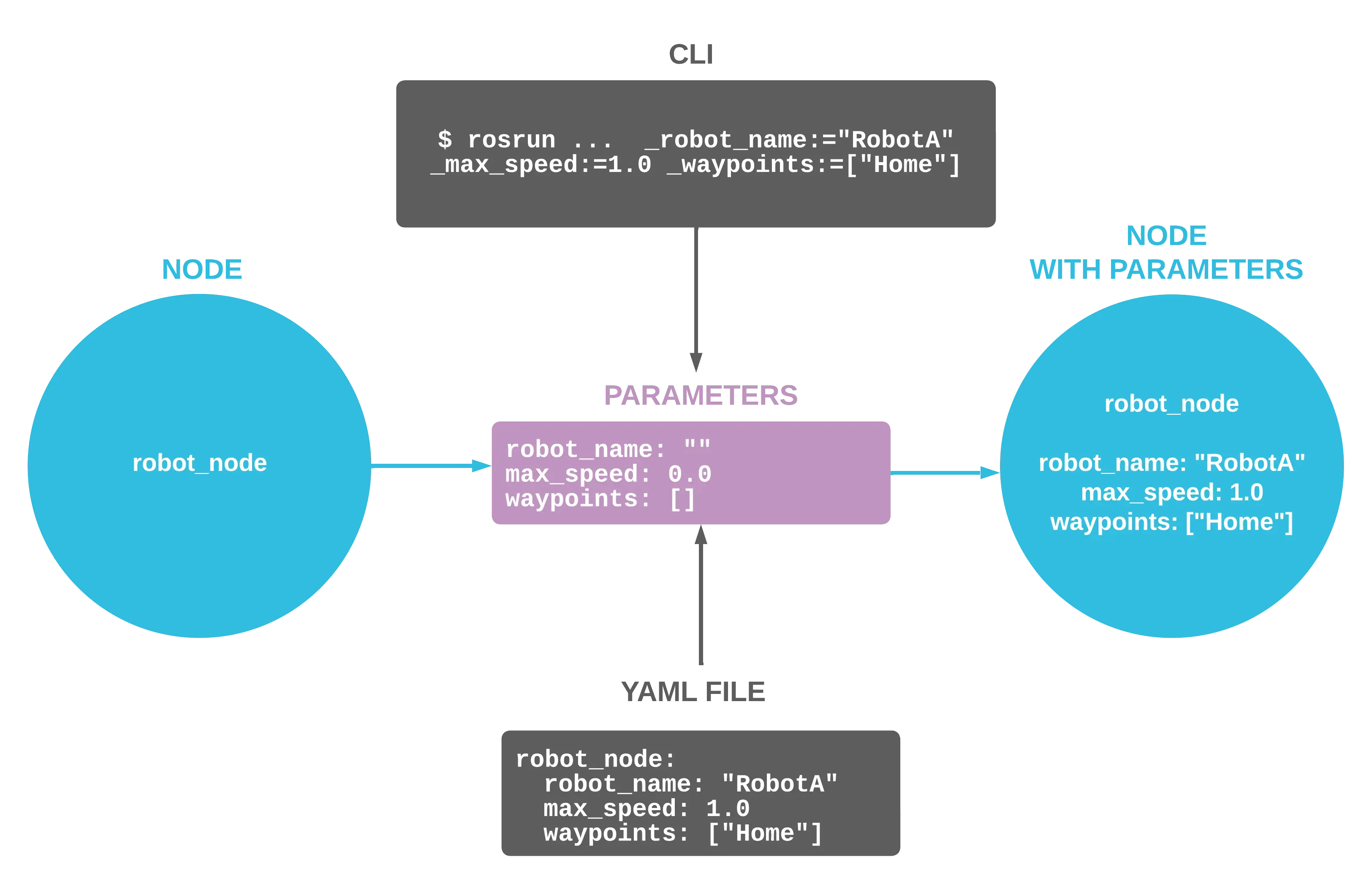
How to Use ROS 1 Parameters
Configure your ROS nodes at startup to customize their behavior
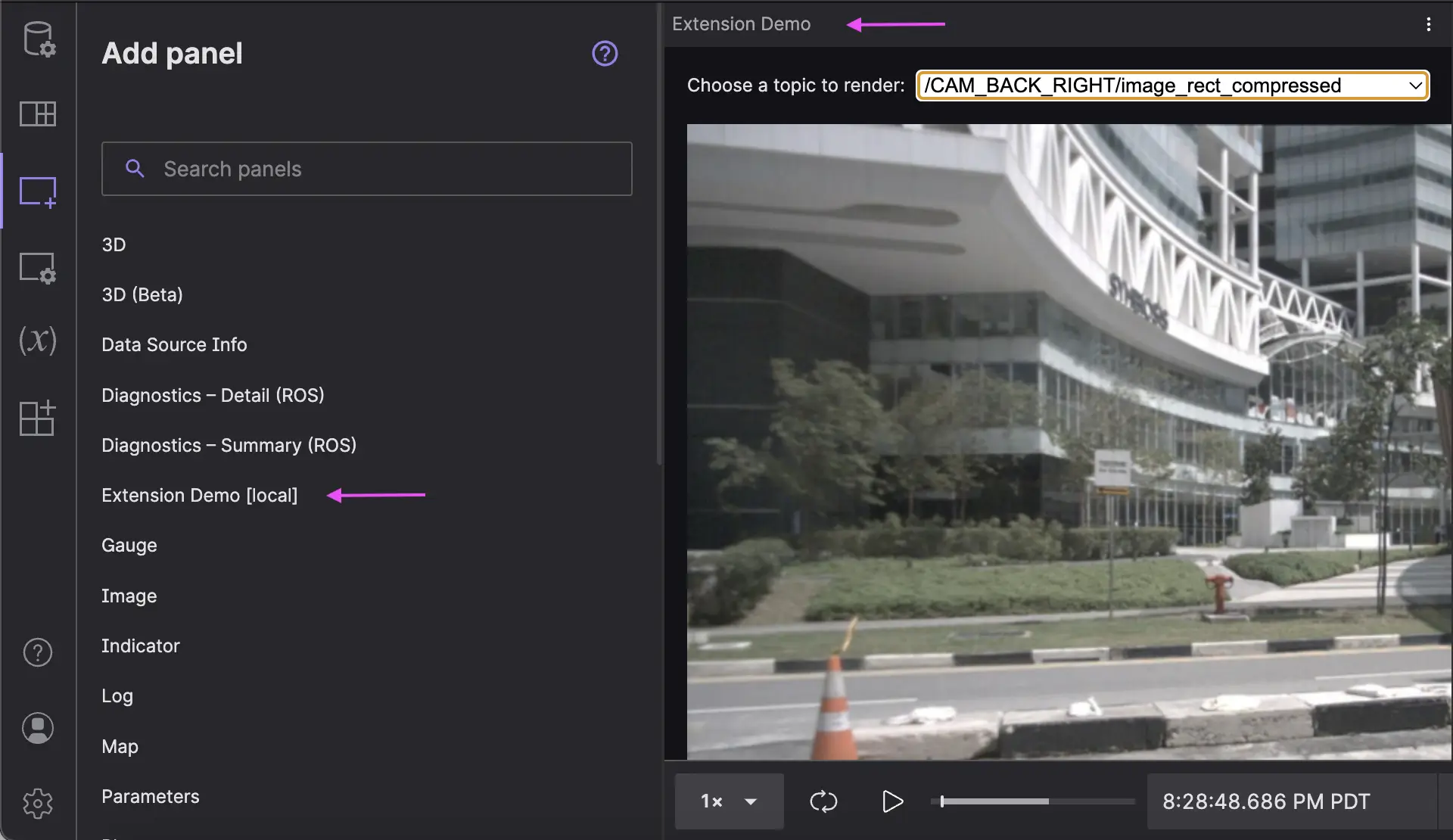
Building a Custom React Panel with Foxglove Extensions
Create project-specific visualization tools for your robotics team