Industries
Using the Foxglove SDK to generate MCAP.
Visualizing LeRobot (SO-100) using Foxglove
Converting the LAFAN1 Retargeting dataset to MCAP.
Converting the Argoverse 2 dataset to MCAP.
Optimizing ROS 2 communication: reducing latency with composableNodes.
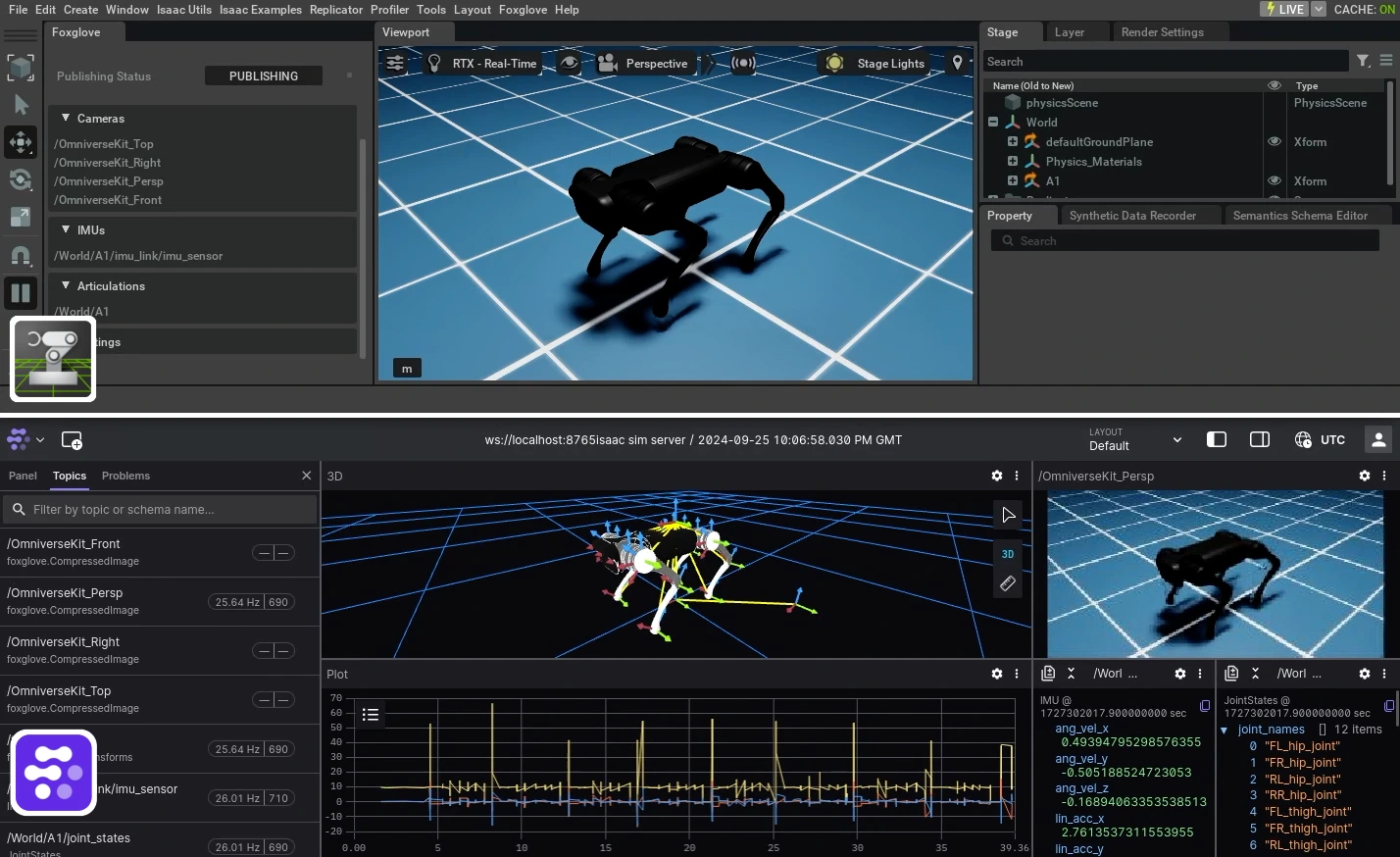
The Foxglove Isaac Sim extension enables real-time visualization of robotics simulation data directly in Foxglove.
MCAP is an open source container file format for multimodal log data.
Visualized using Foxglove.
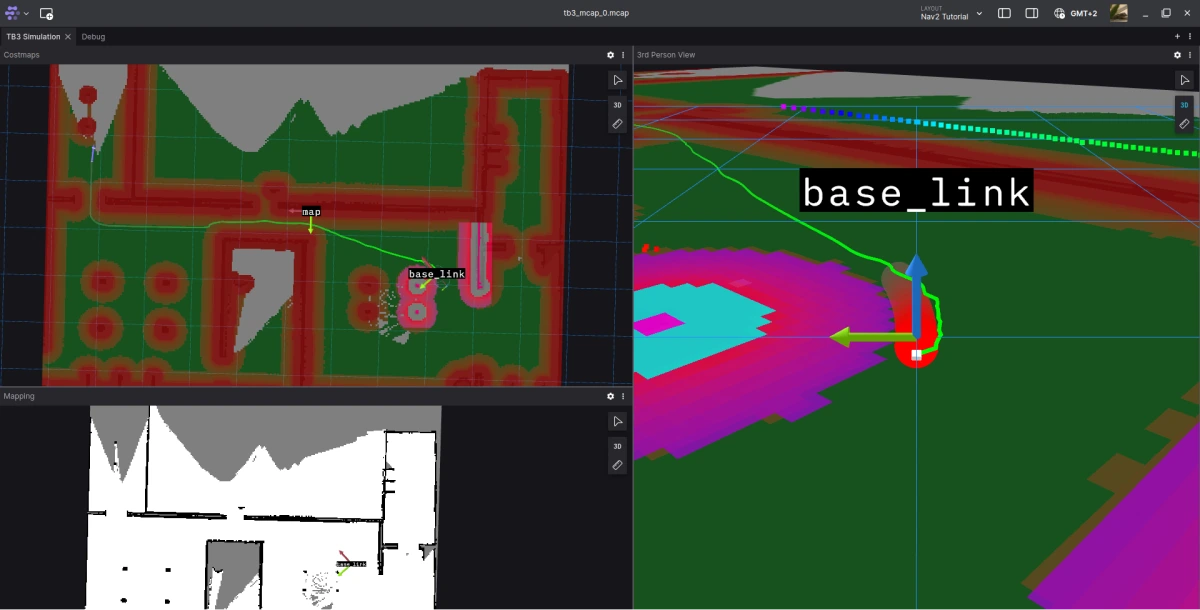
Your first steps with Nav2.
Visualizing NVIDIA Isaac Sim data using Foxglove’s custom extension.
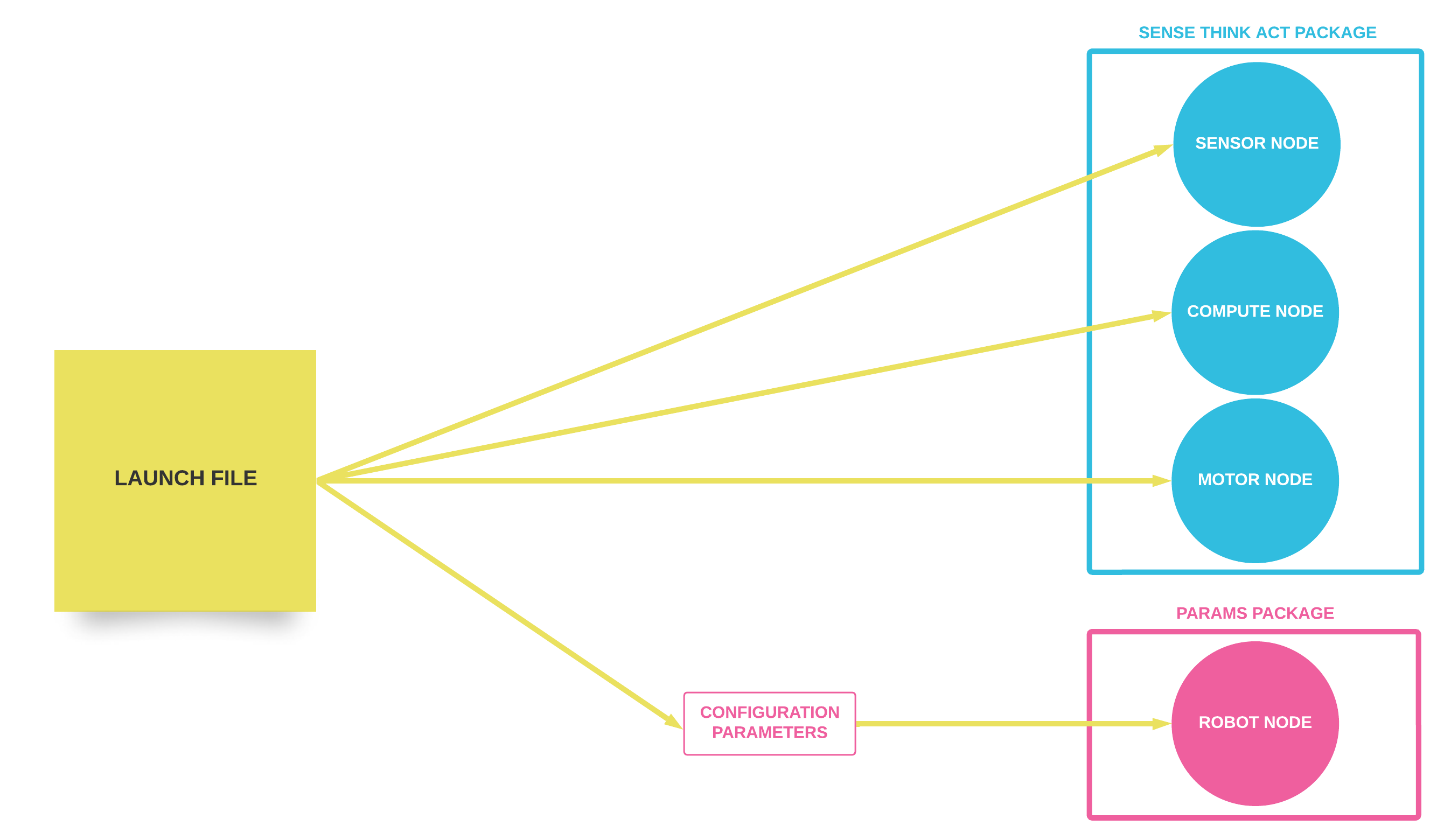
Executing and configuring multiple ROS 2 nodes at once
A step-by-step guide to using Rust with ROS 2
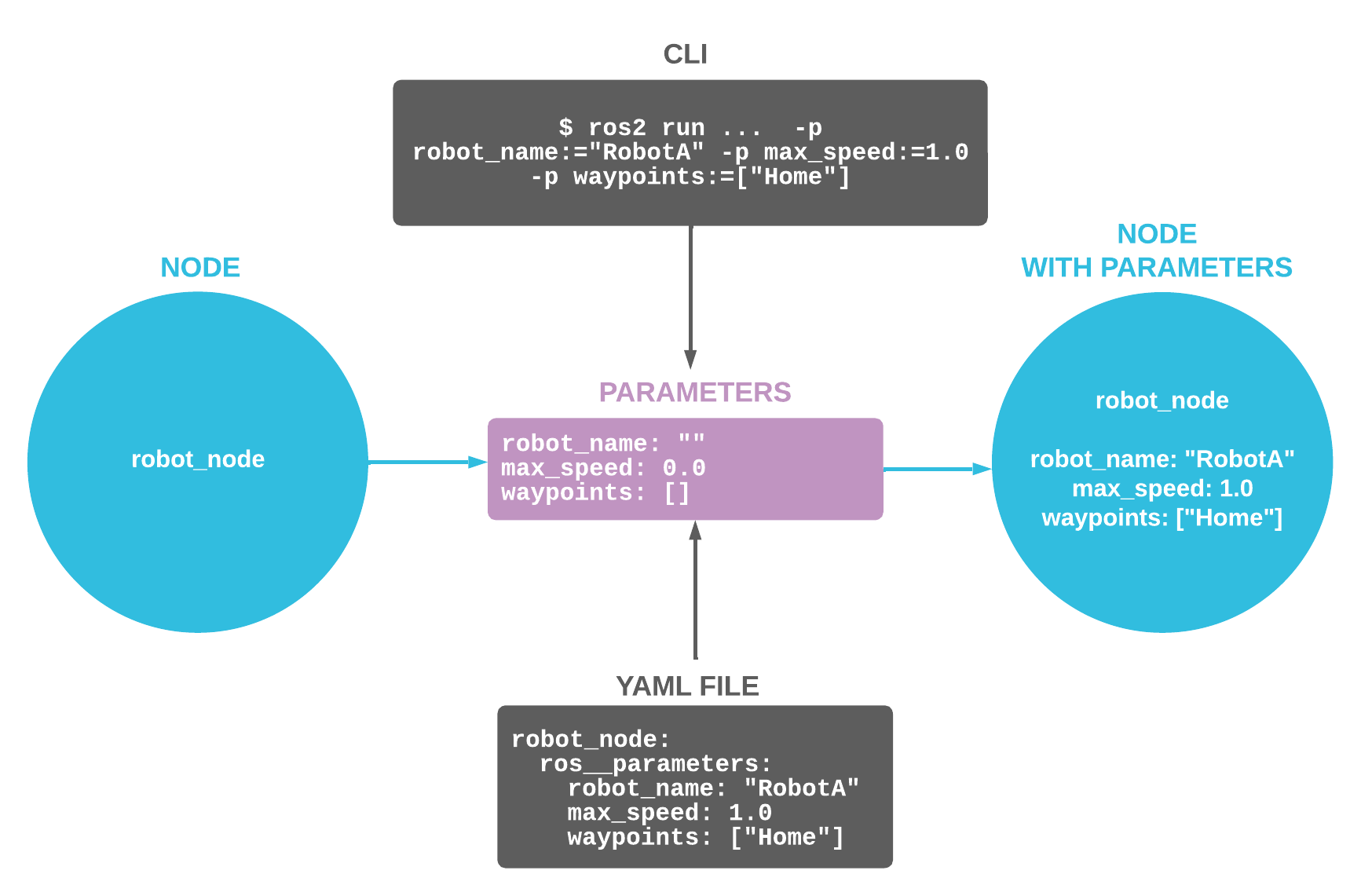
Set up your ROS 2 nodes at startup to tailor their behavior to your specific needs.
Utilize Docker containers to quickly set up and begin ROS 2 development.
Use Docker containers to get started with ROS 1 development.
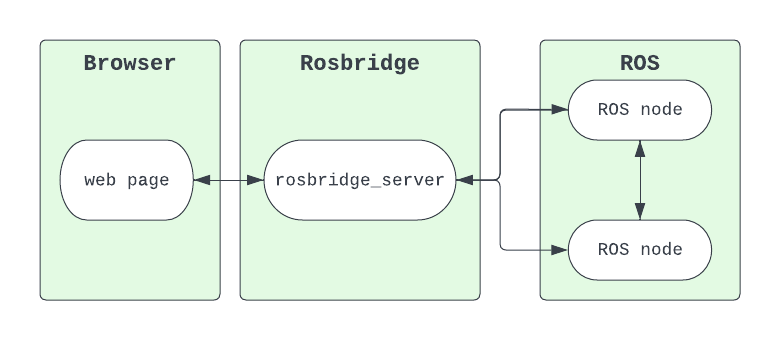
Talk to your ROS 2 robot from the web using WebSockets.
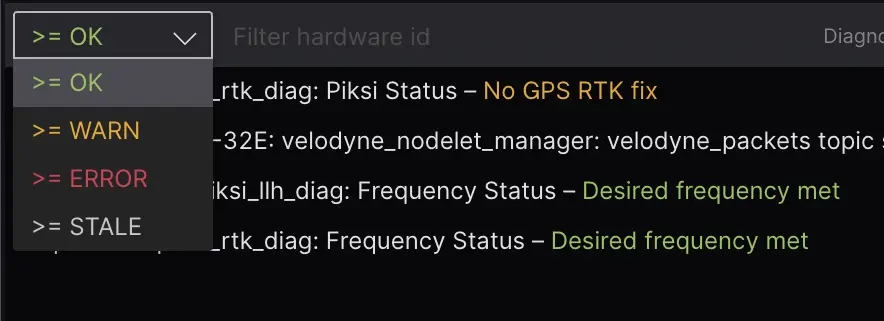
Using ROS diagnostics in robotics operations to help scale your fleet.
React to changes in your data in real time
No posts found.