Industries
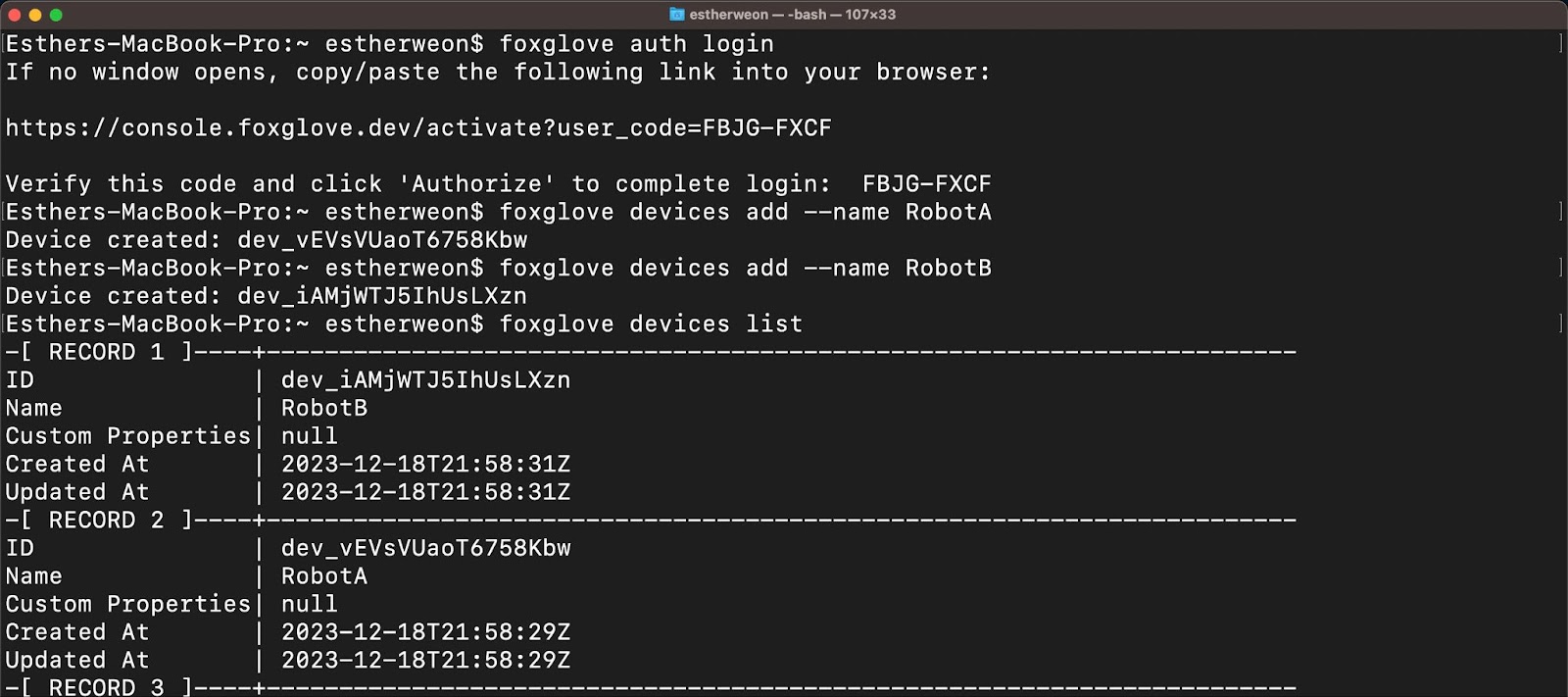
Simplify robotics development by managing data from the command line
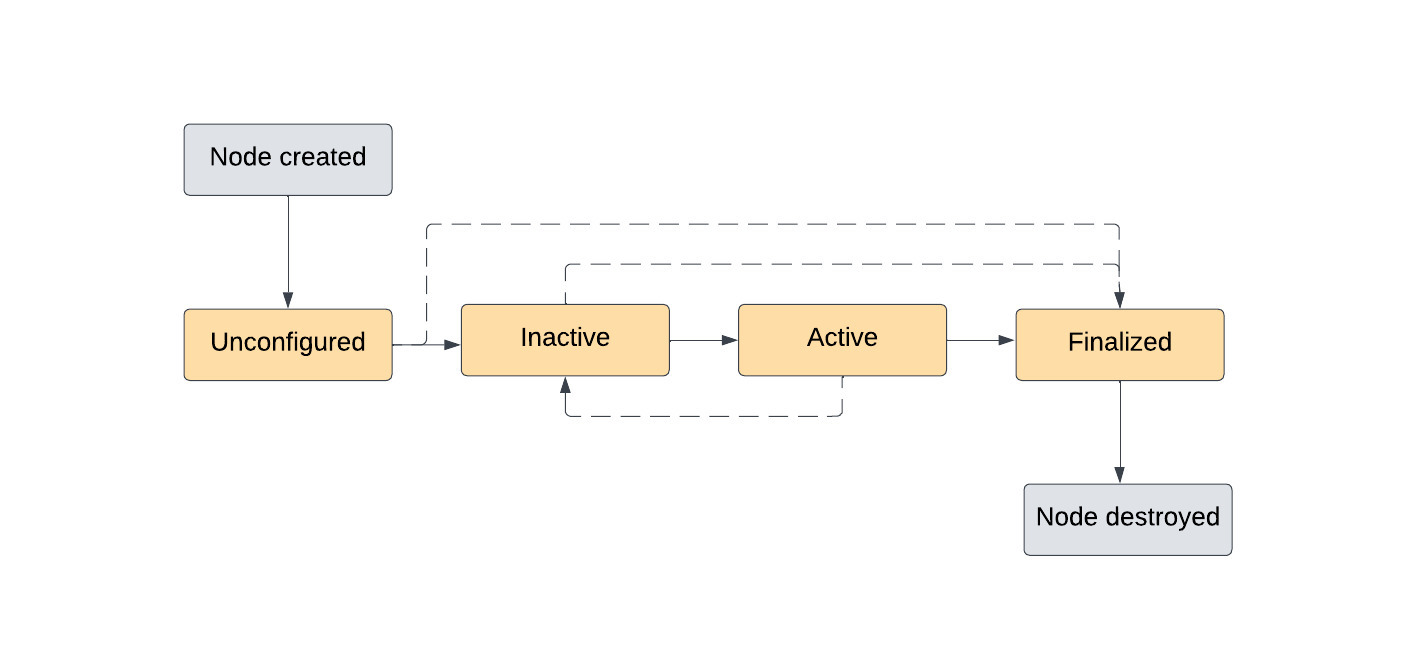
Better manage the behavior of your ROS 2 system with lifecycle nodes
Downloading Debian packages to set up the latest ROS 2 release on your Linux machine
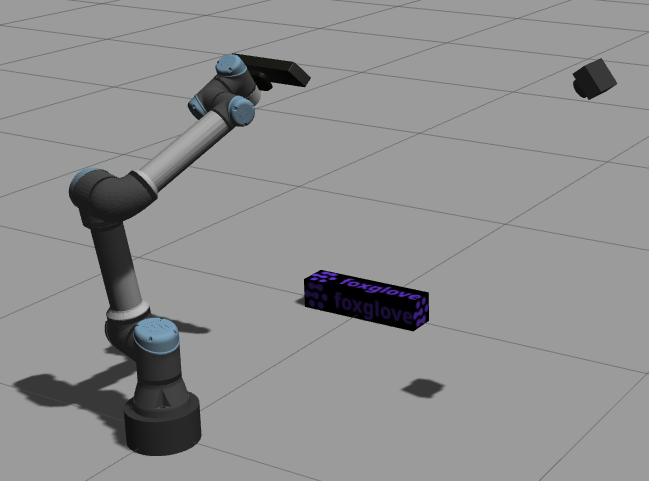
Visualize simulated sensor data with Foxglove
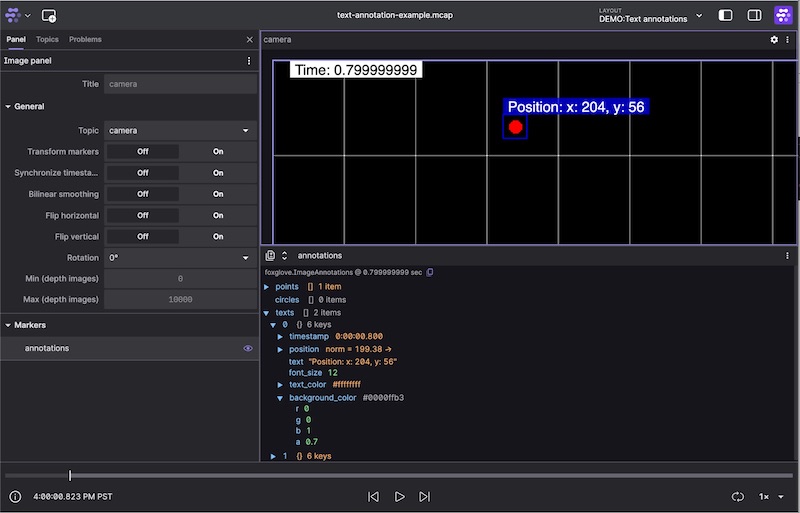
Annotate your robots’ images with metadata for easier debugging
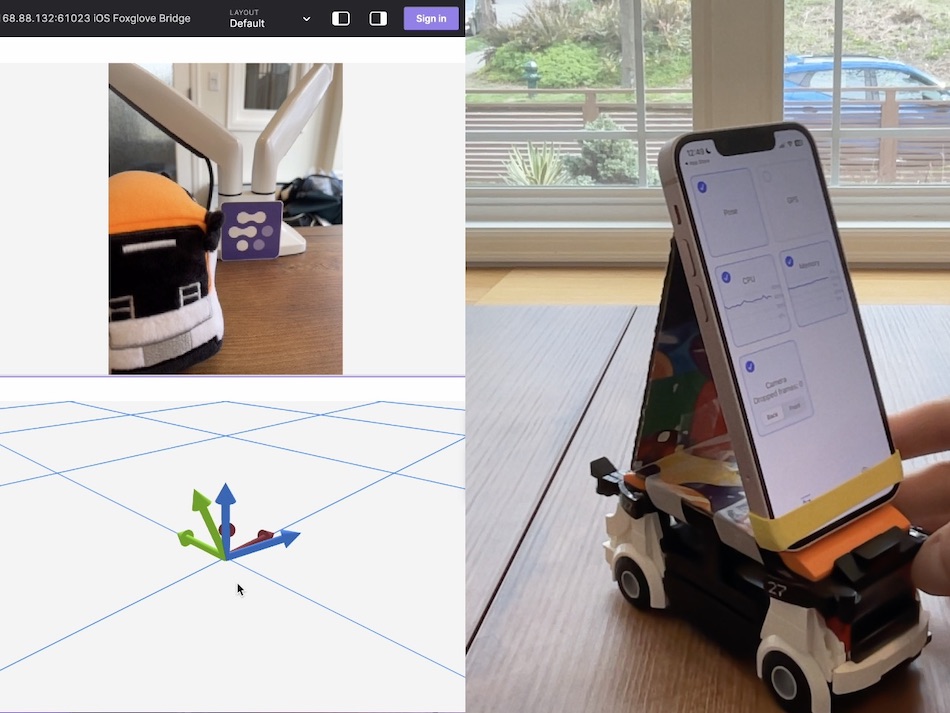
Visualize live data from your iOS device’s cameras and sensors.
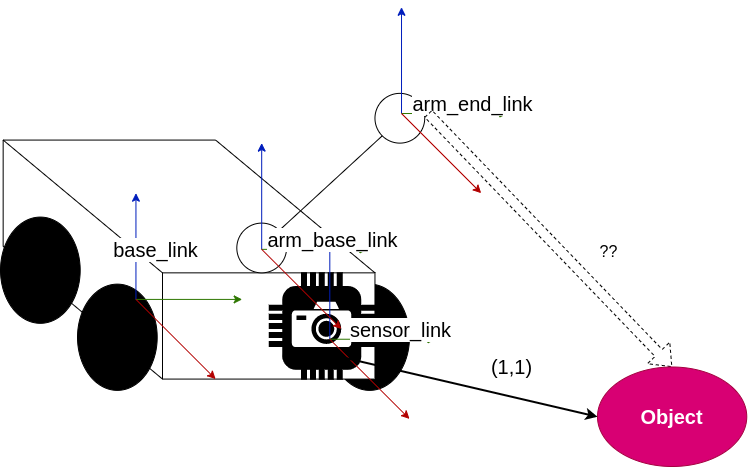
Use the ROS 1 tf2 library to calculate the relative positions of detected objects
Utilize the ROS 2 tf2 library to compute the relative positions of detected objects.
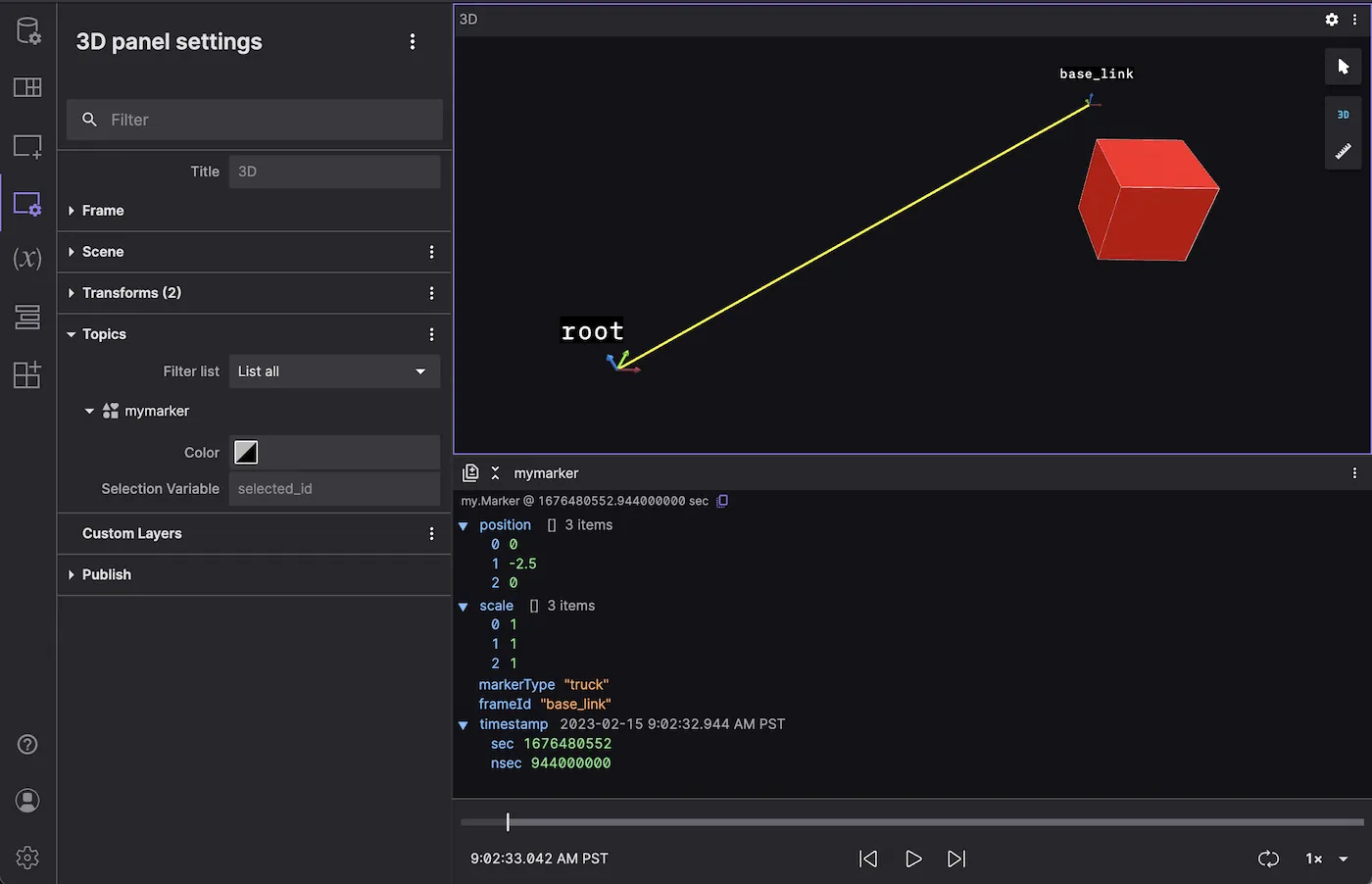
Write a message converter to visualize custom markers in the 3D panel
Use Foxglove to debug and edit your ROS 1 robot’s transforms.
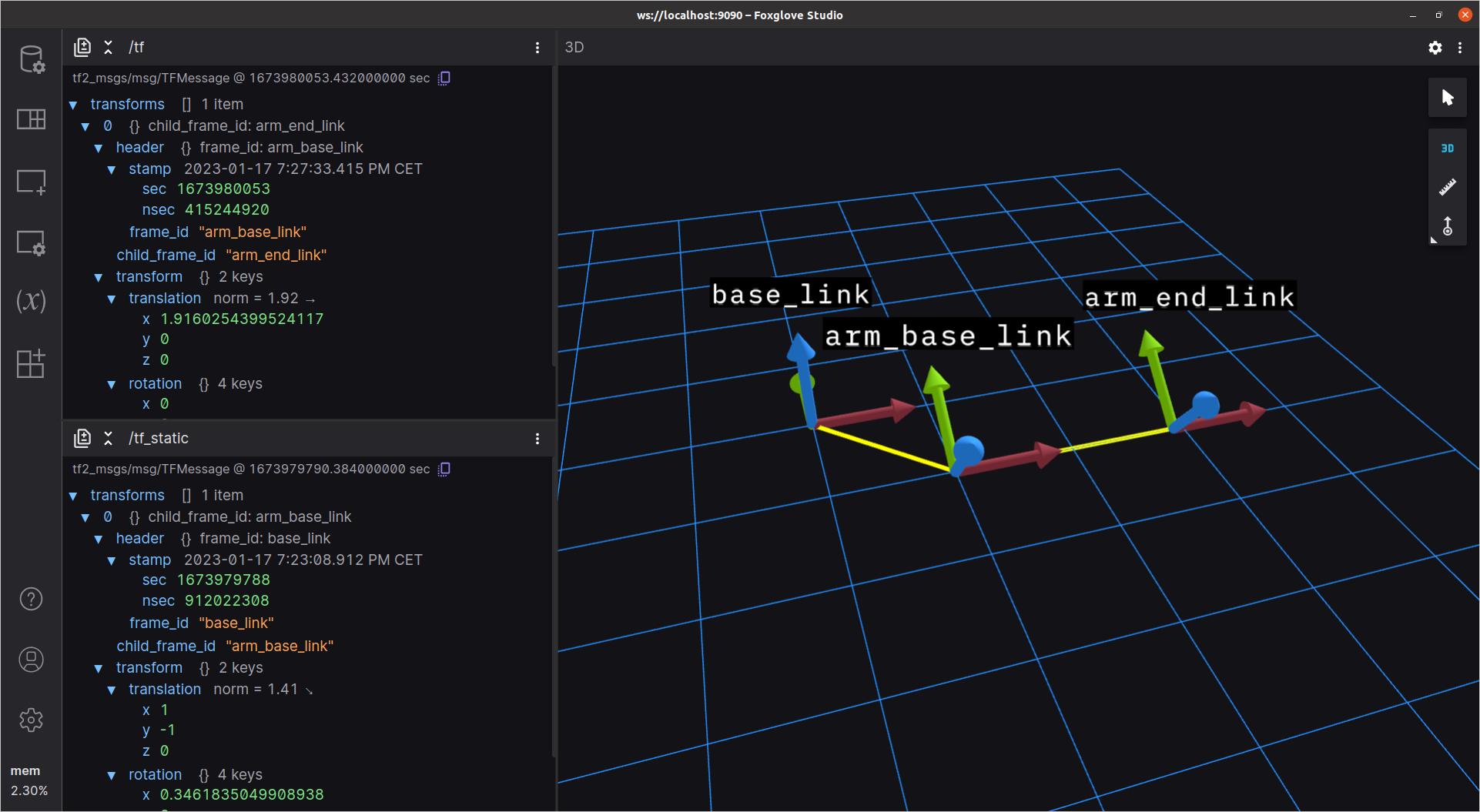
Utilize Foxglove to debug and modify your ROS 2 robot’s transforms efficiently.
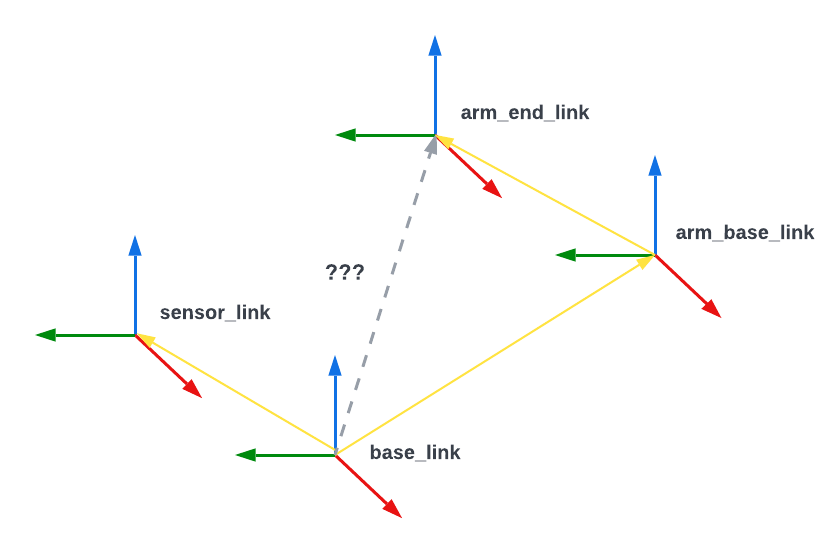
Defining how objects in a robot's world relate to each other
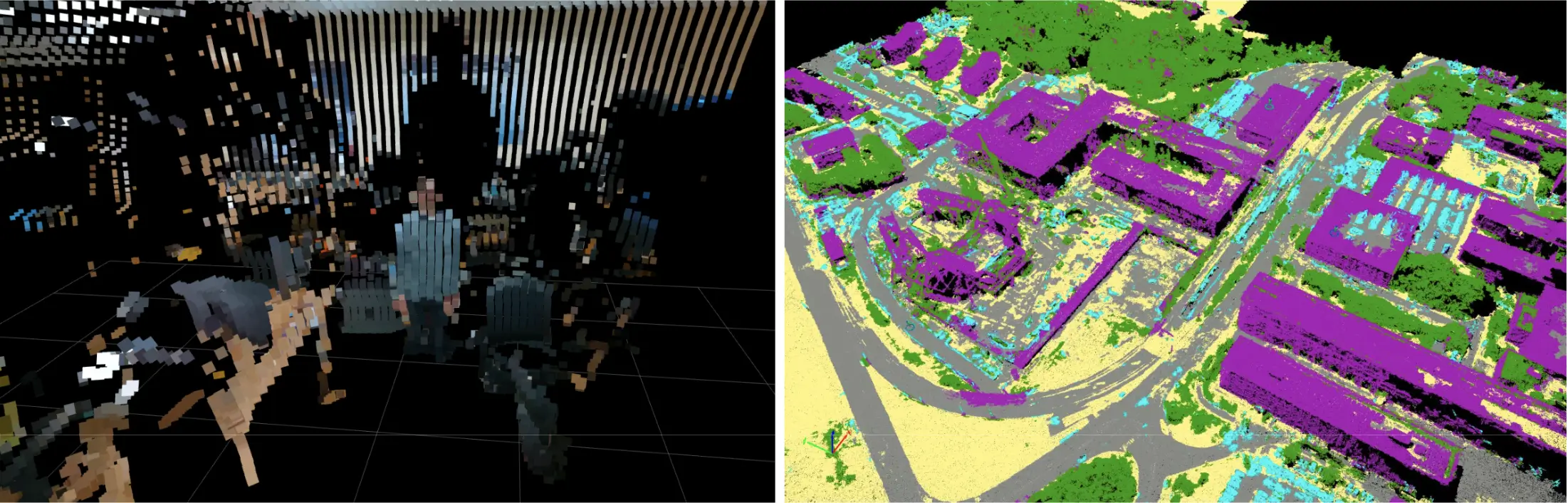
Use Foxglove's new color modes to customize your point clouds
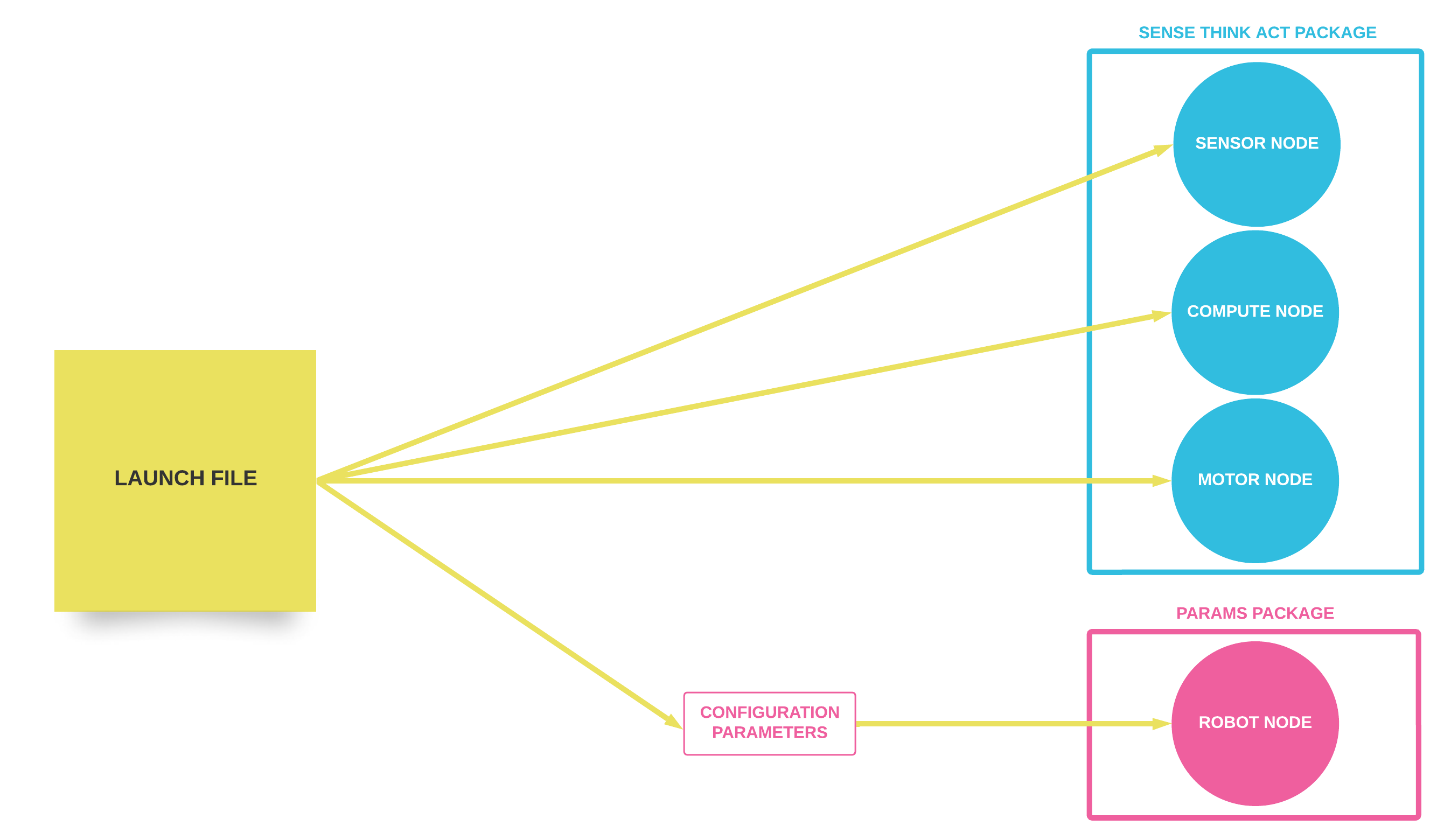
Executing and configuring multiple ROS 1 nodes at once
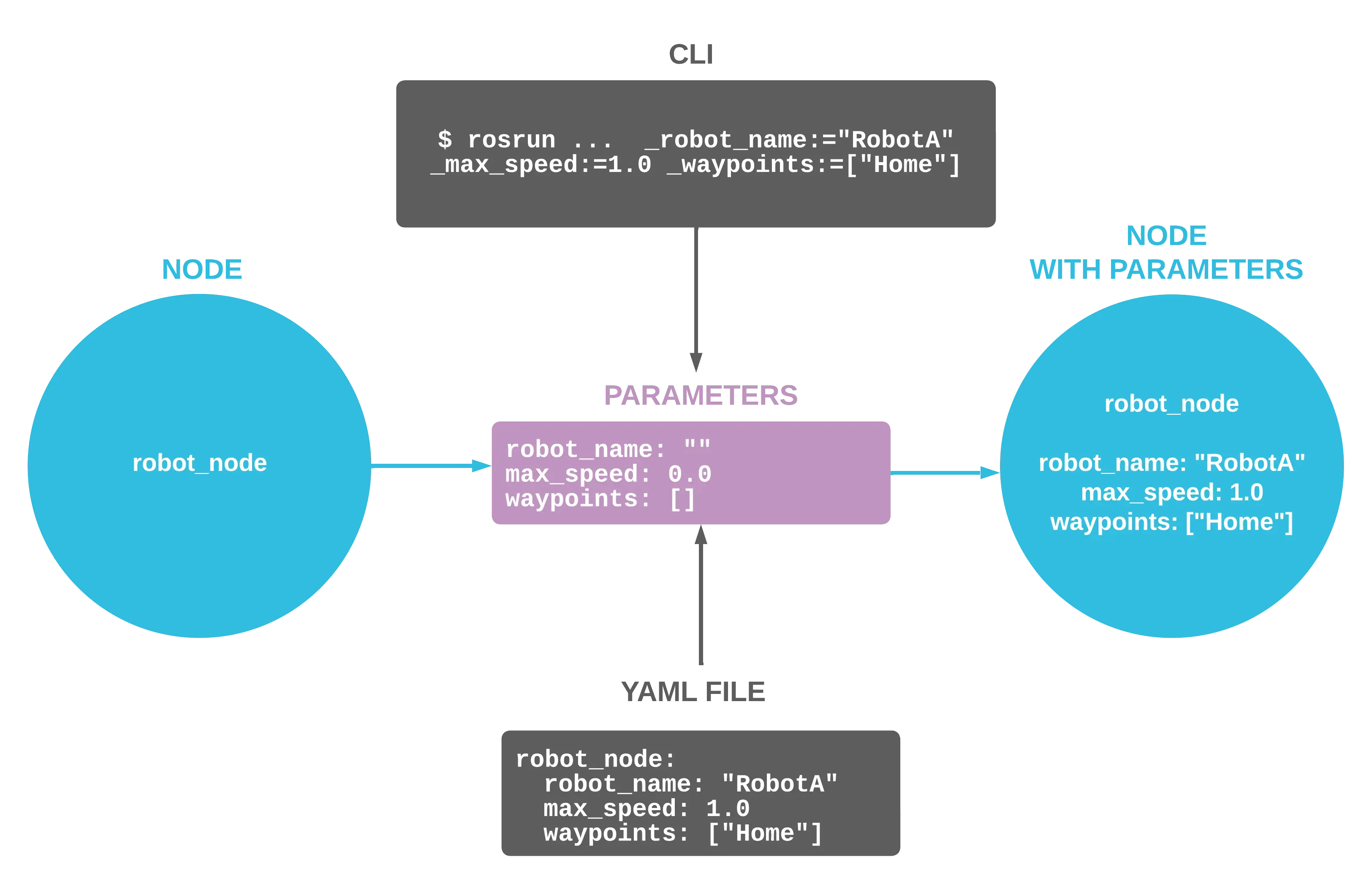
Configure your ROS nodes at startup to customize their behavior
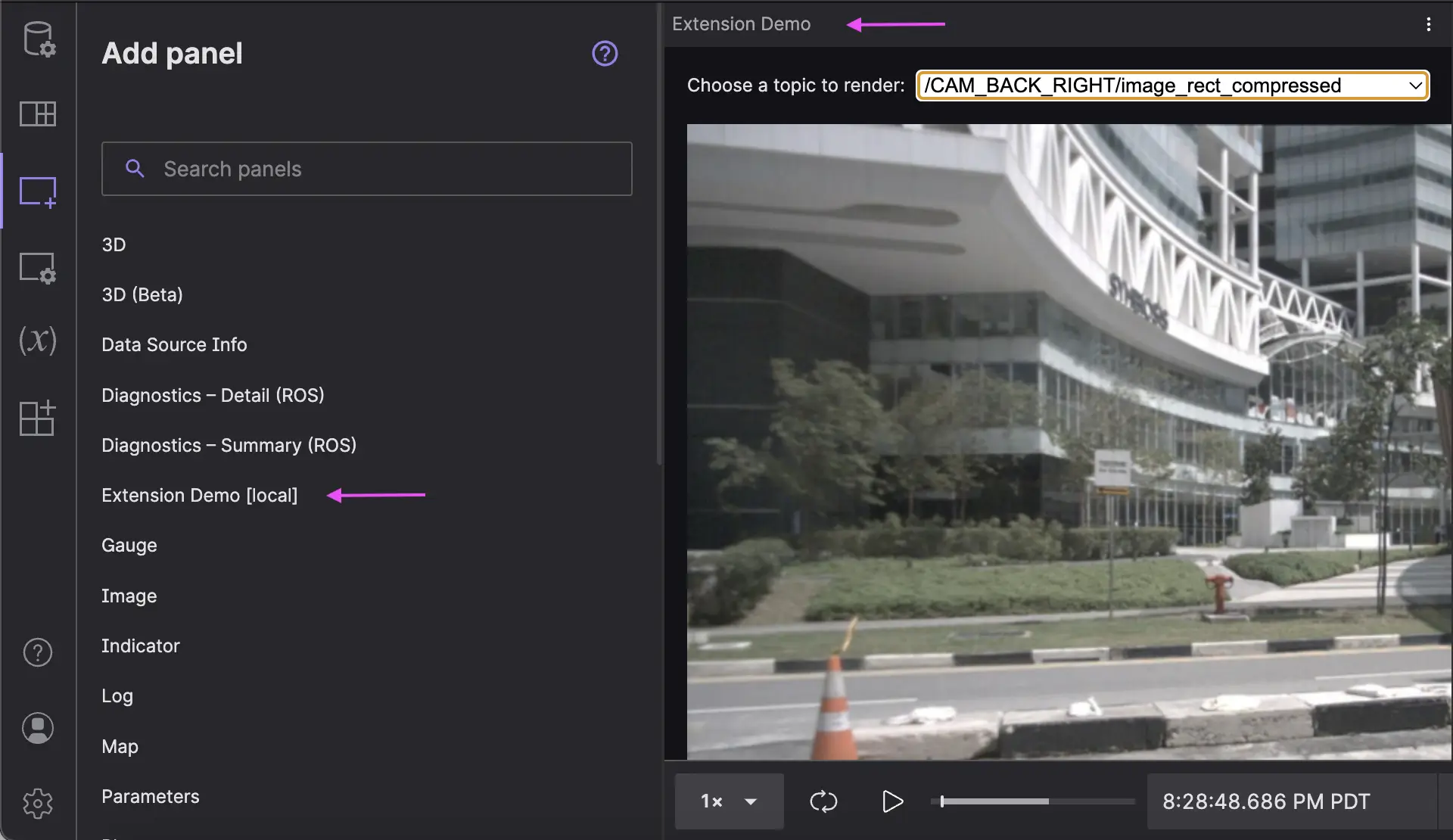
Create project-specific visualization tools for your robotics team
Coordinate open-ended communication between your ROS 1 nodes
Make discrete requests between ROS 1 nodes for one-off tasks
No posts found.